CollagePhotoApp - Collage Maker
Make stunning posts from normal photos
Your perfect app for you to create amazing collages with simple photos.
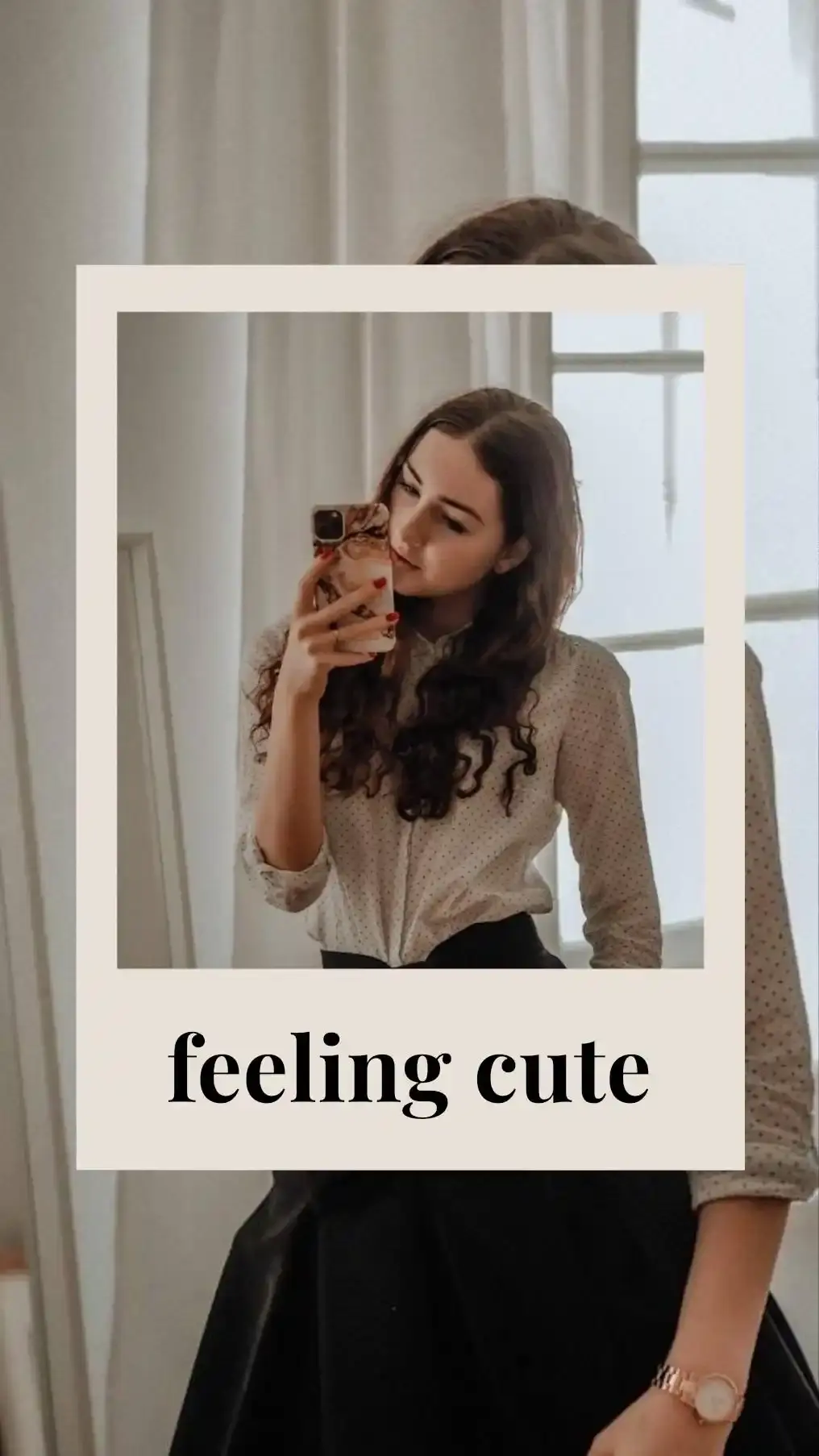

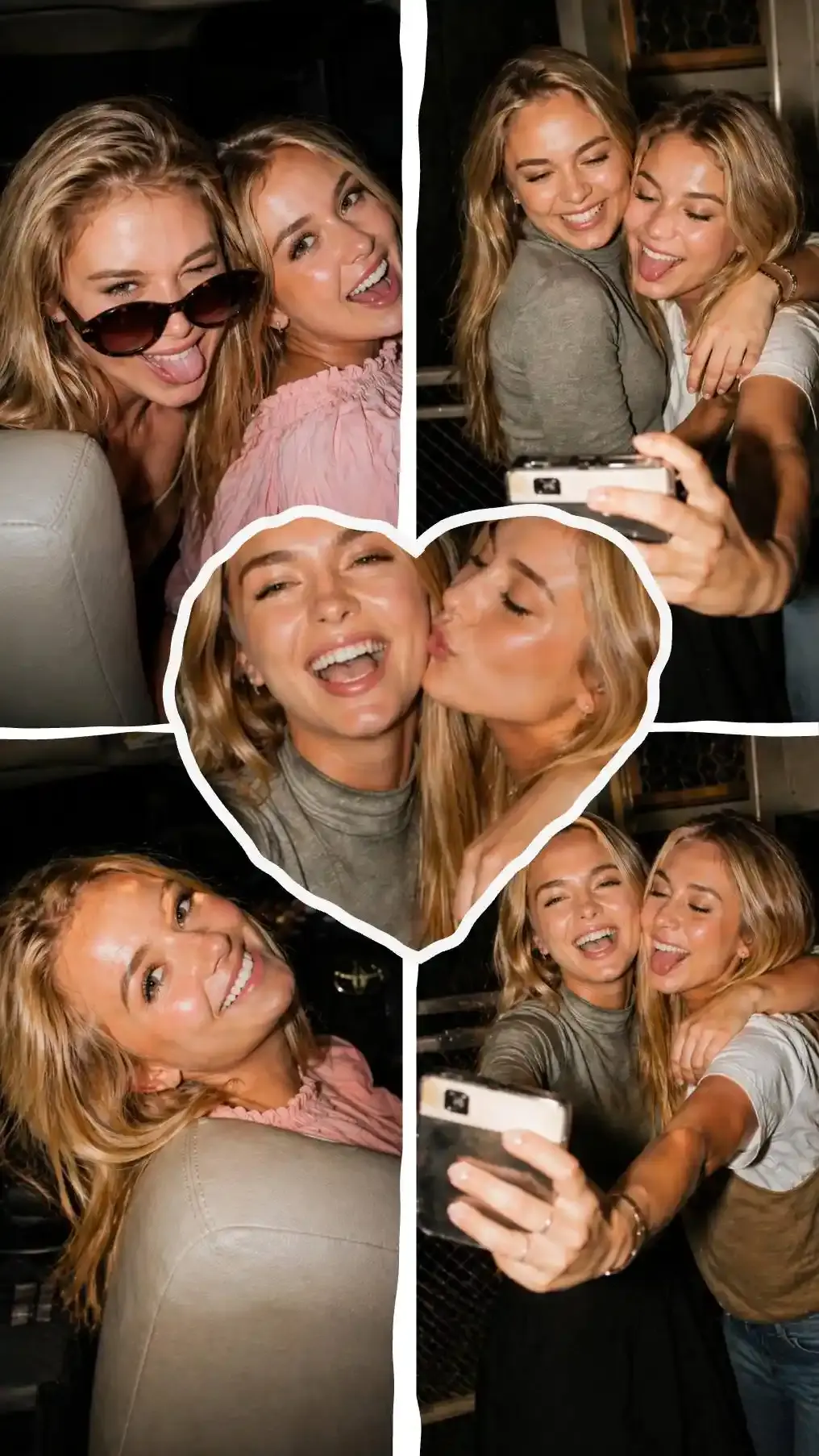
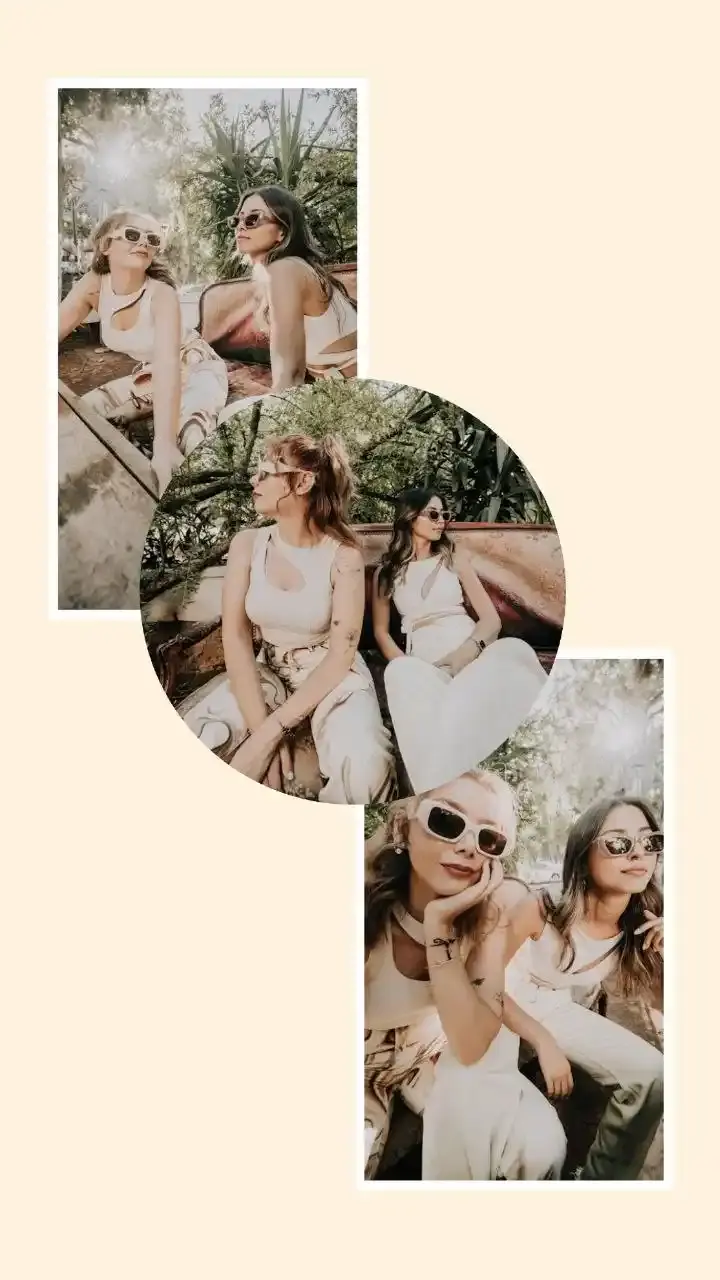
Trusted by creators.
CollagePhotoApp is the best photo collage maker I have ever used! I love the fact that it has so many templates and layouts and I can make and download my collage in a few clicks. Just love it!!
Quickly made collage for my instagram story and whatsapp status without any hassle, the best free collage maker I have used till now
Love the ability to make the amazing see thorough texts using See Letters and to use multi flow and make frames multi colored
This collage maker is easy to use and has many templates unlike other apps which have templates but most of them are not as useful as this has. Been using this app to create stories for my social media and made some collages for personal use too, good app
Been using this collage maker for a while and it truly deserves a 5 star rating. Collagephotoapp is easy to use and understand and has many templates. I personally like that I can choose from the many fonts for text, add background color to it, change text spacing and minute details like even setting alignment is taken care of in this app. In Preview I can download or share collage to my social media directly from the app makes my experience seamless and headache free.
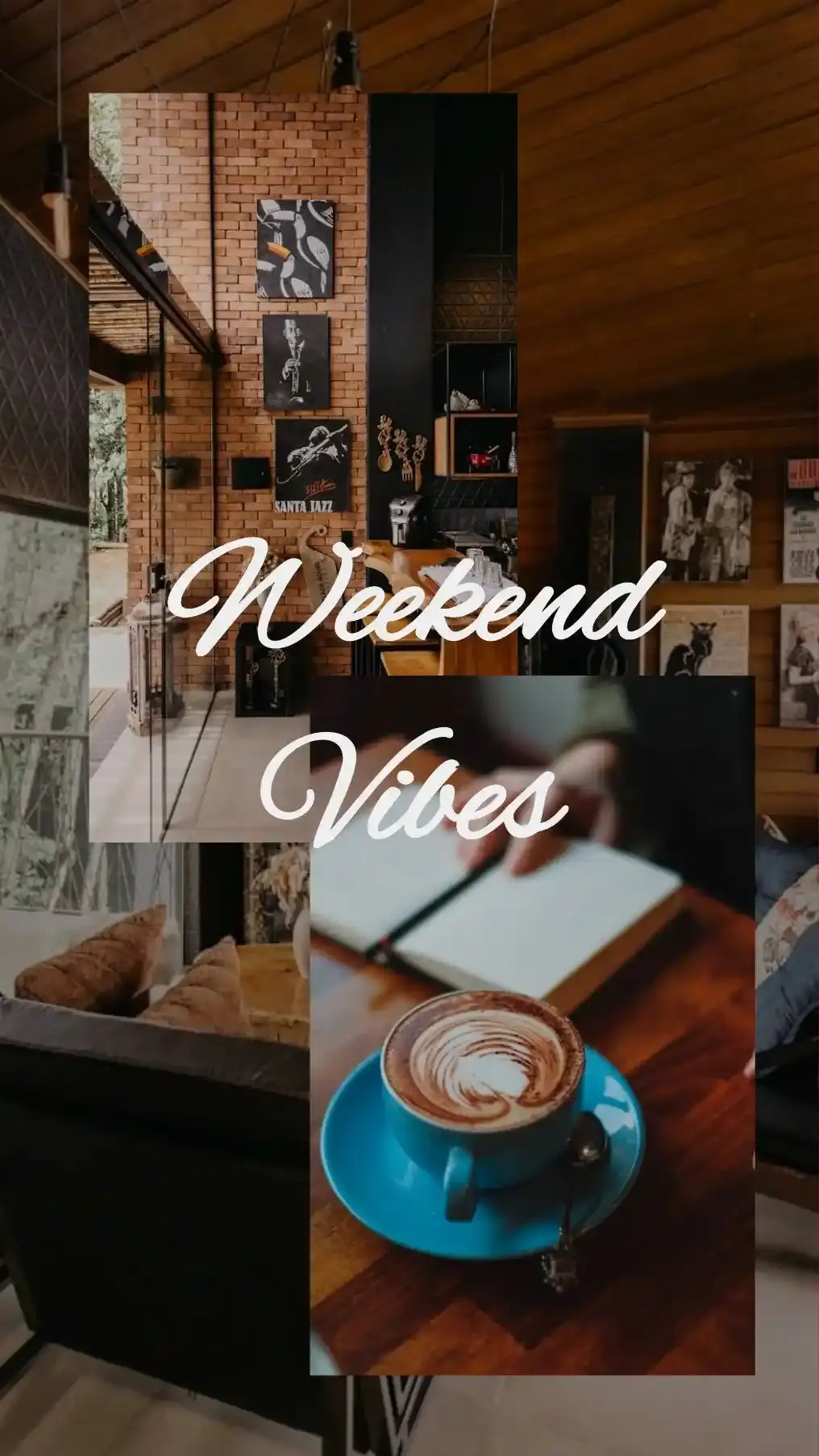
The selfie and weekend templates are awesome, made many collages for my Instagram posts using them and they went viral every single time
Quickly made posts and posted them on instagram. App is fast and templates are useful if you want to create great collages in minutes
One of my friends recommended this app and nothing comes close to collagephotoapp for making photo collage with ease and quality, highly recommended.
Everything you need for collage making.
Create social media ready posts, story and collages in seconds.
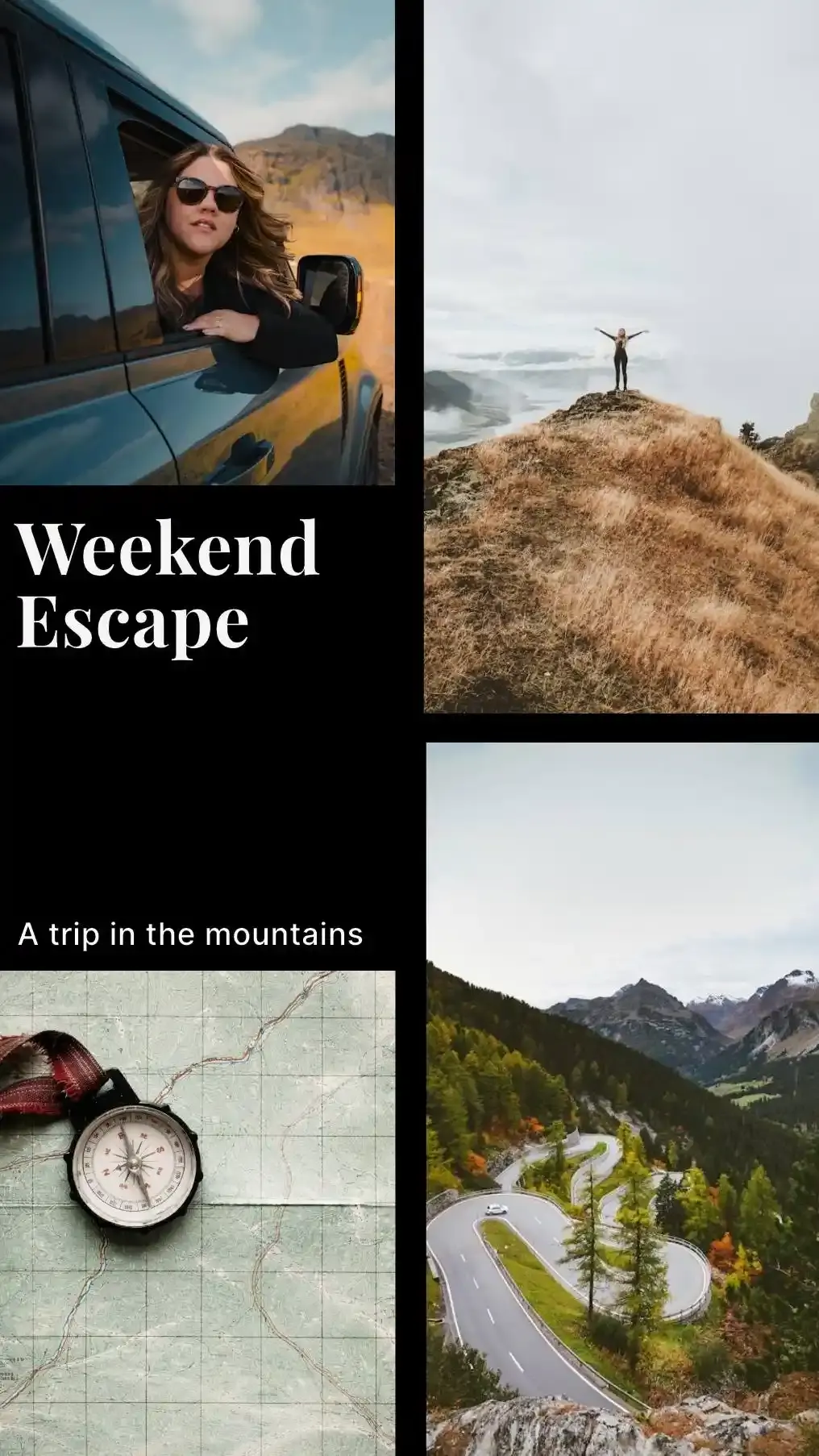
Many templates & layouts to create amazing picture collage
Use collage template, photo grid and layouts to create stunning collages. Drop in your photos and get your pic collage done in seconds.
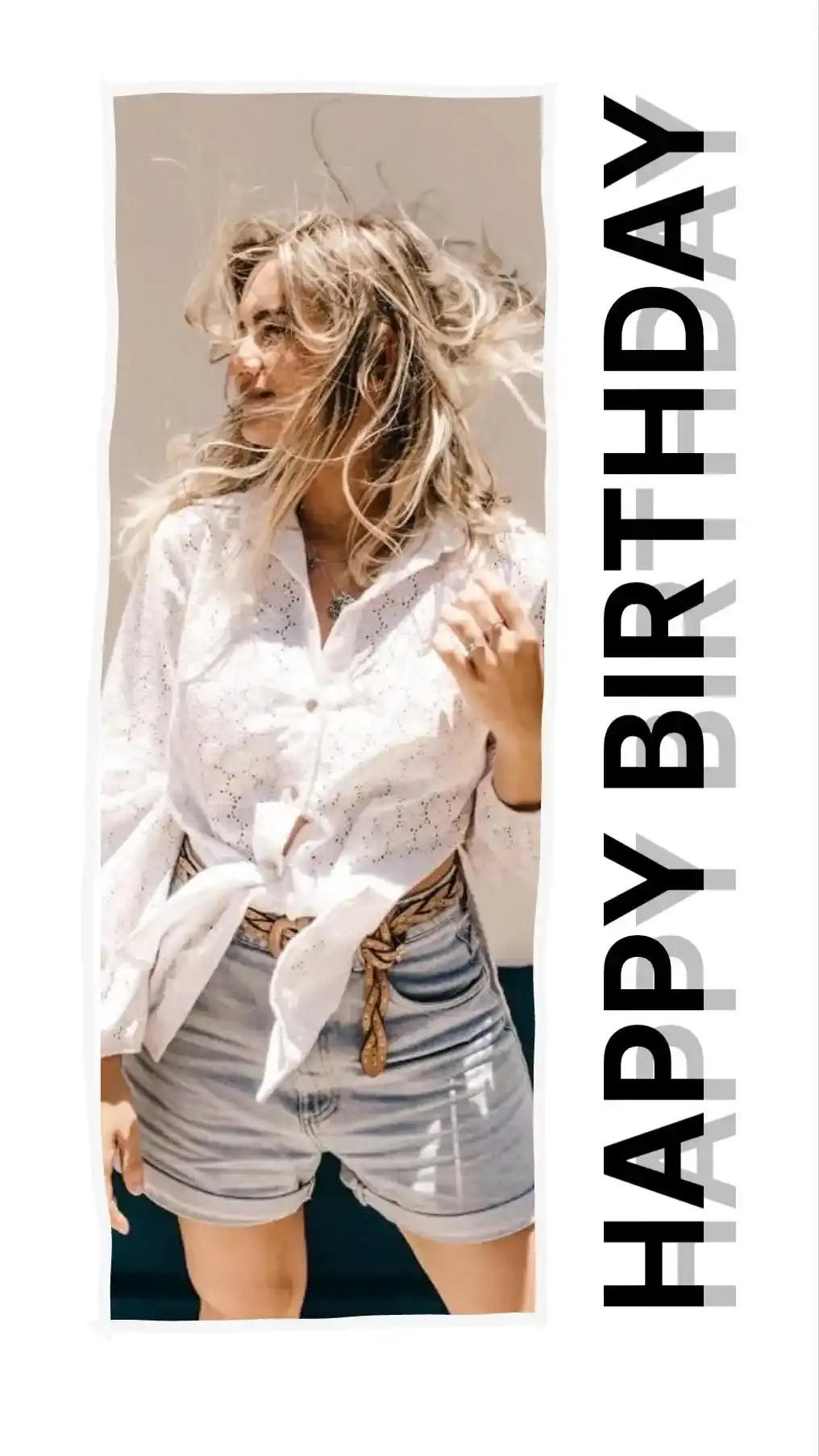
- Selfie, Weekend, Birthday, Travel and many more themes
- Regularly updated with new layouts
- One-tap apply, fully editable after
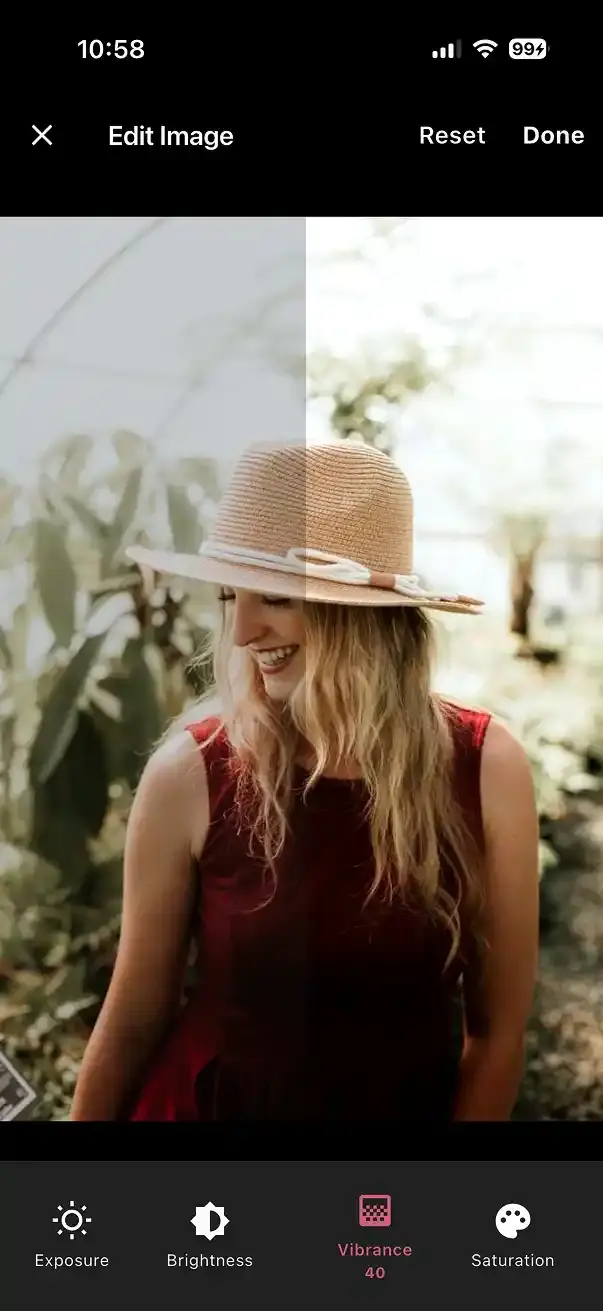
Easily edit photos as you want them to look
Use powerful built-in editor to adjust brightness, contrast, exposure and balance to edit pictures in one click. Show them in modern or give them an old style look using BW filters.
- Temperature, vibrance, saturation and many more adjustments
- Slider to make sure can you fine tune to precision
- Customize filters with intensity control or edit photos by hand for that perfect look
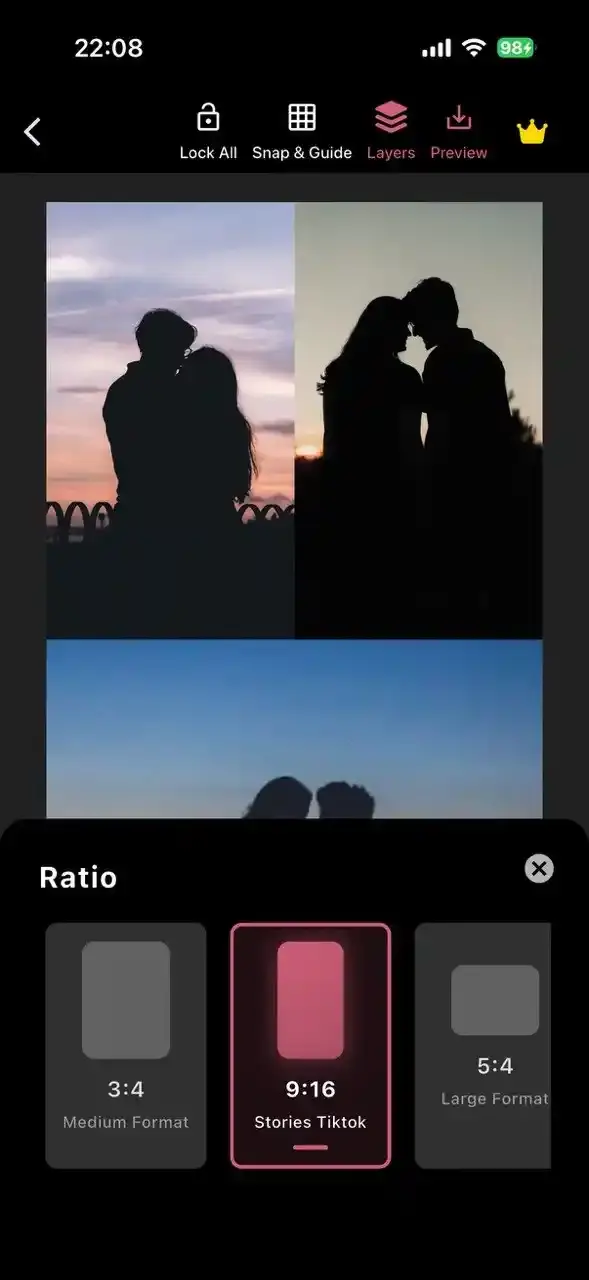
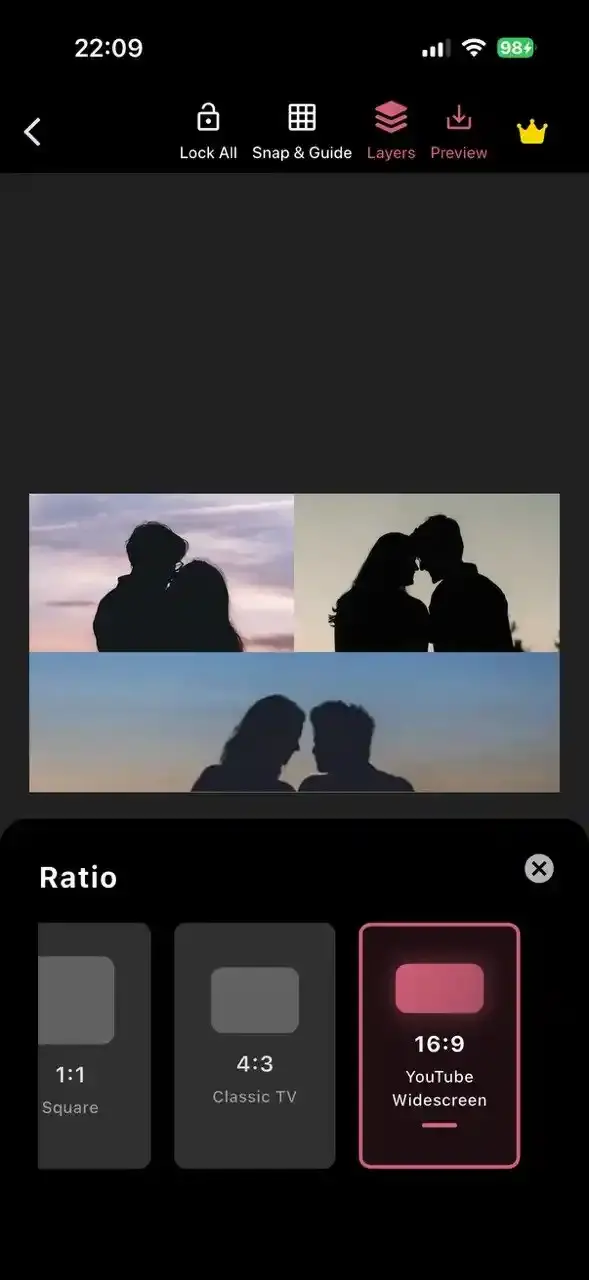
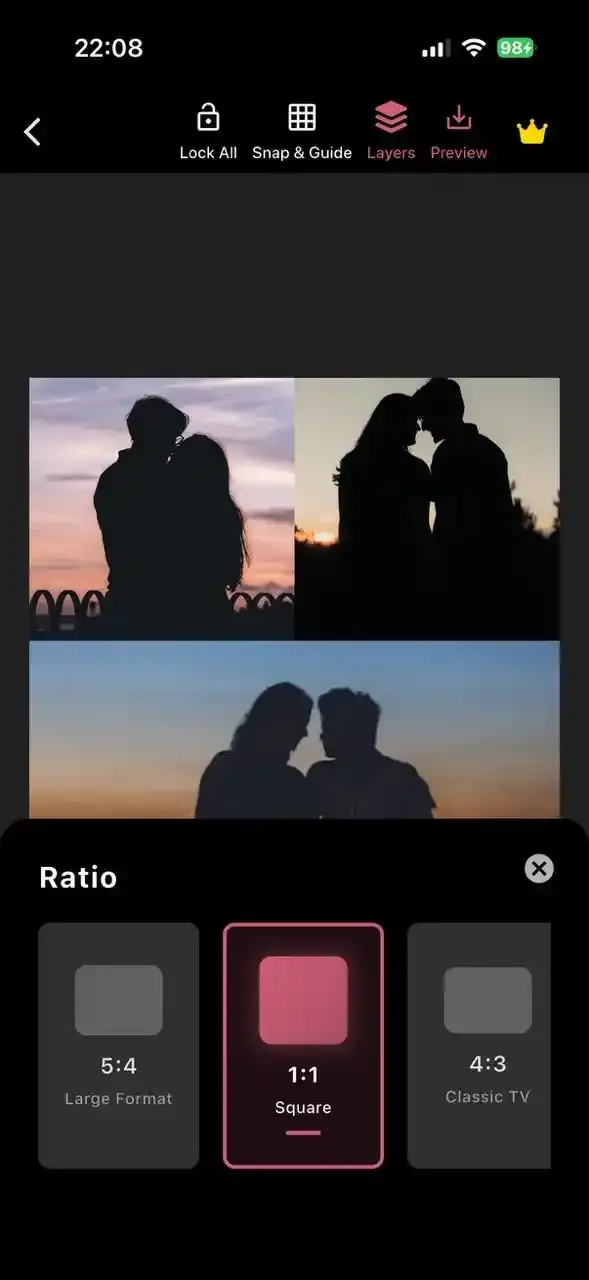
Share on every platform with perfectly sized collages
Design collage, post or story that fit every social media platform without resizing hassle. Change collage size in one click and get perfect post or story collage for Instagram, Facebook, WhatsApp and others.
- Supports Instagram, Tiktok, WhatsApp, Facebook, Youtube & more
- Multiple aspect ratios (1:1, 9:16, 4:3, 16:9, etcs)
- Fast and easy resizing in one click
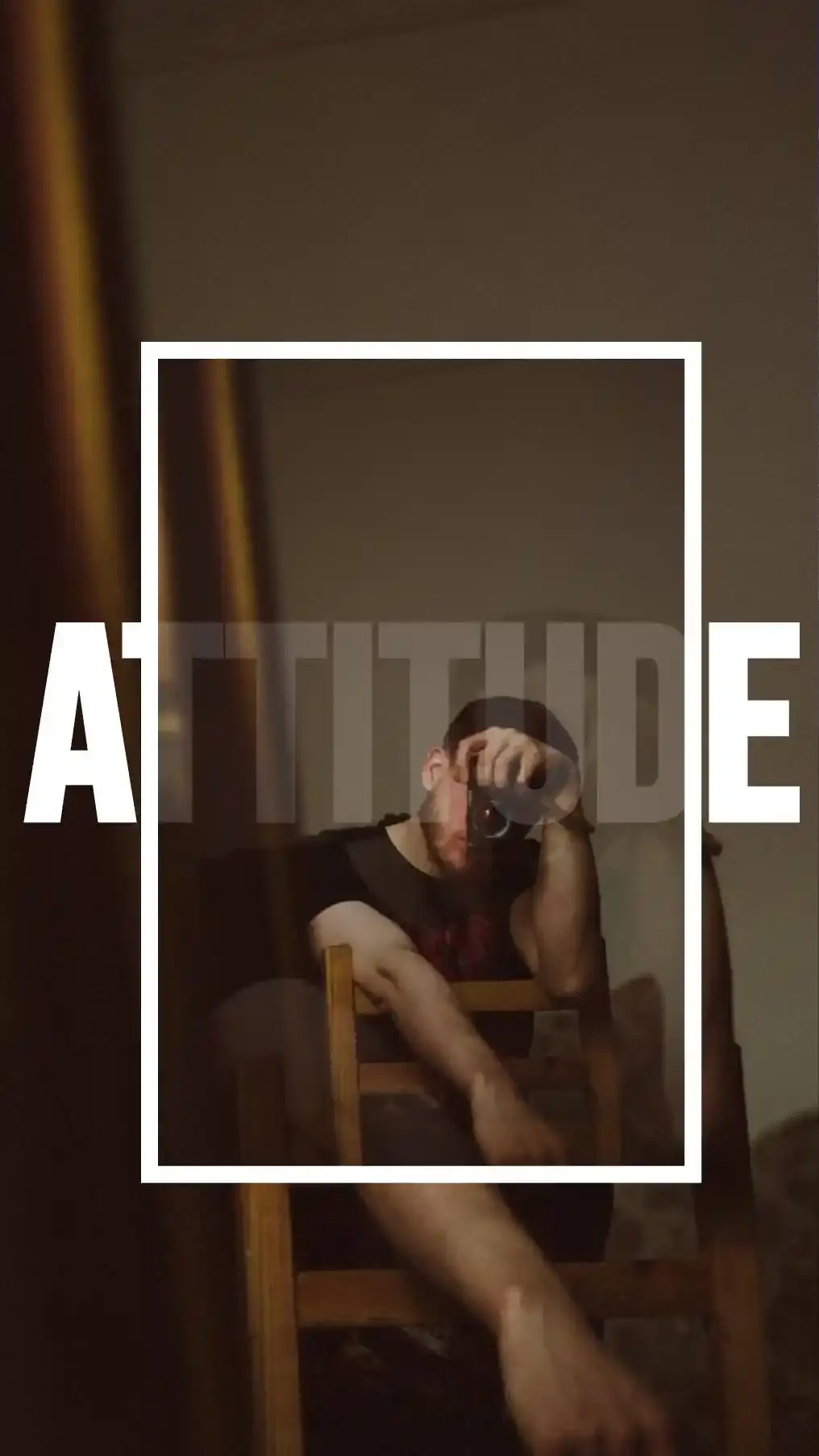

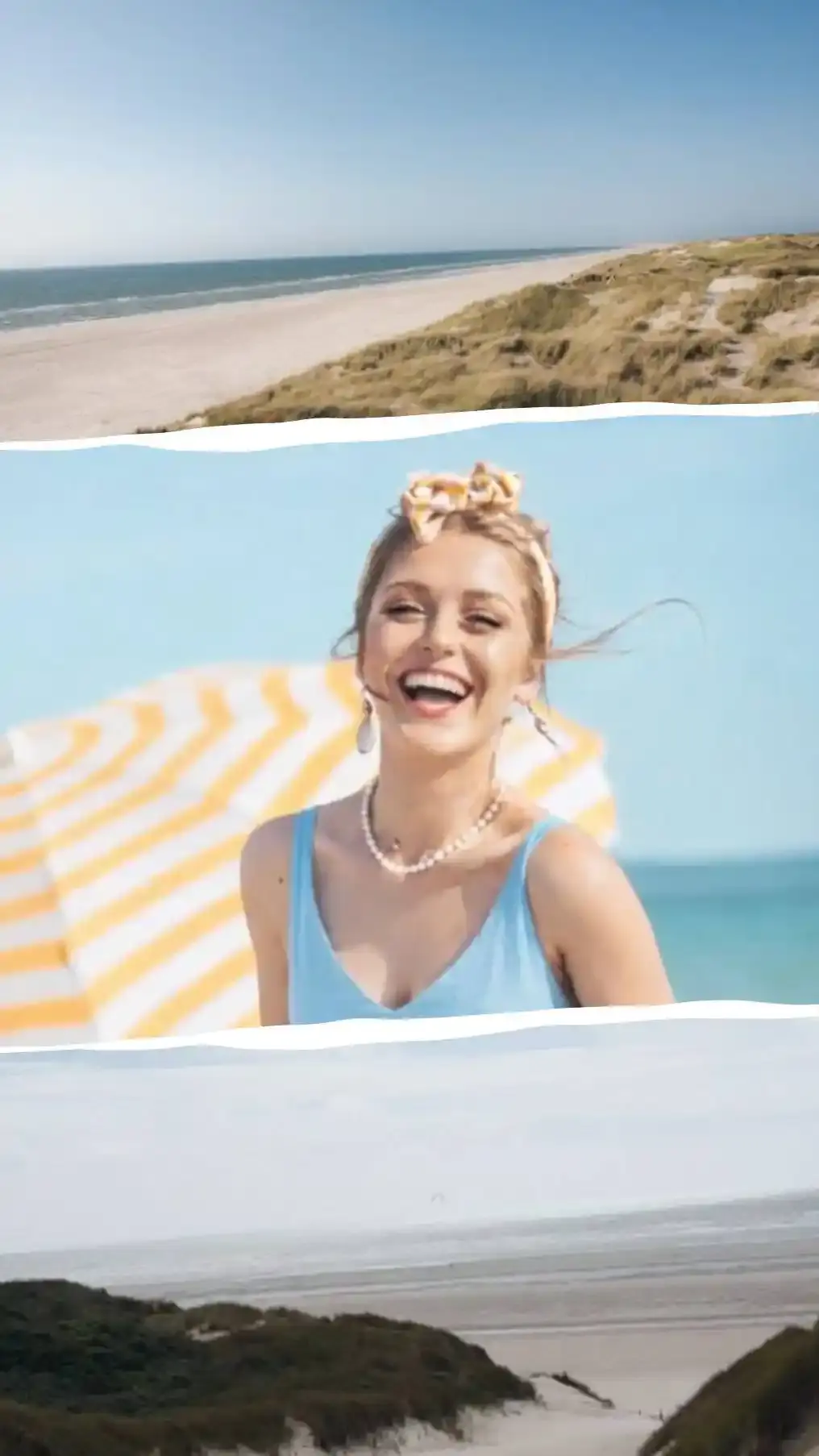

Save and share in HD quality
Download your collages in high resolution without losing quality. Share instantly across social media or save them for printing with crystal-clear output.
- High-resolution HD export
- Perfect for directly sharing on social media or saving on device
Beyond basic collage.
The five tools you will not find behind a template picker.
Humanout
Lift a person straight out of a photo and drop them on any background. Missed a bit? Rub it out by hand using Eraser or Custom Cut feature. The original is always one tap away.
See Letters
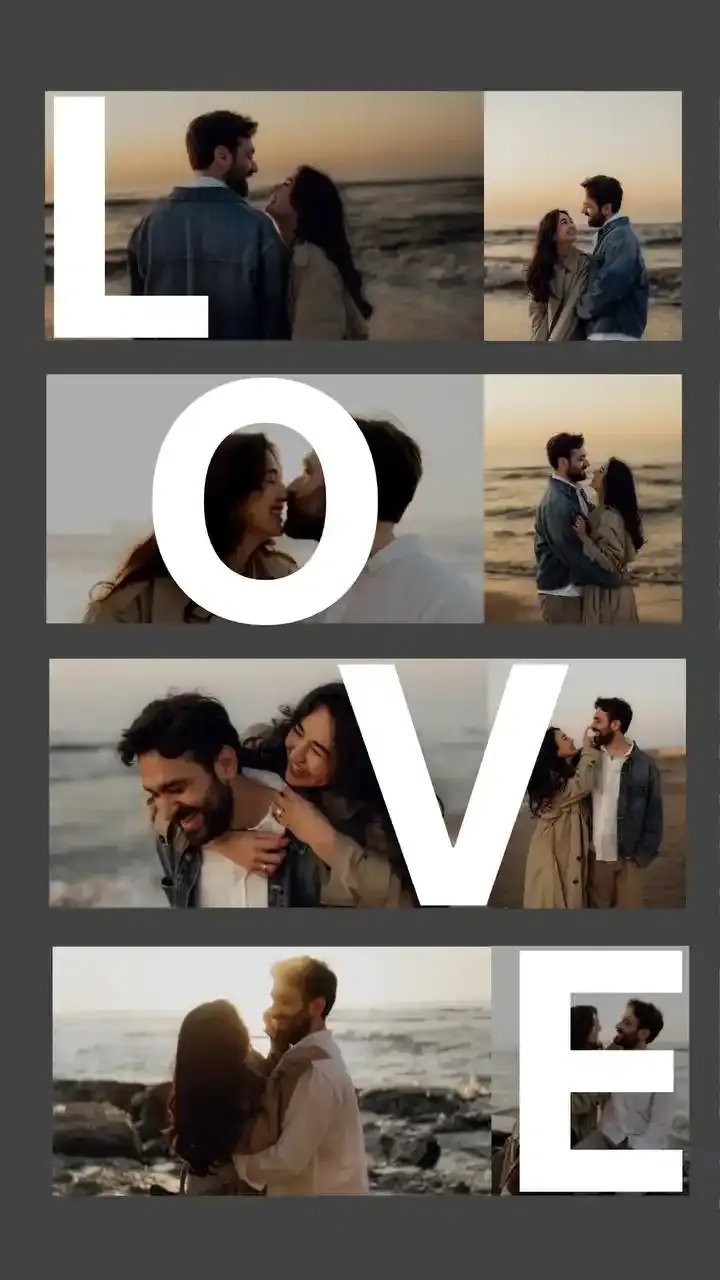
Big see-through letters with your photos showing through them. Spell out a name, a year or a mood.
Photostrip
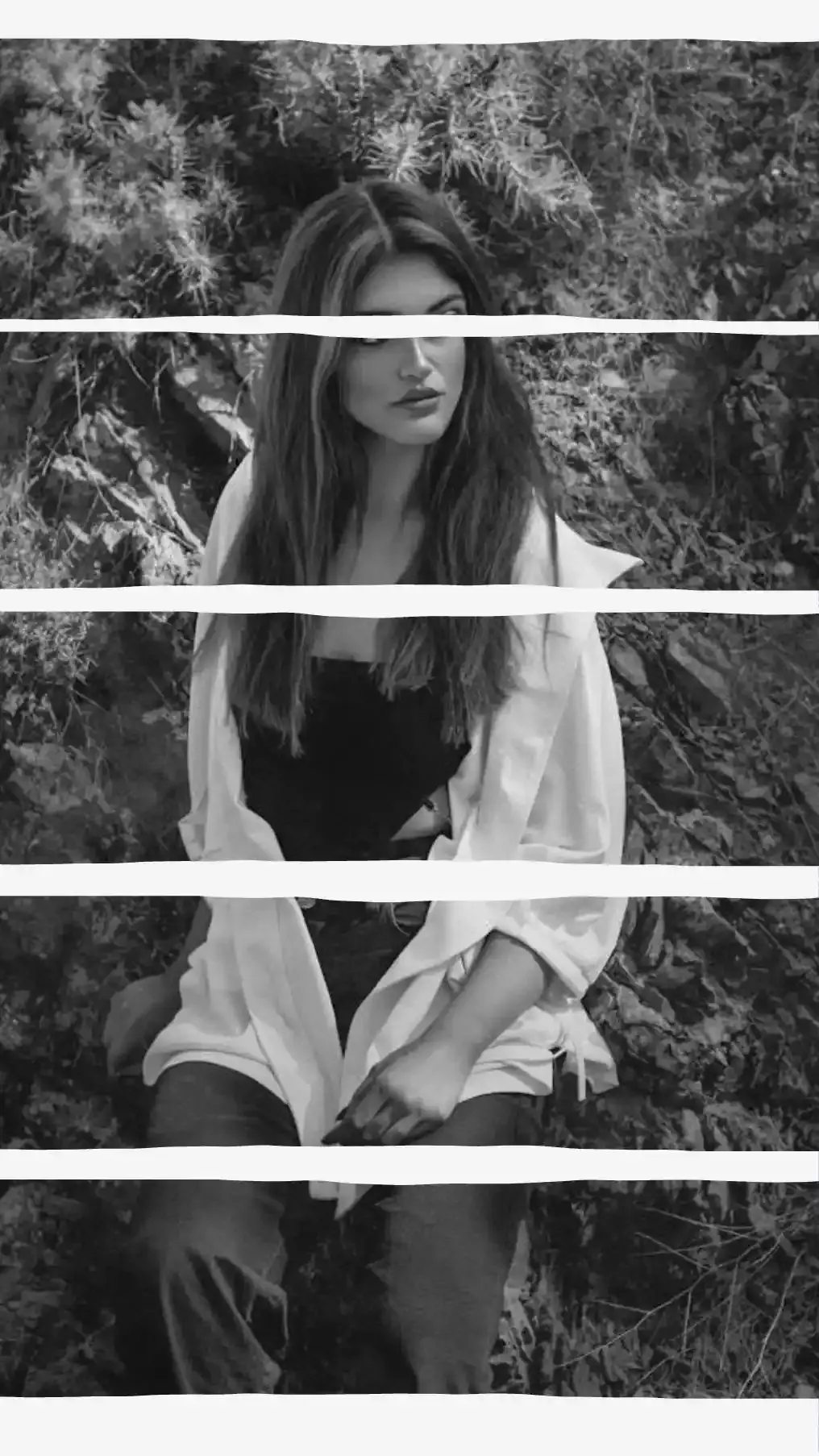
A photobooth strip, the paper kind. Pick your photos, pick the card color, leave room at the bottom for a caption.
Music, Camera & Digital Frames
Put your photo inside a now playing card, a retro camera or a phone screen. Browser windows, chat threads and AirDrop pop-ups too.
Continuous Text
Drag your finger and the words follow. Loop them around a face or curl them into a spiral.
Made with CollagePhotoApp.
A peek at what creators are making every day.
Create collage as you want using powerful tools
The best collage maker has the best tools, built right in. No add-ons.
Backgrounds
43 solid colors, 43 Multi Flow gradients or any photo from your gallery. Need one exact shade? Dial it in by color wheel, hex code or eyedropper.
Image Editing
Eight sliders per photo: exposure, brightness, contrast, highlights, temperature, B&W, vibrance and saturation. Then crop it, flip it, blur it or swap it out.
Smart Grids
Grid cells open locked, so swapping photos never drags the layout apart. Tap Edit Grid to move and resize them, tap Done to lock it back down.
Shapes & Masks
45 shapes across 8 categories: basic, lines, stars, arrows, callouts, ribbons, flowers and doodles. Fill any of them with a color, a gradient or a photo cropped to the shape.
Text & Typography
Huge fonts library, 5 weights, 43 colors and 43 gradients. Tighten the letters, open up the lines or bend a headline into an arc.
Stickers & Emojis
A searchable emoji keyboard. Fade any of them, spin them, give them a shadow or tuck one behind a cutout instead of leaving it stuck on top.
Frames & Effects
Polaroid frames, plus 22 music player, camera and phone screen frames. Finish anything with a torn paper edge, a postage stamp border or frosted glass.
Filters
29 looks for the whole collage, each with a strength slider. You see them on your own photos, not on some sample thumbnail.
Drawing Tools
Draw straight onto the collage in any color or gradient. Go from a fine round brush to a flat calligraphy nib. Erase whatever you regret.
Layered Editing
Hold and drag anything up or down the stack. Top sits in front, bottom sits behind. Lock what you like, copy it or nudge it a hair with the arrow pad.
Aspect Ratios
Six sizes: 1:1, 9:16, 4:3, 3:4, 5:4 and 16:9. Switch a square post to a Story and the design refits itself instead of chopping the edges off.
Snap & Guides
Center lines, diagonals, rule of thirds and magnetic snapping, so things land straight without you squinting at them. No guide ever shows up in the photo you save.
Spacing Control
One slider pulls everything back from the edge to give the collage a clean border. Grids get three: the outer gap, the gap between photos and how round the corners sit.
HD Export
Saves in HD, sharp enough to print and not just post. No watermark, no logo.
The parts you notice on day two.
Day one is templates. These are the things that keep the app on your phone after that.
| Change your mind, any time | Undo and redo walk back through everything you did. Fiddle with one slider for a minute and it still counts as a single step, not a hundred. |
|---|---|
| Cutouts you can take back | Humanout, Erase and Custom Cut never paint over your photo. The untouched original sits there waiting, even after you save and come back to it. |
| Resize without starting over | Turn a square post into a Story and the whole design refits itself. Nobody loses their head to a crop. |
| Walk away mid-collage | Tap back and choose Save. It waits exactly where you left it, brush strokes and all. |
| One set of colors, everywhere | 43 solids, 43 gradients and your own shade by wheel, hex code or eyedropper. Same picker for text, shapes, borders and backgrounds, so nothing clashes by accident. |
| A clean file at the end | HD resolution, no watermark and no logo. |
| Your photos stay yours | All editing happens on your phone. We never upload your images or your collages. |
| On a laptop instead | 10 free tools run right in your browser at collagephotoapp.com/tools. No install, no sign-up, no watermarks. |
Frequently asked questions.
Start creating today.
Join millions of creators using CollagePhotoApp to turn their photos into framable moments.