4 Photos in One Frame
Quick answer: to put 4 photos in one frame, choose a layout made for four, drop your pictures into its cells and download a single image. A 2 × 2 grid is the usual pick. Tap any of the 14 layouts below and the free editor opens on it with four empty cells. Everything is processed here itself, nothing is uploaded to our servers.
- 14 layouts
- 10 templates
- 3 download formats
Every Layout That Holds Four Photos
14 arrangements take exactly four photos. Tap one and the editor opens on it, with the layout list already narrowed to four.
Choose a layout 14
Or start from a template 10
Make stunning posts from normal photos
Download CollagePhotoApp for free
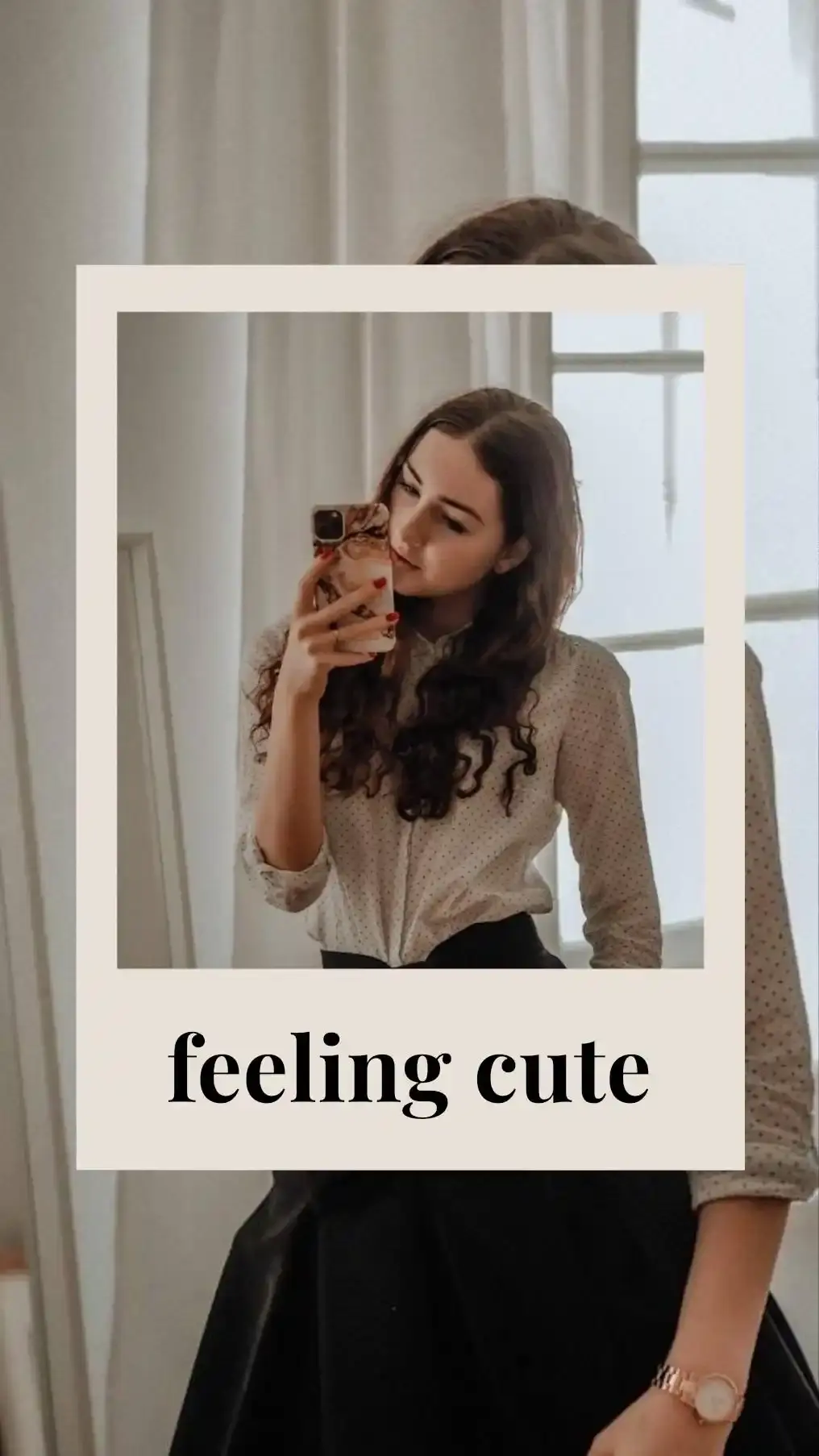

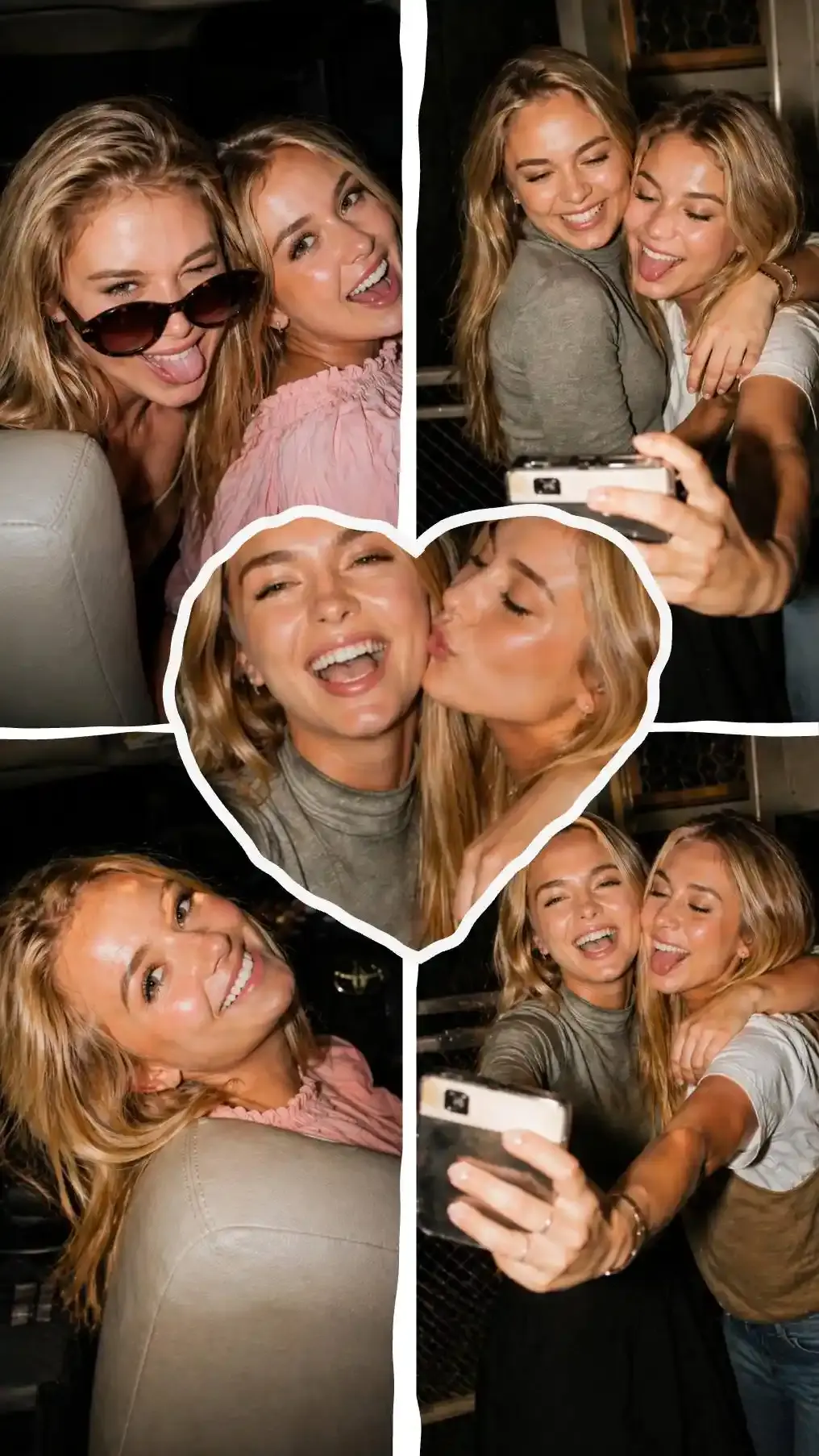
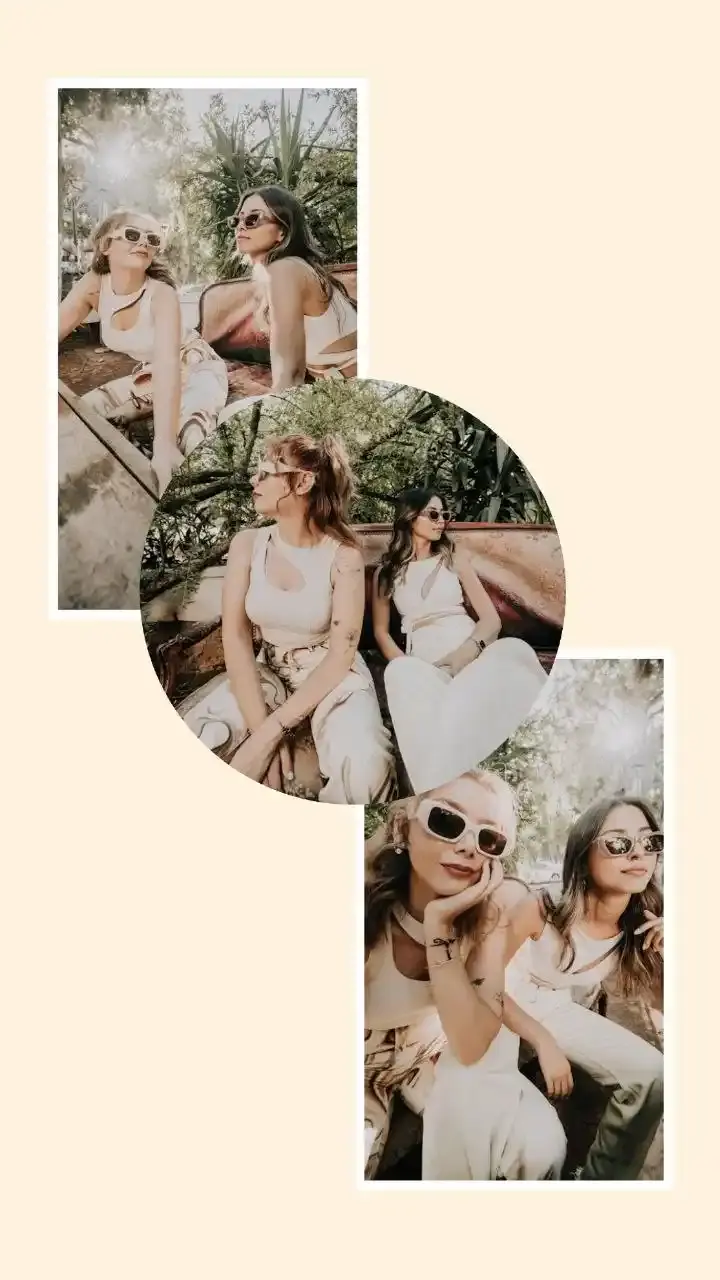
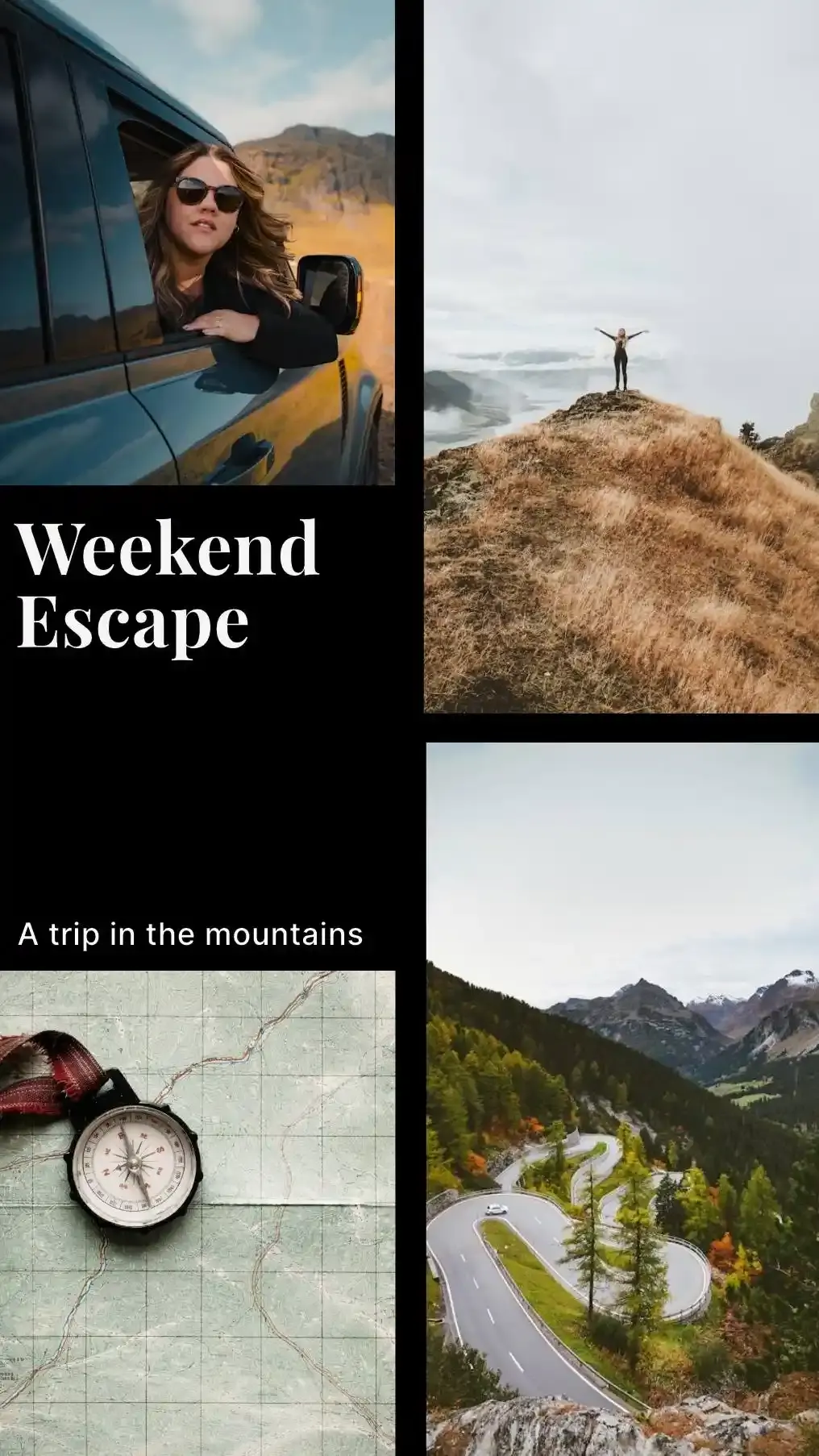
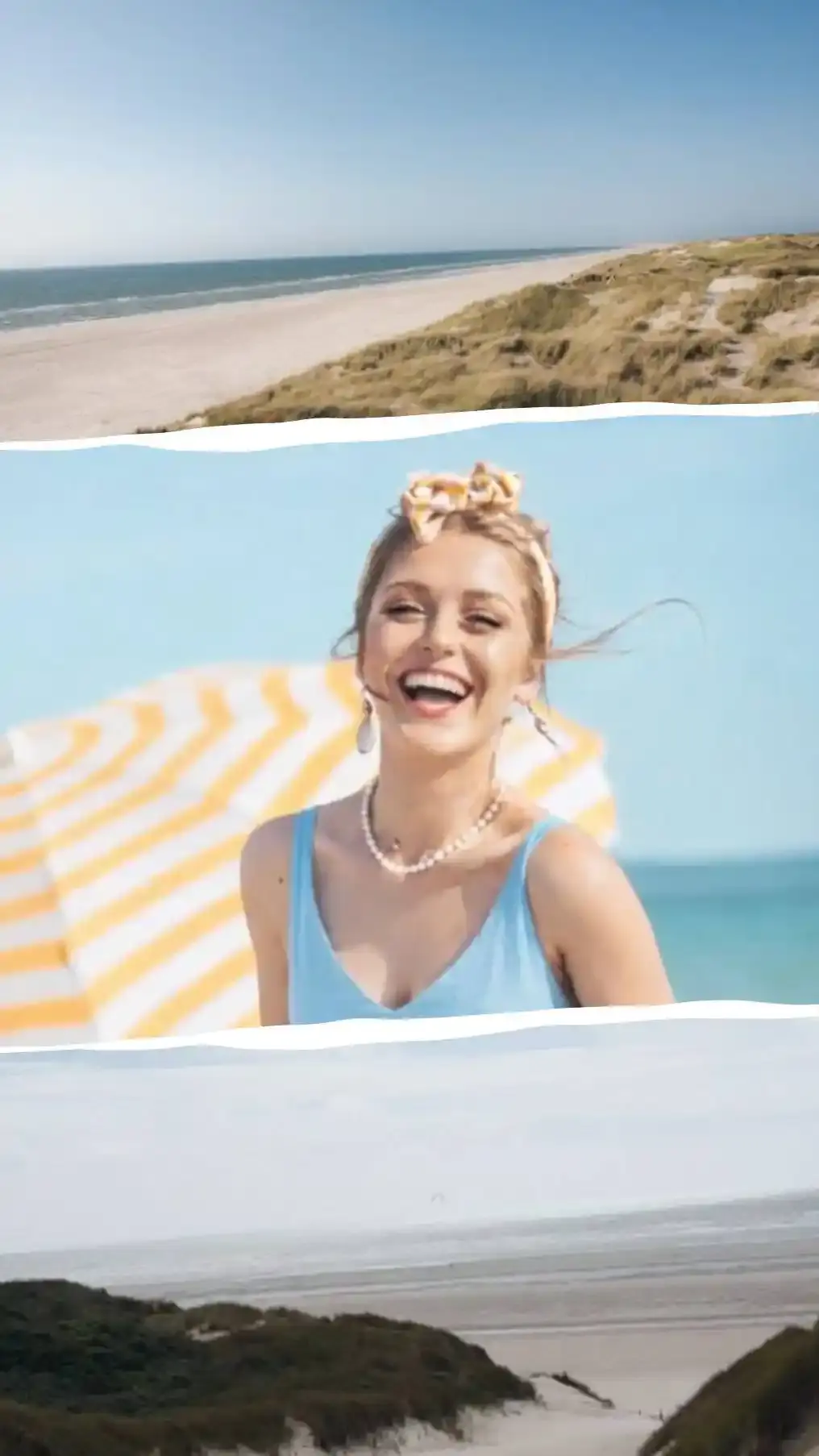
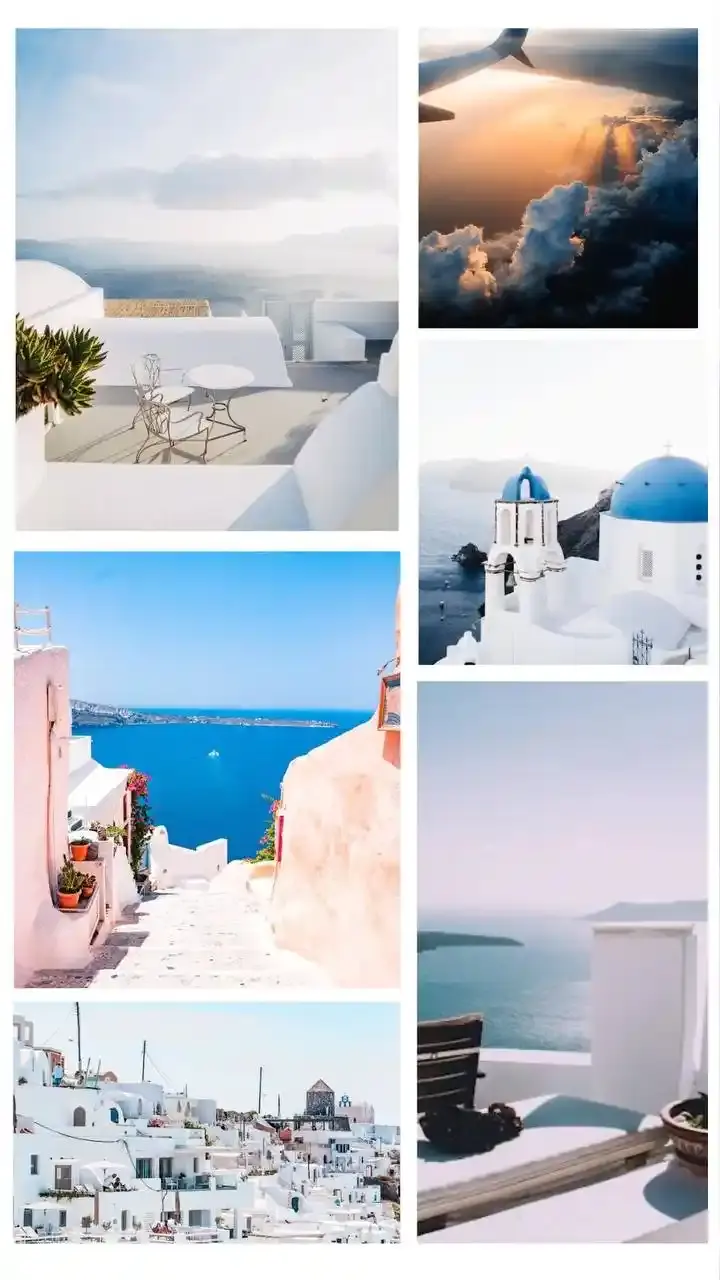
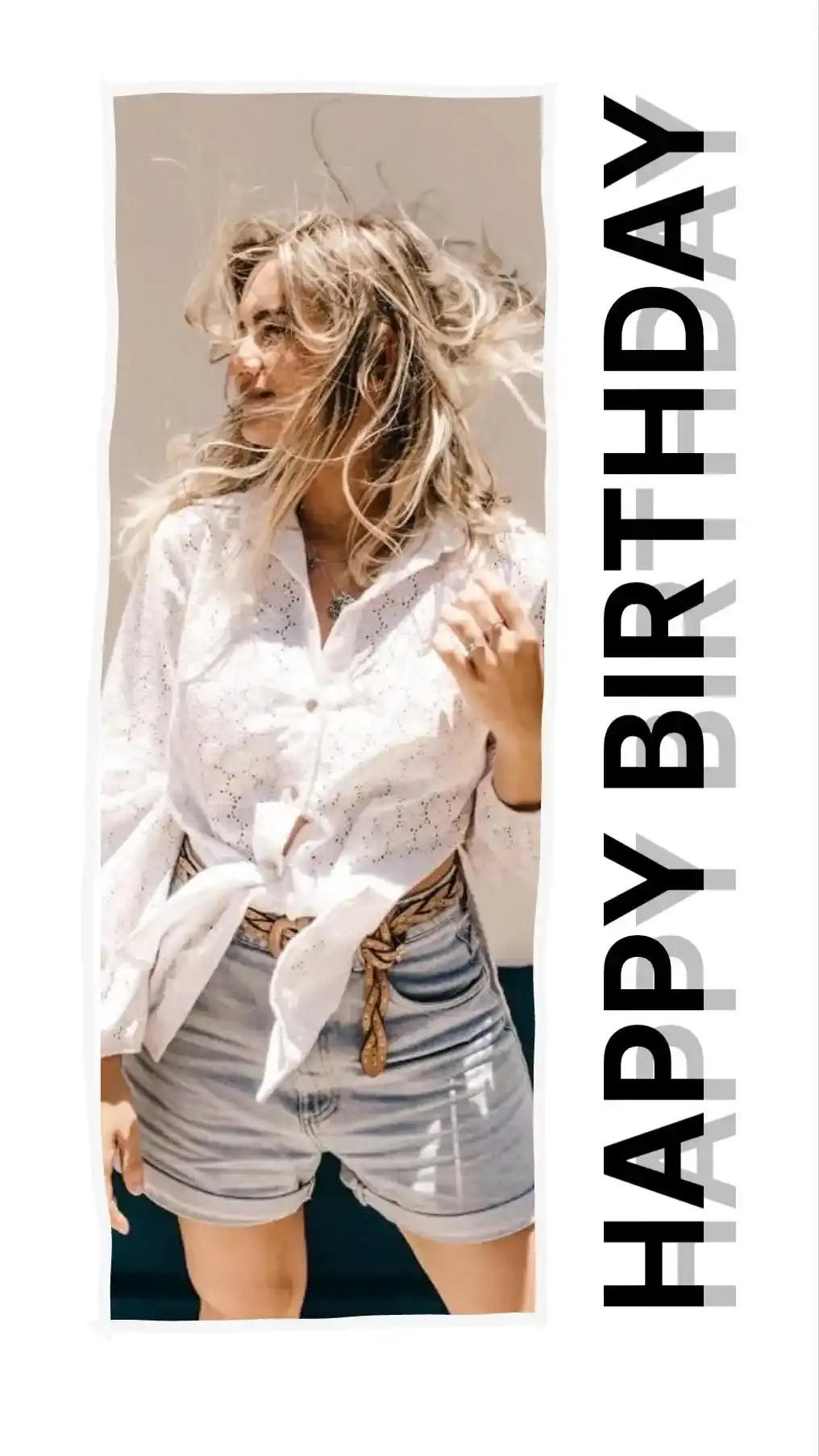
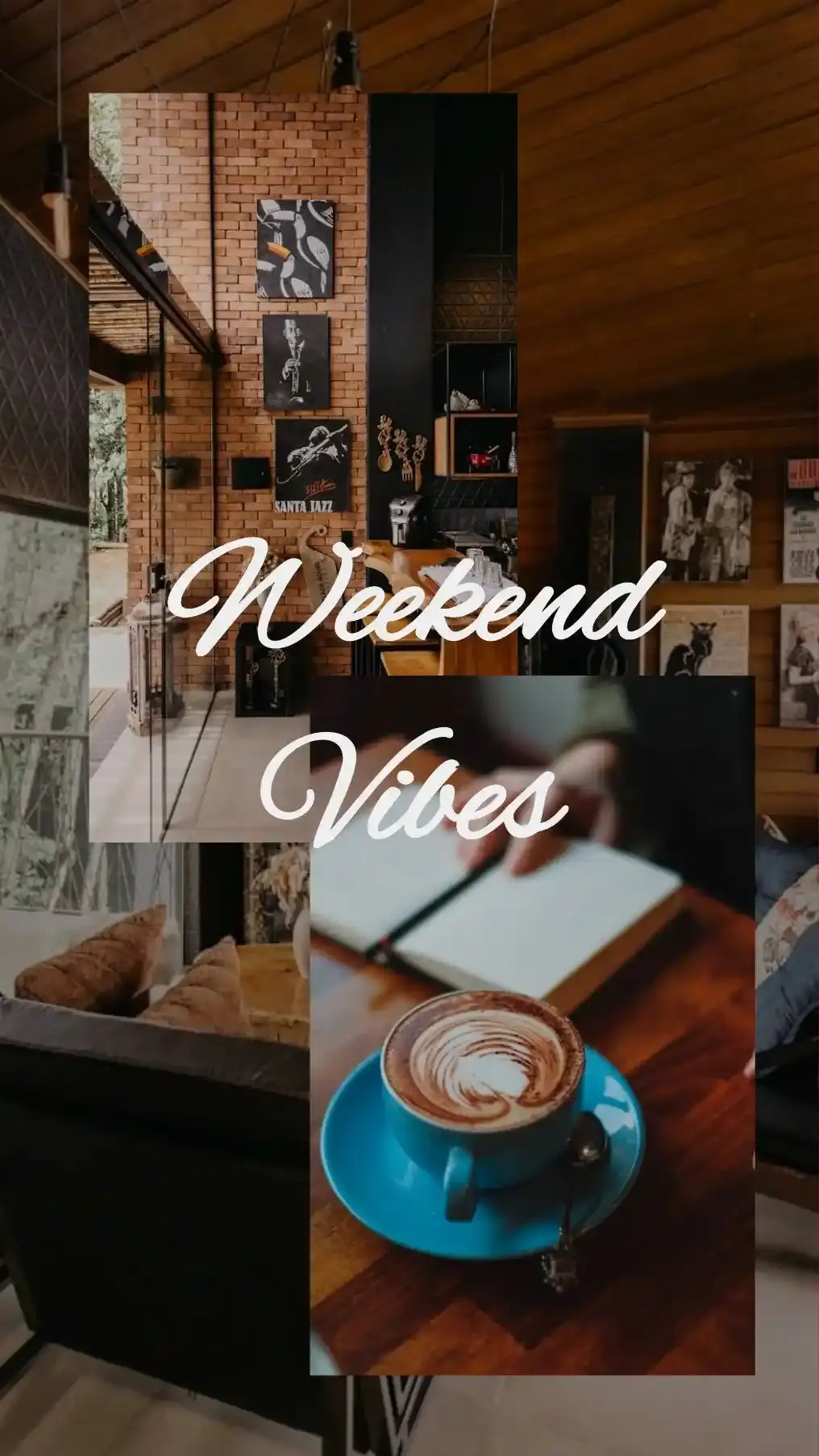
Even Grids and Four Photo Strips
2 × 2 Grid is the arrangement most people picture first. Four equal cells, filled in reading order: top left, top right, bottom left, bottom right. Nothing competes for attention, which is exactly why it works for four photos of equal rank.
4 Stacked and 4 Across line the same four up as a strip. Strips crop hard. On a square canvas 4 Stacked keeps a mere 18 percent of an upright phone photo, while on a Story and Reels canvas it keeps 59 percent of a sideways one. Turn the phone before you shoot strip photos. For a strip snapped on your webcam, the online photobooth takes the four shots for you.
One Lead Photo With Three Beside It
4 layouts hand one photo 62 percent of the width or height and split what is left three ways. The big cell always comes first, so the first photo you add lands in it.
Size and crop can pull against each other here. On a 4 × 6 Portrait print Big Left + 3 keeps 99 percent of each small upright photo, yet its tall, narrow lead cell keeps only 54. Big Top + 3 on a Story and Reels canvas does the opposite: 84 percent for the lead and 63 for each photo underneath.
Columns and Rows Split One, Two, One
Columns 1 · 2 · 1 runs a tall photo down each side and stacks two in the middle. Rows 1 · 2 · 1 turns that on its side: one wide photo on top, a pair across the middle, one wide photo at the bottom. Think of a hotel booking. The building up top, two rooms in the middle, the pool underneath.
Rows 1 · 2 · 1 is the rare layout that wants a mix. On a Story and Reels canvas its top and bottom rows keep 80 percent of sideways photos and the middle pair keeps 91 percent of upright ones.
Corner Anchors, Quads and Window Panes
5 layouts break the grid on purpose. Corner Anchor parks a large photo in the top left, stacks two small ones beside it and lays a wide strip under all three. Corner Anchor Right moves the big photo to the right and Corner Anchor Low lifts the strip to the top. Uneven Quad splits the top row at 58 percent and the bottom row at 42, so the cells pinwheel around the middle. Window Pane Four cuts both ways at 62 percent and ends up with one big cell, one tall, one wide and one small.
Watch the strip in the corner layouts. On a Tall 3:4 canvas Corner Anchor keeps 98 percent of an upright photo in its big cell and just 34 in the strip. A sideways photo keeps 60 percent there, so save the strip for your widest shot.
Templates Built on Four Photo Layouts
10 of the editor's templates start from a four photo layout, spread across everyday, celebration, love, travel and family occasions. Each card above names the layout underneath and lists what the template adds, read straight from the template itself.
7 of them arrive with words already on the canvas and Love Hearts cuts every photo into a heart. Retype the wording, drag the stickers somewhere else or delete them outright. Your photos stay in their cells while you do.
Why a 2 × 2 Grid Barely Crops
Cut a canvas in half across and in half down and every quarter keeps the shape of the canvas. A 3:4 canvas gives four 3:4 cells. A square gives four squares. Only the thin gap between photos shaves anything off.
That turns four photos into a single decision. Match the canvas to the photos and the grid hardly crops at all. Each photo shape below keeps at least 97 percent of itself on its matching canvas. Move a photo to the worst canvas in the list and it can lose as many as 62 percentage points. Four is the smallest collage that splits this cleanly. The next is nine.
The Canvas That Matches Each Photo Shape
Full frame and APS-C cameras shoot 3:2, the same shape as a 4 × 6 print. Most phone cameras default to 4:3.
| Your photos | Canvas to pick | Pixels | Kept in 2 × 2 Grid | Worst canvas in this list |
|---|---|---|---|---|
| Upright phone photo, 3:4 | Tall 3:4 | 1500 × 2000 | 98% | 4 × 6 Landscape, 49% |
| Sideways phone photo, 4:3 | Wide 4:3 | 2000 × 1500 | 98% | Story and Reels, 41% |
| Upright camera photo, 2:3 | 4 × 6 Portrait | 1200 × 1800 | 98% | 4 × 6 Landscape, 43% |
| Sideways camera photo, 3:2 | 4 × 6 Landscape | 1800 × 1200 | 98% | Story and Reels, 36% |
| Upright phone photo shot in 16:9, 9:16 | Story and Reels | 1080 × 1920 | 97% | 4 × 6 Landscape, 37% |
| Square photo, 1:1 | Instagram Post | 1080 × 1080 | 100% | Story and Reels, 55% |
A mixed set has no single matching canvas. The picking guide further down gives upright and sideways photos their own kinds of cell.
What Each Layout Crops, Cell by Cell
A cell trims its photo until the photo covers it. The tables below show how much of each photo survives, cell by cell, in the order photos fill them. We measured every figure with the editor's own geometry at its default gap and margin. None of the four photo pages we read while building this one publishes numbers like these.
Bold marks the layout whose worst cell keeps the most on each canvas.
Upright Phone Photos
A phone held upright with its camera on the default 4:3 setting takes a 3:4 photo.
| Layout | Instagram Post 1080 × 1080 | Instagram Portrait 1080 × 1350 | Tall 3:4 1500 × 2000 | Story and Reels 1080 × 1920 | 4 × 6 Portrait 1200 × 1800 |
|---|---|---|---|---|---|
| 2 × 2 Grid | 75 / 75 / 75 / 75% | 95 / 95 / 95 / 95% | 98 / 98 / 98 / 98% | 73 / 73 / 73 / 73% | 87 / 87 / 87 / 87% |
| 4 Stacked | 18 / 18 / 18 / 18% | 23 / 23 / 23 / 23% | 25 / 25 / 25 / 25% | 33 / 33 / 33 / 33% | 28 / 28 / 28 / 28% |
| 4 Across | 32 / 32 / 32 / 32% | 25 / 25 / 25 / 25% | 24 / 24 / 24 / 24% | 18 / 18 / 18 / 18% | 21 / 21 / 21 / 21% |
| Big Left + 3 | 82 / 65 / 65 / 65% | 65 / 83 / 83 / 83% | 61 / 89 / 89 / 89% | 45 / 83 / 83 / 83% | 54 / 99 / 99 / 99% |
| Big Right + 3 | 82 / 65 / 65 / 65% | 65 / 83 / 83 / 83% | 61 / 89 / 89 / 89% | 45 / 83 / 83 / 83% | 54 / 99 / 99 / 99% |
| Big Top + 3 | 46 / 86 / 86 / 86% | 58 / 92 / 92 / 92% | 62 / 86 / 86 / 86% | 84 / 63 / 63 / 63% | 71 / 76 / 76 / 76% |
| Big Bottom + 3 | 46 / 86 / 86 / 86% | 58 / 92 / 92 / 92% | 62 / 86 / 86 / 86% | 84 / 63 / 63 / 63% | 71 / 76 / 76 / 76% |
| Columns 1 · 2 · 1 | 43 / 88 / 88 / 43% | 34 / 69 / 69 / 34% | 32 / 65 / 65 / 32% | 24 / 48 / 48 / 24% | 28 / 57 / 57 / 28% |
| Rows 1 · 2 · 1 | 24 / 49 / 49 / 24% | 31 / 63 / 63 / 31% | 33 / 67 / 67 / 33% | 45 / 91 / 91 / 45% | 38 / 76 / 76 / 38% |
| Corner Anchor | 75 / 73 / 73 / 25% | 95 / 92 / 92 / 32% | 98 / 99 / 99 / 34% | 73 / 75 / 75 / 46% | 87 / 89 / 89 / 38% |
| Corner Anchor Right | 75 / 73 / 73 / 25% | 95 / 92 / 92 / 32% | 98 / 99 / 99 / 34% | 73 / 75 / 75 / 46% | 87 / 89 / 89 / 38% |
| Corner Anchor Low | 25 / 75 / 73 / 73% | 32 / 95 / 92 / 92% | 34 / 98 / 99 / 99% | 46 / 73 / 75 / 75% | 38 / 87 / 89 / 89% |
| Uneven Quad | 75 / 96 / 75 / 54% | 95 / 76 / 95 / 68% | 98 / 71 / 98 / 73% | 73 / 52 / 73 / 99% | 87 / 62 / 87 / 83% |
| Window Pane Four | 75 / 81 / 45 / 75% | 95 / 64 / 58 / 95% | 98 / 60 / 62 / 98% | 73 / 44 / 83 / 73% | 87 / 53 / 70 / 87% |
Follow the 2 × 2 Grid row: 75 percent on a square, 98 on Tall 3:4. The 2 × 2 rule in numbers. An 8 × 10 Portrait print shares the 4:5 shape of Instagram Portrait, so its figures match that column exactly.
Sideways Photos
Turn the phone and the photo becomes 4:3. Tall canvases now favour layouts with wide cells, which is why Rows 1 · 2 · 1 takes the Story and Reels column.
| Layout | Instagram Post 1080 × 1080 | Instagram Portrait 1080 × 1350 | Tall 3:4 1500 × 2000 | Story and Reels 1080 × 1920 | 4 × 6 Portrait 1200 × 1800 |
|---|---|---|---|---|---|
| 2 × 2 Grid | 75 / 75 / 75 / 75% | 59 / 59 / 59 / 59% | 55 / 55 / 55 / 55% | 41 / 41 / 41 / 41% | 49 / 49 / 49 / 49% |
| 4 Stacked | 32 / 32 / 32 / 32% | 41 / 41 / 41 / 41% | 44 / 44 / 44 / 44% | 59 / 59 / 59 / 59% | 50 / 50 / 50 / 50% |
| 4 Across | 18 / 18 / 18 / 18% | 14 / 14 / 14 / 14% | 13 / 13 / 13 / 13% | 10 / 10 / 10 / 10% | 12 / 12 / 12 / 12% |
| Big Left + 3 | 46 / 86 / 86 / 86% | 37 / 68 / 68 / 68% | 34 / 63 / 63 / 63% | 25 / 47 / 47 / 47% | 30 / 56 / 56 / 56% |
| Big Right + 3 | 46 / 86 / 86 / 86% | 37 / 68 / 68 / 68% | 34 / 63 / 63 / 63% | 25 / 47 / 47 / 47% | 30 / 56 / 56 / 56% |
| Big Top + 3 | 82 / 65 / 65 / 65% | 96 / 52 / 52 / 52% | 90 / 48 / 48 / 48% | 67 / 36 / 36 / 36% | 80 / 43 / 43 / 43% |
| Big Bottom + 3 | 82 / 65 / 65 / 65% | 96 / 52 / 52 / 52% | 90 / 48 / 48 / 48% | 67 / 36 / 36 / 36% | 80 / 43 / 43 / 43% |
| Columns 1 · 2 · 1 | 24 / 49 / 49 / 24% | 19 / 39 / 39 / 19% | 18 / 36 / 36 / 18% | 13 / 27 / 27 / 13% | 16 / 32 / 32 / 16% |
| Rows 1 · 2 · 1 | 43 / 88 / 88 / 43% | 55 / 90 / 90 / 55% | 59 / 84 / 84 / 59% | 80 / 62 / 62 / 80% | 67 / 74 / 74 / 67% |
| Corner Anchor | 75 / 77 / 77 / 44% | 59 / 61 / 61 / 56% | 55 / 57 / 57 / 60% | 41 / 42 / 42 / 81% | 49 / 50 / 50 / 68% |
| Corner Anchor Right | 75 / 77 / 77 / 44% | 59 / 61 / 61 / 56% | 55 / 57 / 57 / 60% | 41 / 42 / 42 / 81% | 49 / 50 / 50 / 68% |
| Corner Anchor Low | 44 / 75 / 77 / 77% | 56 / 59 / 61 / 61% | 60 / 55 / 57 / 57% | 81 / 41 / 42 / 42% | 68 / 49 / 50 / 50% |
| Uneven Quad | 75 / 54 / 75 / 96% | 59 / 43 / 59 / 82% | 55 / 40 / 55 / 77% | 41 / 29 / 41 / 57% | 49 / 35 / 49 / 68% |
| Window Pane Four | 75 / 45 / 81 / 75% | 59 / 36 / 98 / 59% | 55 / 33 / 91 / 55% | 41 / 25 / 67 / 41% | 49 / 30 / 81 / 49% |
Dragging a photo inside its cell chooses which part survives. Zooming keeps even less. To keep a photo whole, switch its cell to Fit whole and let the background fill the spare room.
Choosing a Layout for Your Four Photos
When All Four Matter Equally
Four grandchildren, four courses of one dinner, the same street in all four seasons. When no photo outranks the others, give each an equal cell. The Beatles' Let It Be sleeve did exactly that in 1970, with four separate portraits set in quadrants on black.
Match the four before you place them. Zoom the loose shots until faces sit at a similar size, then pick one of the 12 looks. It applies to every photo at once and any single photo can still overrule it.
When One Shot Leads the Story
Most sets of four have a headline. The whole family on the steps, then three close ups. The finished kitchen, then three details of the work. Add the headline photo first so it takes the big cell.
Pick the layout by the lead photo's shape. On a Tall 3:4 canvas Corner Anchor keeps 98 percent of an upright lead. A sideways lead belongs in Big Top + 3, whose wide top cell keeps 90 percent of it.
When Upright and Sideways Photos Mix
For two of each, Window Pane Four on a square canvas has a cell for every shape. Add an upright photo second and a sideways photo third. The upright one keeps 81 percent and the sideways one 81. The two near-square cells keep at least 75 percent of either.
For three upright and one sideways, Big Top + 3 on Tall 3:4 hands the sideways photo the wide top cell. It keeps 90 percent there and each upright photo keeps 86 percent underneath.
Canvas Sizes for the Feed, Stories and Prints
Instagram Posts and the Profile Grid
Instagram swapped square profile thumbnails for 3:4 rectangles in January 2025, then began posting 3:4 photos without cropping them at the end of May. Tall 3:4 at 1500 × 2000 fits both. A 2 × 2 Grid on it keeps 98 percent of four upright phone photos.
Instagram shrinks any photo wider than 1080 pixels down to 1080. That leaves each photo in the grid about 505 pixels wide. Sharp on a phone. Too small for anyone to read the menu on the café wall behind you.
Stories and Reels
Story and Reels is 1080 × 1920, a 9:16 frame. Upright 3:4 photos keep 73 percent in a 2 × 2 Grid there. Switch the phone camera to 16:9 before you shoot and the same grid keeps 97. Keep faces away from the top and bottom edges, where Instagram lays your name and the reply bar over the picture.
Prints at 300 DPI
Every print size in the editor is its inches multiplied by 300, the usual density for photo prints. The table gives the size each of your four photos comes out on paper.
| Pixels | Each photo in 2 × 2 Grid | Big photo in Big Top + 3 | Each small photo | |
|---|---|---|---|---|
| 4 × 6 Portrait | 1200 × 1800 | 1.9 × 2.9 in | 3.8 × 3.6 in | 1.2 × 2.2 in |
| 5 × 7 Portrait | 1500 × 2100 | 2.3 × 3.3 in | 4.7 × 4.2 in | 1.5 × 2.5 in |
| 8 × 10 Portrait | 2400 × 3000 | 3.7 × 4.7 in | 7.6 × 5.9 in | 2.5 × 3.6 in |
| 8 × 8 Square | 2400 × 2400 | 3.7 × 3.7 in | 7.6 × 4.7 in | 2.5 × 2.8 in |
| A4 Portrait | 2480 × 3508 | 3.9 × 5.6 in | 7.8 × 6.9 in | 2.5 × 4.2 in |
A 4 × 6 gives each photo 1.9 × 2.9 inches, plenty for an album page. For four faces you can make out from across the room, go up to 8 × 10 Portrait, where each photo grows to 3.7 × 4.7 inches.
Printing Four Photos for a Real Picture Frame
Search for 4 photos in one frame and shops selling frames with four windows show up beside the collage tools. The two need different prints. A frame with a multi-window mat holds four separate prints, so print each photo on its own at the size the windows ask for. A frame with one window takes a single collage print. That is the job this editor does.
Plan for the mat before you download. Its window opens smaller than the print so the print cannot slip through. Two 11 × 14 mats we checked, both sold for 8 × 10 prints, list their windows at 7¾ × 9¾ and 7⅝ × 9⅝ inches, so the mat can hide up to three sixteenths of an inch on every side. At the editor's default spacing the photos start 0.21 inches in from the edge of an 8 × 10 Portrait print, which clears it by a hair and leaves almost no border showing. Raise Outer margin under Spacing and a clean border shows inside the window instead.
Order the print at the size you designed. A lab fitting a 4 × 6 file onto 5 × 7 paper has to crop it or pad it. A crop comes off the edges, right where your photos meet the border.
Making Four Different Photos Look Like One Set
Four photos from one afternoon still rarely match. A shot under a lamp runs orange next to one lit by a window. Put one look over all four first. Then open each photo's panel and nudge Brightness, Contrast and Saturation until no cell glows brighter than its neighbours.
Level the horizons with Straighten, because a tilted sea in one quarter looks like a mistake next to three flat ones. Then decide what the gap is for. Edge to edge fuses the four into one picture. A wide gap on white makes them look like four prints laid out on a table. For something softer, Photo shape swaps the plain rectangle for one of 9 other outlines, a heart and a star among them.
One Frame or a Carousel of Four
Instagram gives you a second way to post four photos, a carousel you swipe through. Each suits a different set.
| Four photos in one frame | Carousel of four | |
|---|---|---|
| What the feed shows first | All four at once | The first photo |
| What your profile grid shows | The whole collage | The first photo |
| Width of each photo on Instagram | About 505 px in a Tall 3:4 2 × 2 Grid | Up to 1080 px |
| Most photos in one post | Four, inside one image | 20, since Instagram raised the limit in August 2024 |
Choose the frame when the four only make sense together, like a room before, during and after a makeover or a family where nobody should come first. Choose the carousel when every photo earns the whole screen. Or do both: make the collage on Tall 3:4, post it as the first slide and put the four upright originals behind it at the same shape.
How to Put 4 Photos in One Frame
Pick a layout. Tap any of the 14 layouts or 10 templates on this page. The editor opens on your choice with 4 empty cells.
Add your four photos. Press Add photos, drag the files onto the canvas or paste them with Ctrl+V. Photos fill the cells in order, so add the one that deserves the biggest cell first.
Match the canvas to the photos. Under Canvas size pick the shape closest to your photos: Tall 3:4 for upright phone shots, Wide 4:3 for sideways ones or a print size such as 4 × 6 Portrait. Every photo refits by itself.
Arrange the four. Drag a photo onto another cell and the two trade places. Drag inside a cell to choose which part shows, then set one look for all four so they read as a set.
Download it. Open Download and save it as PNG, JPG or WebP at 1× to 4×. The file lands on your device with no watermark.
Questions About Putting Four Photos Together
What does 4 photos in one frame mean?
One image that holds four photos, most often as a 2 × 2 grid, a strip or one large photo beside three small ones. Some people mean a wooden picture frame with four windows, which holds four separate prints instead. Art history has its own word for a work in four panels: a quadriptych, also called a tetraptych.
How many layouts hold exactly four photos?
14. 3 are even grids and strips. 4 give one photo the lead. 2 split the frame one, two, one. The other 5 break the grid with corner anchors and uneven panes. 10 ready made templates sit on top of them.
Is it free to put 4 photos in one frame here?
Yes. You need no account and nothing sits behind a paywall. Pick a layout, add your photos and download.
Which 4 photo layout crops my photos the least?
2 × 2 Grid, as long as the canvas matches the photos. On Tall 3:4 it keeps 98 percent of four upright phone photos. It also wins on the editor's square starting canvas, at 75 percent.
Why does a 2 × 2 grid suit four photos so well?
Halve a canvas both ways and each quarter keeps the canvas's shape, give or take the gap. Pick a canvas shaped like your photos and each photo fills its cell with almost nothing trimmed. Four is the smallest collage that splits a canvas into equal cells shaped like the canvas itself. The next is nine.
What size should a 4 photo collage be for Instagram?
1500 × 2000 pixels, the Tall 3:4 preset. Instagram has shown profile grids as 3:4 rectangles since January 2025 and has posted 3:4 photos uncropped since late May 2025, so the whole collage shows in the feed and on your profile. Instagram Portrait at 1080 × 1350 also posts without a crop.
How do I fit four photos into an Instagram Story?
Switch the canvas to Story and Reels, 1080 × 1920 pixels. 2 × 2 Grid keeps 73 percent of upright phone photos there. Photos shot in 16:9 keep 97. Leave the top and bottom edges free of faces, because Instagram draws your name and the reply bar over them.
Can I print a 4 photo collage as a 4 × 6?
Yes. Choose 4 × 6 Portrait, 1200 × 1800 pixels at 300 DPI. In 2 × 2 Grid each photo prints about 1.9 by 2.9 inches and keeps 87 percent of an upright phone photo. Photos from a camera shooting 3:2 keep 98, since a 4 × 6 sheet has the same shape. Download at 1× and the file already carries every pixel the print needs.
What print size fits a picture frame?
Print at the frame's photo size, not its outside size. An 11 × 14 frame with a mat usually takes an 8 × 10 print. The mat window opens slightly smaller than the print, so raise Outer margin a little and the border stays visible inside it.
What if two photos are upright and two are sideways?
Use Window Pane Four on a square canvas. Add an upright photo second and a sideways photo third. The upright one keeps 81 percent in its tall cell, the sideways one 81 in its wide cell. The first and last cells keep at least 75 percent of either shape.
Which photo ends up in the big cell?
The first one you add. Photos fill cells in order and every One Big layout lists its large cell first. Drag it somewhere else later if you change your mind.
How do I swap two of the four photos?
Drag one photo onto another cell. The two trade places and each keeps its own crop, zoom and filter.
Can I remove the white lines between the photos?
Yes. Press Edge to edge under Spacing. It sets the gap, the outer margin and the corner rounding to zero, so the four photos meet as one continuous image. For coloured lines instead, change the background, since the background shows through the gap.
Can the four photos be hearts or circles?
Yes. Photo shape offers 10 options, among them heart, circle and arch. The Love Hearts template starts with every photo cut into a heart.
Can I add a caption or a date?
Yes. Add a text layer, type what you want and drag it into place. 7 of the 10 four photo templates arrive with wording already set, such as "HAPPY BIRTHDAY" on Birthday, ready to retype.
Can I put four videos in one frame?
No. The editor makes still images and saves them as PNG, JPG or WebP. A video collage needs a video editor.
Should I post a collage or a carousel of four photos?
A collage shows all four at once, in the feed and on your profile grid. A carousel gives each photo the full width of the post but shows only the first until someone swipes. On Instagram each photo in a Tall 3:4 2 × 2 Grid ends up about 505 pixels wide.
Does the downloaded collage carry a watermark?
No. It saves to your device as PNG, JPG or WebP with nothing stamped on it.
Are my four photos uploaded anywhere?
No. Everything is processed here itself, nothing is uploaded to our servers. Close the tab and the photos leave with it, so download before you go.
Why won't my iPhone photos open?
iPhones save photos as HEIC by default. Safari reads HEIC from version 17 on, while Chrome, Edge and Firefox cannot read it at all. Open this page in Safari or set the iPhone to Most Compatible under Settings, Camera, Formats so it saves JPEG from then on.
Does the collage keep the location data from my photos?
No. The editor draws the download fresh from pixels, so EXIF data such as GPS coordinates stays behind in your originals. The original files on your device do not change.
What happens if I add a fifth photo?
The editor moves to a layout that holds five and keeps the four photos you already placed.
How do I describe a 4 photo collage for screen reader users?
A screen reader meets the collage as one image, so describe all four photos in its alt text. Follow the fill order, which in 2 × 2 Grid runs top left, top right, bottom left, bottom right. On Instagram, tap Advanced Settings before you share and then Write Alt Text.
Can I make a 4 photo collage on my phone?
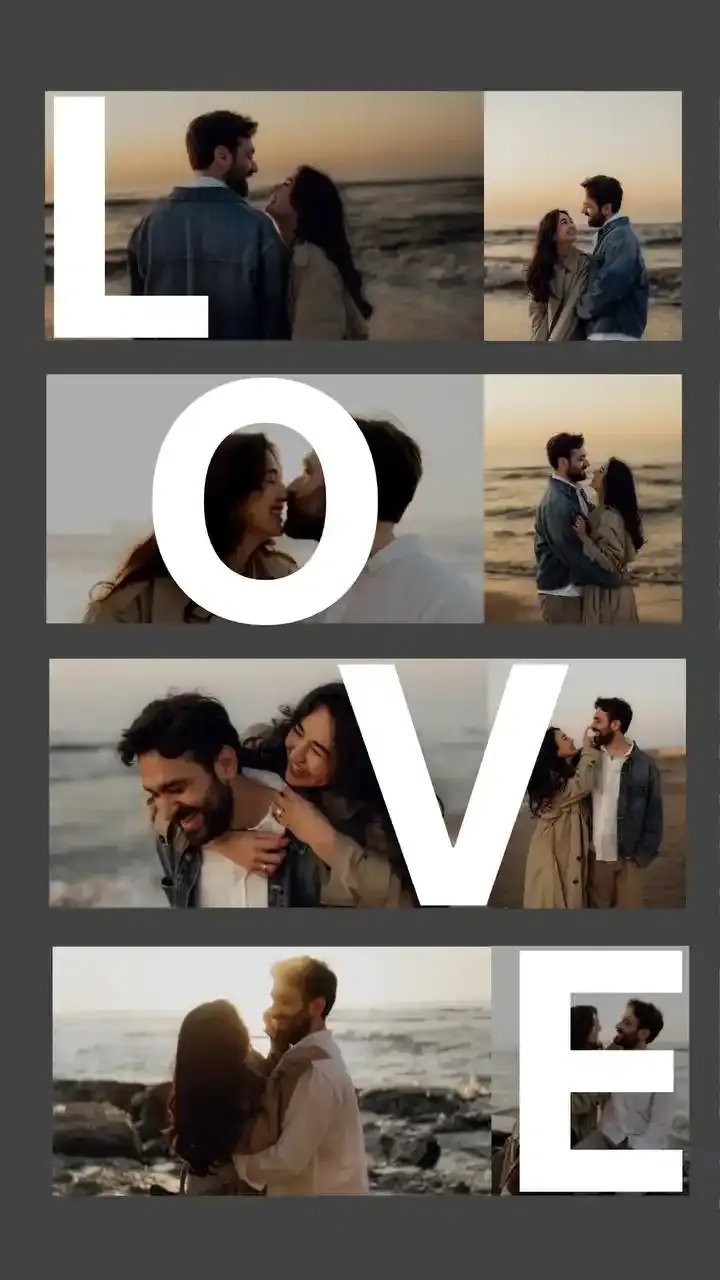
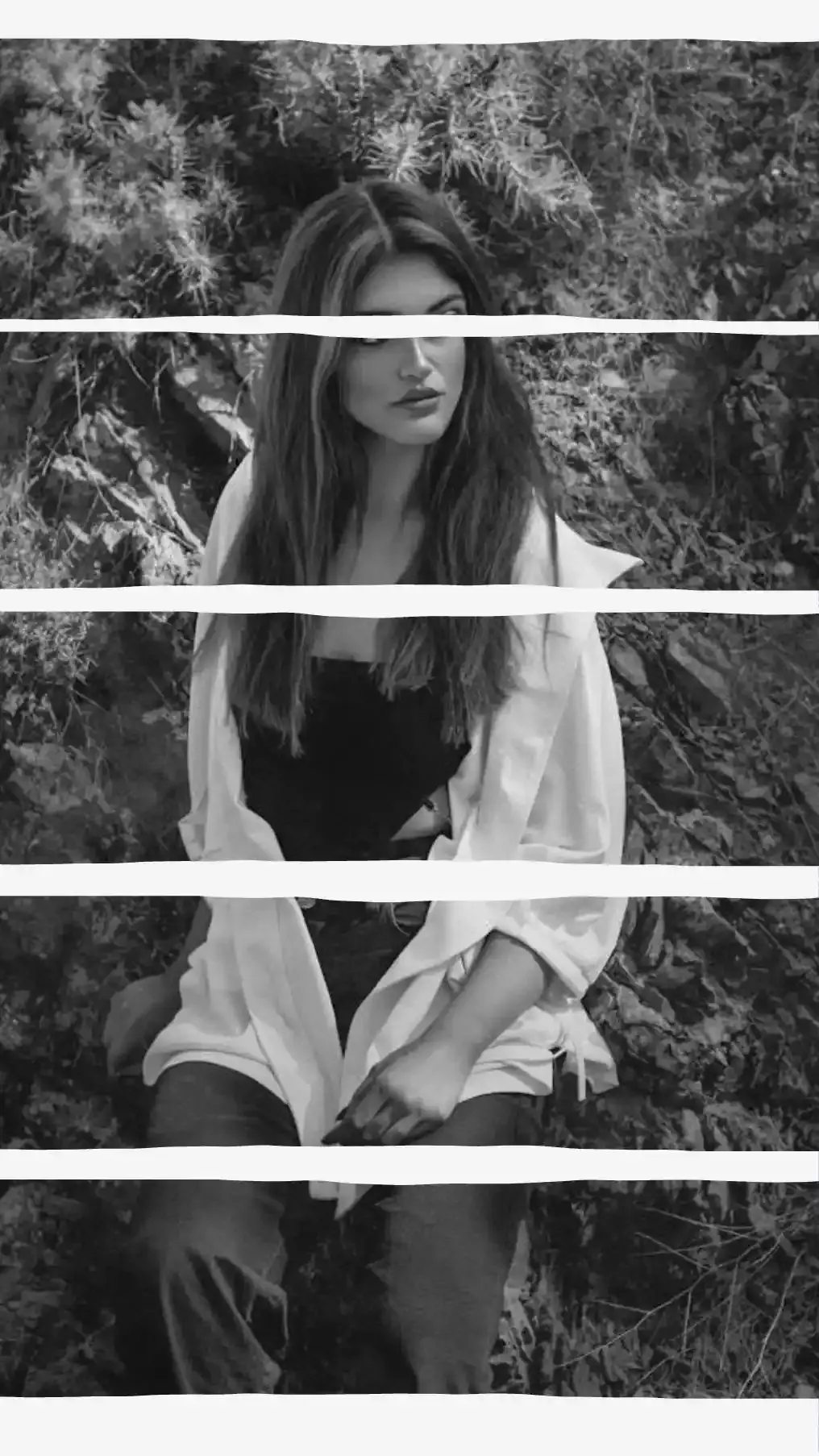
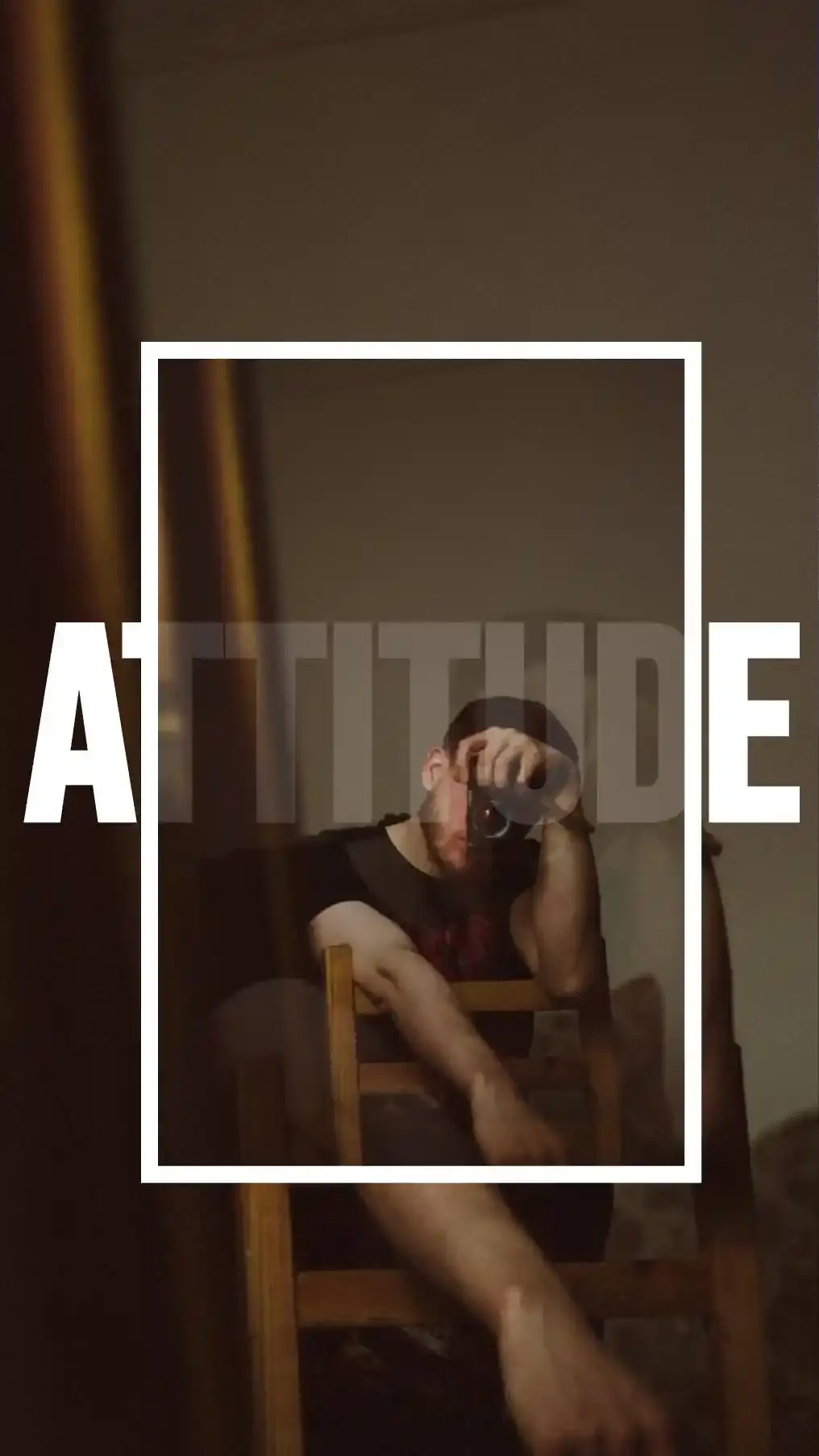
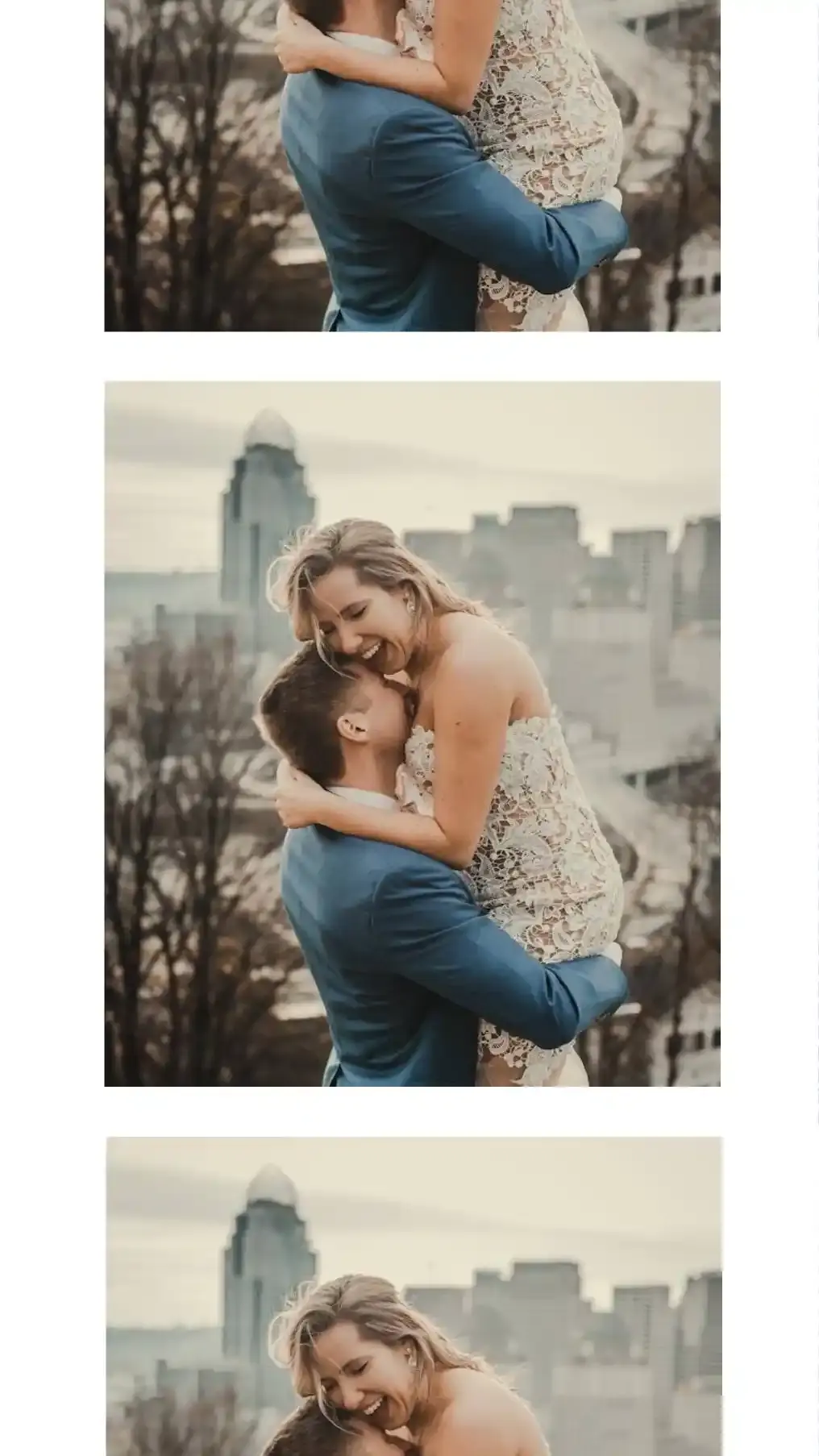
Yes, the editor runs in a phone browser. CollagePhotoApp is also free on iPhone and Android and adds cutouts, see-through letters and mockup frames on top of layouts.
Other Photo Counts and Tools
The hub lists a page for each photo count we cover. The full editor arranges anywhere from 2 to 36 photos in one design.
- 3 Photo Collage
- 6 Photo Collage
- 8 Picture Collage
- 10 Photo Collage
- 20 Photo Collage
- 30 Photo Collage
- Photo Collage Layouts by Number of Photos
- Collage Maker
With one photo fewer, the 3 Photo Collage page covers triptychs and ladders. The Instagram Grid Maker works the other way round and cuts one photo into tiles for your profile. The Instagram Carousel Splitter slices a wide image into swipeable slides and the Image Resizer hits an exact pixel size or file size once the collage is done.
With more photos, 6 Photo Collage explains why six crop harder than four, 8 Picture Collage turns the canvas on its side, 10 Photo Collage pushes you onto a wide screen, 20 Photo Collage lands back on a plain square and 30 Photo Collage makes the canvas pick a side.
For Stories, read how to add multiple photos to one Instagram Story or the guide to making a collage on your phone. CollagePhotoApp itself is free on iPhone and Android.
Make stunning posts from normal photos
Download CollagePhotoApp for free