6 Photo Collage
Quick answer: a 6 photo collage puts six photos into one image, most often a 2 × 3 grid, a 3 × 2 grid or one big photo beside five small ones. Tap any of the 13 layouts below and the free editor opens on it with six empty cells. Everything is processed here itself, nothing is uploaded to our servers.
- 13 layouts
- 4 templates
- 3 download formats
Every Layout That Holds Six Photos
13 arrangements take exactly six photos. Tap one and the editor opens on it, with its layout list already filtered to six.
Choose a layout 13
Make stunning posts from normal photos
Download CollagePhotoApp for free
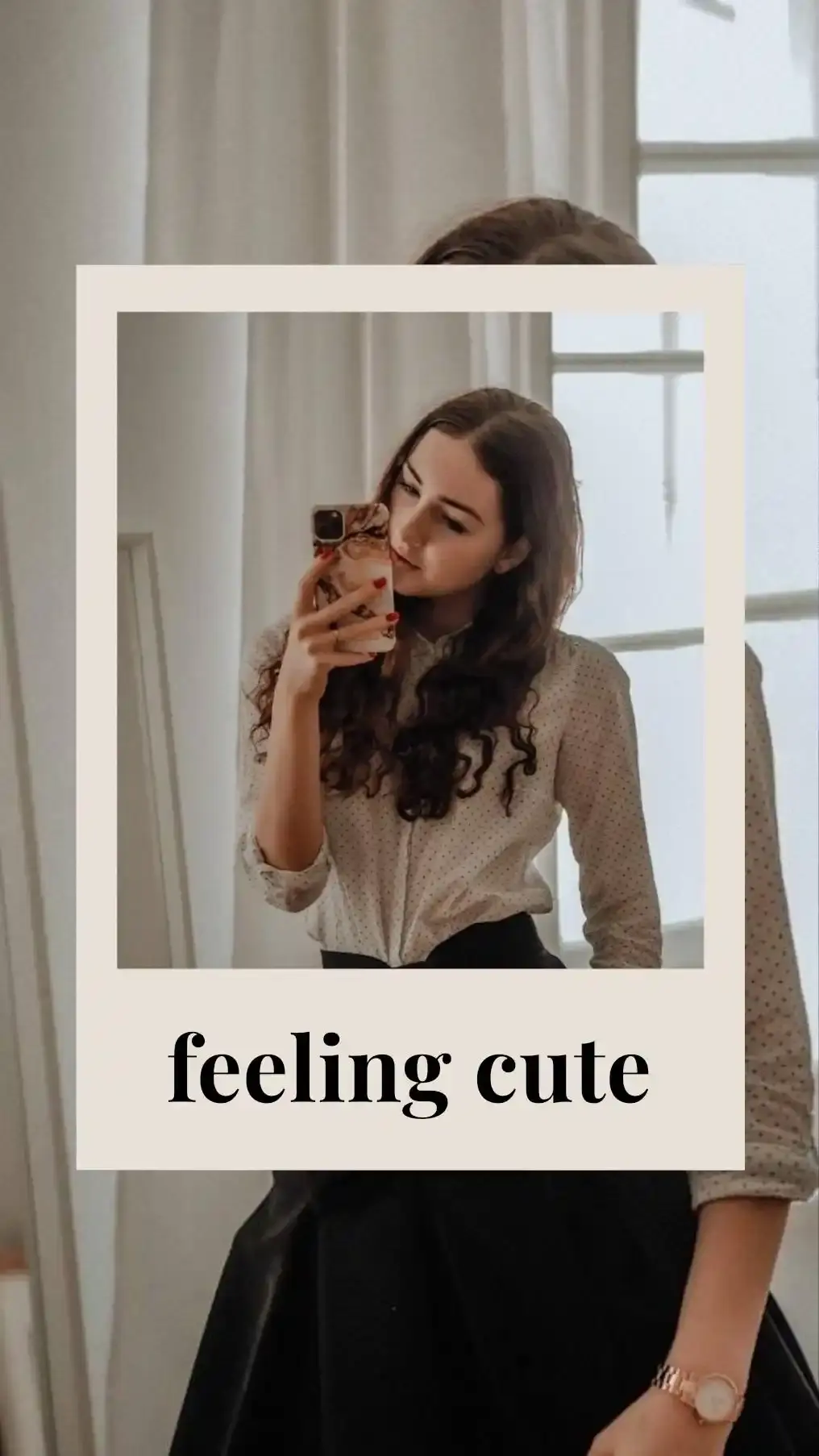
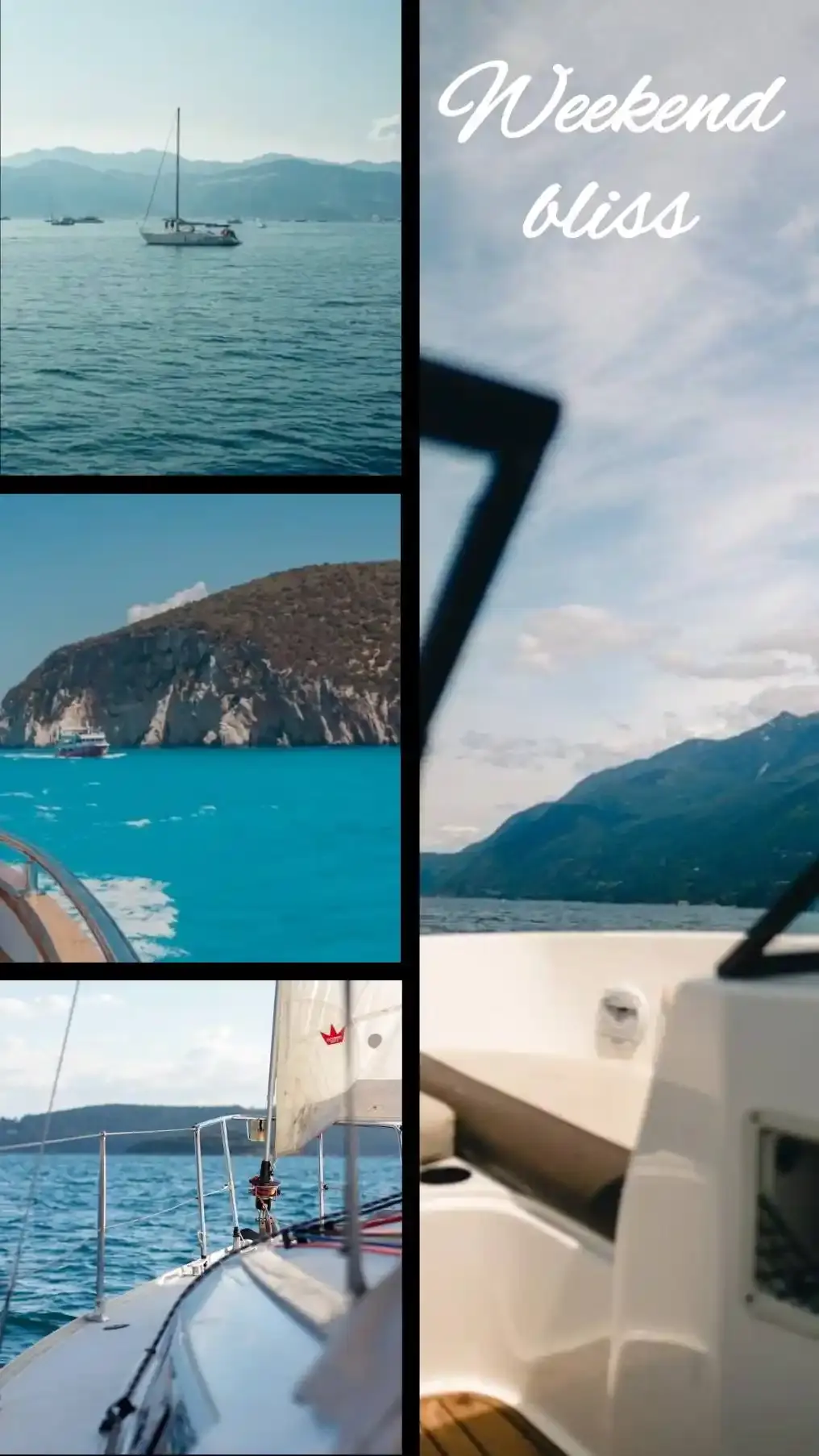
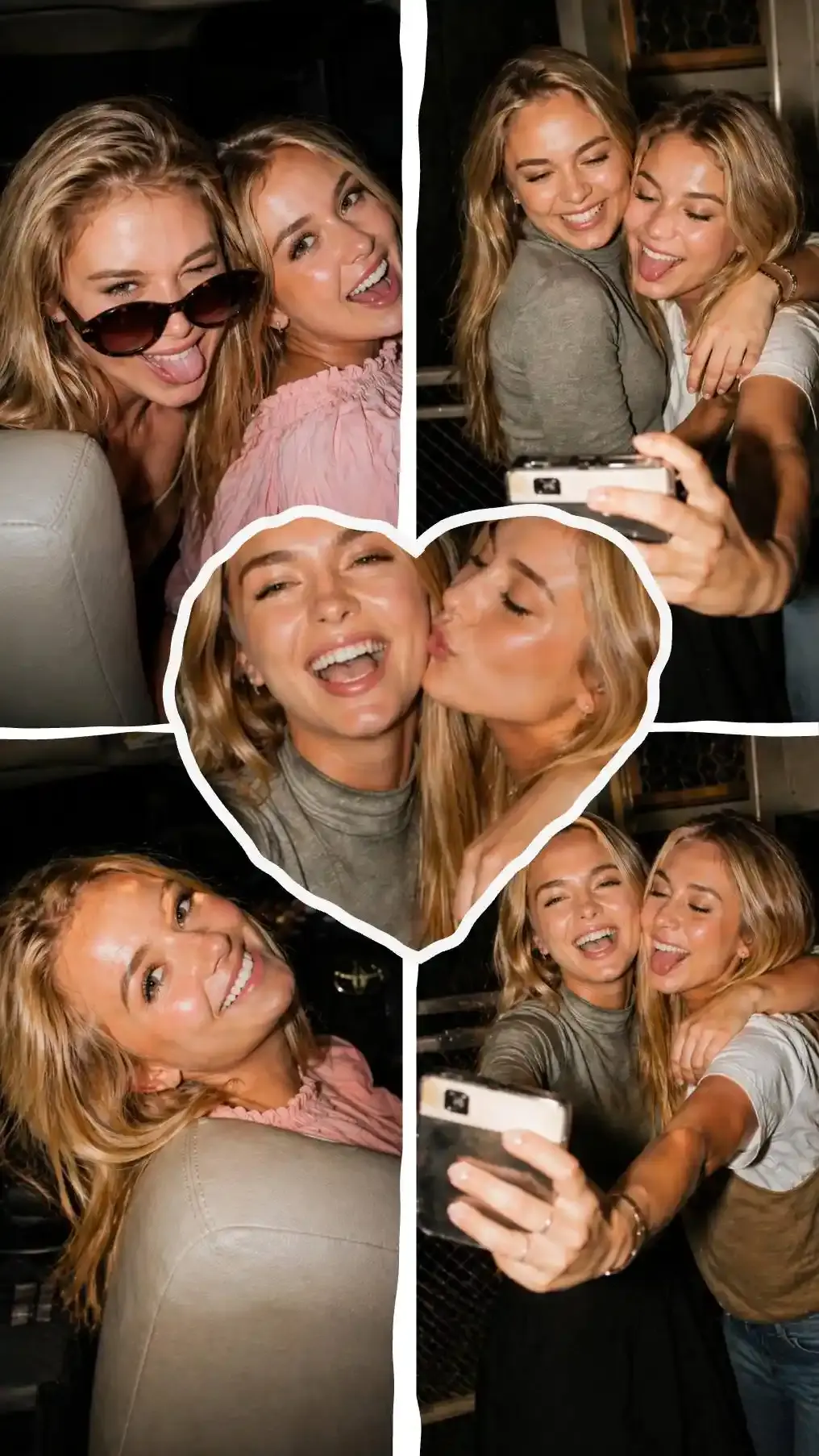
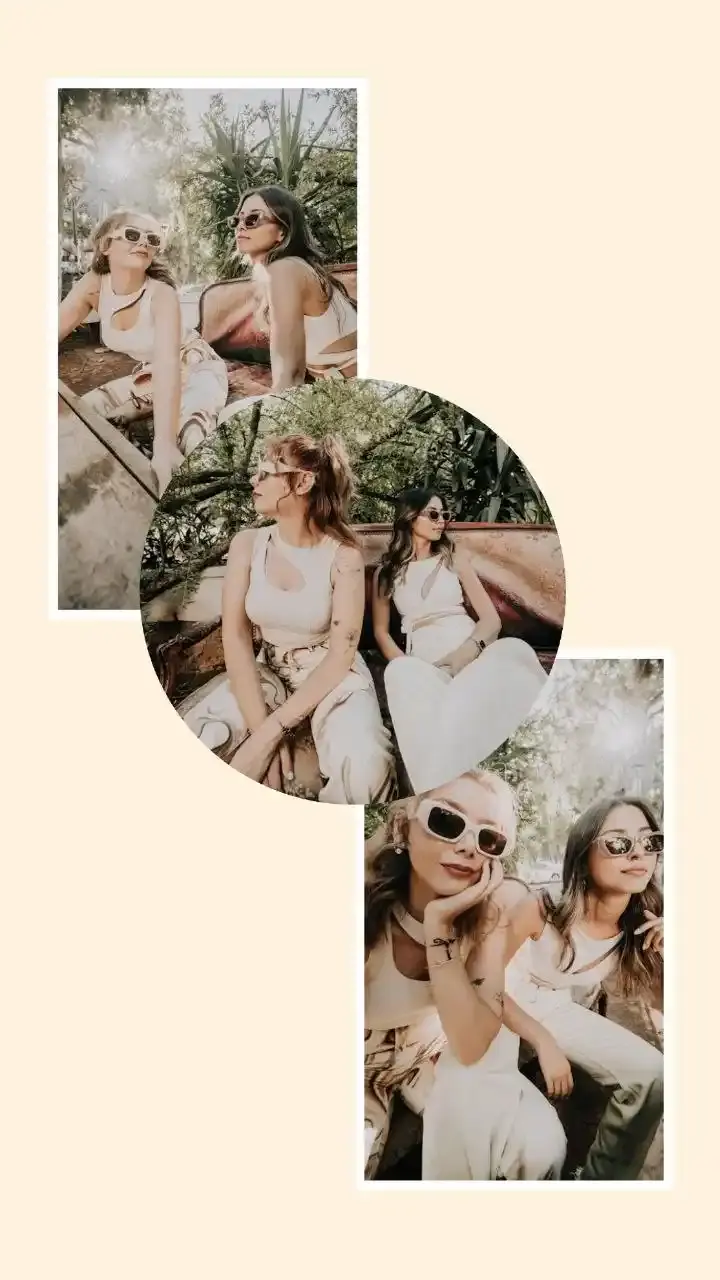
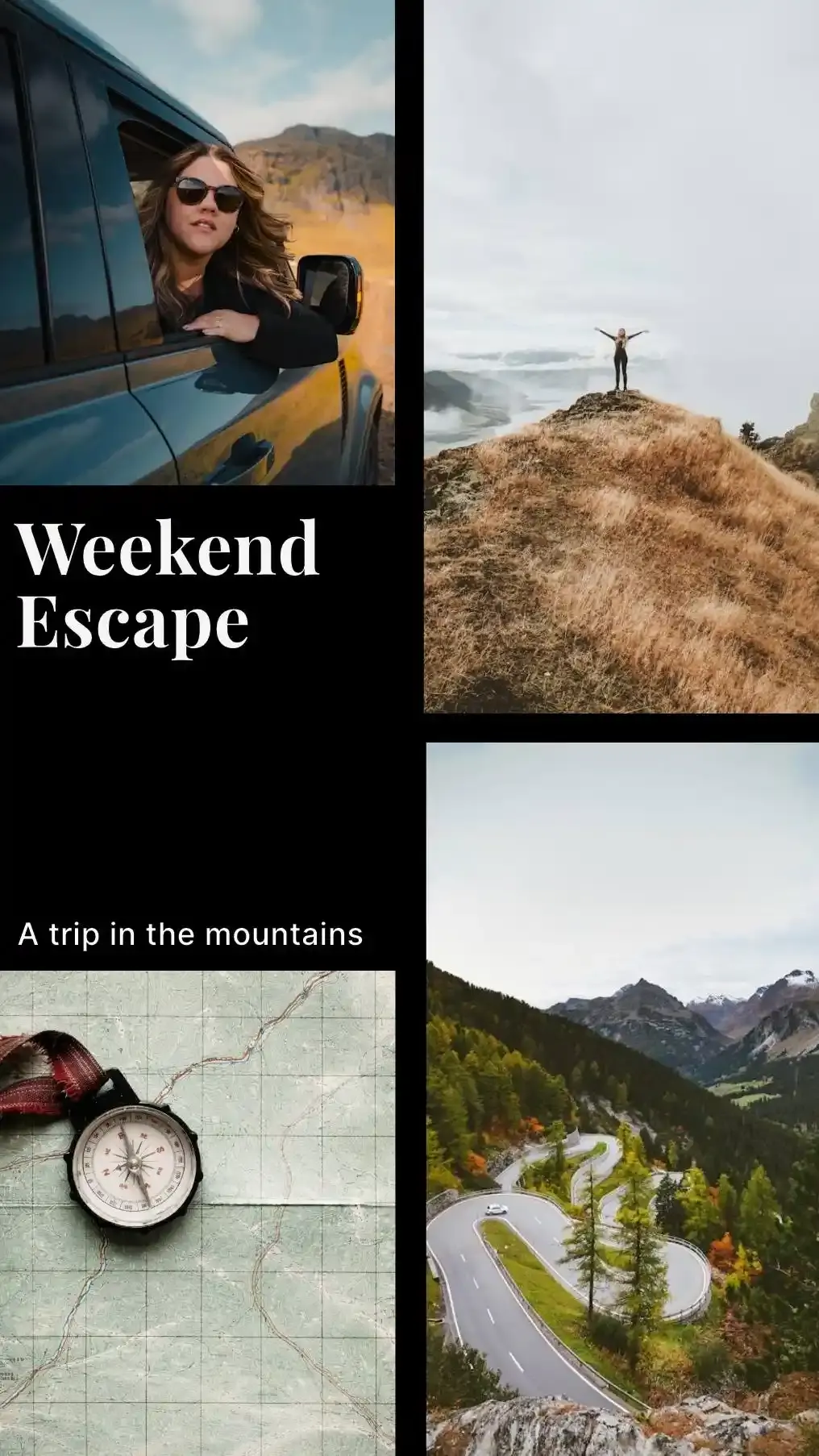
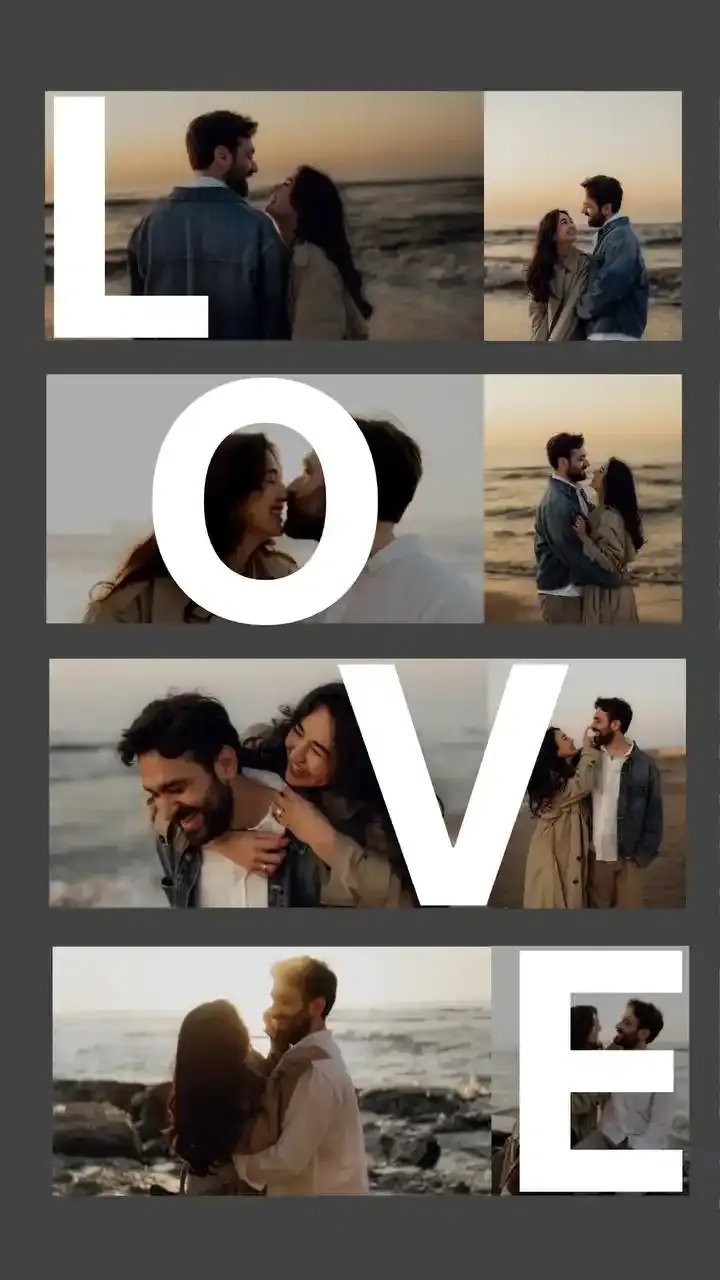
The 2 × 3 and 3 × 2 Grids
Same six cells, pointed two ways. 2 × 3 Grid stacks two columns of three and stands tall. 3 × 2 Grid lays three columns of two and lies wide. Both fill like a page of text, left to right along the top row and then down.
Where the collage is headed settles the choice. On a Story and Reels canvas 2 × 3 Grid keeps 91 percent of six upright phone photos. On a square 3 × 2 Grid keeps 88. Swap them over and the same photos keep 48 and 49 percent.
One Big Photo Beside Five Small Ones
4 layouts give one photo 62 percent of the width or height and line the other five up along the remaining edge, each with 20 percent of that edge. Five photos sharing one side of a canvas get thin fast.
Mind the shape of those five cells. Big Top + 5 on a Story and Reels canvas keeps 84 percent of an upright lead photo, while each upright photo squeezed into the row below keeps 37. Big Left + 5 on a 4 × 6 Portrait print flips the problem: its five small cells keep at least 94 percent of sideways photos, but its tall lead keeps only 54 percent of an upright one.
Columns and Rows That Step One, Two, Three
Rows 1 · 2 · 3 opens with one wide photo across the top, splits the middle into two and ends on a row of three. Rows 3 · 2 · 1 climbs the other way. Columns 1 · 2 · 3 and Columns 3 · 2 · 1 do the same thing sideways, from a single full height column to a column of three.
Rows 1 · 2 · 3 suits a set with one sideways view and five upright shots, such as a beach, then two people, then three plates of food. On Story and Reels the top banner keeps 80 percent of a sideways photo, the pair keeps 91 percent of upright ones and the bottom three keep 72. The single column in Columns 1 · 2 · 3 is a narrow strip: on Tall 3:4 it keeps 32 percent of an upright photo, while the three on the right keep 98.
Corner Anchor, Zigzag and Staircase
Corner Anchor Six parks one photo across 66 percent of the width and height, stacks three small ones down its right side and runs two along the bottom. Zigzag splits each of its three rows 55 to 45, swapping sides every row, so the wide cells snake down the canvas.
Staircase is the busiest of the 13: a small square top left, two short cells beside it, a big cell on the right, a tall strip down the left and a wide one along the bottom. On Story and Reels its big cell keeps 95 percent of an upright photo. Corner Anchor Six on Tall 3:4 keeps 98 percent of an upright lead and at least 65 for the other five.
Templates Built on Six Photo Layouts
4 of the editor's templates start from a six photo layout, covering family, retro and work occasions. Each card above draws the layout underneath and lists what the template adds, read straight from its settings.
3 arrive with words already on the canvas and 2 apply a filter to every photo. Retype the words, move the stickers or delete the lot. Your six photos stay put in their cells while you do.
Why Six Photos Crop Harder Than Four
Four photos have it easy. Halve a canvas both ways and every cell keeps the canvas's shape, so a canvas shaped like your photos barely trims them. The 4 Photos in One Frame page runs the numbers on that.
Six photos break the trick. Two columns share the width and three rows share the height, which leaves every cell of 2 × 3 Grid one and a half times wider for its height than the canvas it sits on. So the canvas shaped like your photos turns out to be the wrong one. Four upright phone photos in a 2 × 2 grid on Tall 3:4 keep 98 percent. Six in 2 × 3 Grid on that same canvas keep 67.
The fix is to stretch the canvas instead. For 2 × 3 Grid, take your photo's shape and make the canvas one and a half times taller. Upright 3:4 phone photos want a canvas twice as tall as it is wide. Of the editor's presets, Story and Reels comes closest.
The Grid and Canvas for Each Photo Shape
Checked against every combination of the two grids and 7 common canvases. Full frame and APS-C cameras shoot 3:2 and most phones default to 4:3.
| Your photos | Grid | Canvas | Kept | On a canvas shaped like the photos |
|---|---|---|---|---|
| Upright phone photos, 3:4 | 2 × 3 Grid | Story and Reels, 1080 × 1920 | 91% | Tall 3:4, 67% |
| Sideways phone photos, 4:3 | 3 × 2 Grid | Wide 16:9, 1920 × 1080 | 91% | Wide 4:3, 67% |
| Upright camera photos, 2:3 | 3 × 2 Grid | Instagram Post, 1080 × 1080 | 99% | 4 × 6 Portrait, 68% |
| Sideways camera photos, 3:2 | 2 × 3 Grid | Instagram Post, 1080 × 1080 | 99% | 4 × 6 Landscape, 68% |
| Square photos, 1:1 | 2 × 3 Grid | 4 × 6 Portrait, 1200 × 1800 | 99% | Instagram Post, 66% |
| Upright phone photos shot in 16:9, 9:16 | 3 × 2 Grid | Instagram Portrait, 1080 × 1350 | 92% | Story and Reels, 68% |
Every shape keeps at least 91 percent with the right pairing. On a canvas shaped like the photos, even the best of those six keeps 68. Pinterest Pin has the same 2:3 shape as a 4 × 6 Portrait print, so square photos keep 99 percent in 2 × 3 Grid on a pin too.
How Much of Each Photo the Six Cells Keep
Each cell trims its photo until the photo covers it edge to edge. The tables list what survives in every cell, in the order photos fill them, measured with the editor's own geometry at its default gap and margin. None of the ten collage pages we read before writing this one publishes crop figures at all.
Bold marks the layout whose worst cell keeps the most on each canvas.
Six Upright Phone Photos
A phone held upright on its default 4:3 setting takes a 3:4 photo.
| Layout | Instagram Post 1080 × 1080 | Instagram Portrait 1080 × 1350 | Tall 3:4 1500 × 2000 | Story and Reels 1080 × 1920 | 4 × 6 Portrait 1200 × 1800 |
|---|---|---|---|---|---|
| 2 × 3 Grid | 49 / 49 / 49 / 49 / 49 / 49% | 63 / 63 / 63 / 63 / 63 / 63% | 67 / 67 / 67 / 67 / 67 / 67% | 91 / 91 / 91 / 91 / 91 / 91% | 76 / 76 / 76 / 76 / 76 / 76% |
| 3 × 2 Grid | 88 / 88 / 88 / 88 / 88 / 88% | 69 / 69 / 69 / 69 / 69 / 69% | 65 / 65 / 65 / 65 / 65 / 65% | 48 / 48 / 48 / 48 / 48 / 48% | 57 / 57 / 57 / 57 / 57 / 57% |
| Big Left + 5 | 82 / 38 / 38 / 38 / 38 / 38% | 65 / 49 / 49 / 49 / 49 / 49% | 61 / 52 / 52 / 52 / 52 / 52% | 45 / 71 / 71 / 71 / 71 / 71% | 54 / 60 / 60 / 60 / 60 / 60% |
| Big Right + 5 | 82 / 38 / 38 / 38 / 38 / 38% | 65 / 49 / 49 / 49 / 49 / 49% | 61 / 52 / 52 / 52 / 52 / 52% | 45 / 71 / 71 / 71 / 71 / 71% | 54 / 60 / 60 / 60 / 60 / 60% |
| Big Top + 5 | 46 / 68 / 68 / 68 / 68 / 68% | 58 / 54 / 54 / 54 / 54 / 54% | 62 / 50 / 50 / 50 / 50 / 50% | 84 / 37 / 37 / 37 / 37 / 37% | 71 / 44 / 44 / 44 / 44 / 44% |
| Big Bottom + 5 | 46 / 68 / 68 / 68 / 68 / 68% | 58 / 54 / 54 / 54 / 54 / 54% | 62 / 50 / 50 / 50 / 50 / 50% | 84 / 37 / 37 / 37 / 37 / 37% | 71 / 44 / 44 / 44 / 44 / 44% |
| Columns 1 · 2 · 3 | 43 / 88 / 88 / 75 / 75 / 75% | 34 / 69 / 69 / 95 / 95 / 95% | 32 / 65 / 65 / 98 / 98 / 98% | 24 / 48 / 48 / 72 / 72 / 72% | 28 / 57 / 57 / 87 / 87 / 87% |
| Columns 3 · 2 · 1 | 75 / 75 / 75 / 88 / 88 / 43% | 95 / 95 / 95 / 69 / 69 / 34% | 98 / 98 / 98 / 65 / 65 / 32% | 72 / 72 / 72 / 48 / 48 / 24% | 87 / 87 / 87 / 57 / 57 / 28% |
| Rows 1 · 2 · 3 | 24 / 49 / 49 / 75 / 75 / 75% | 31 / 63 / 63 / 95 / 95 / 95% | 33 / 67 / 67 / 98 / 98 / 98% | 45 / 91 / 91 / 72 / 72 / 72% | 38 / 76 / 76 / 87 / 87 / 87% |
| Rows 3 · 2 · 1 | 75 / 75 / 75 / 49 / 49 / 24% | 95 / 95 / 95 / 63 / 63 / 31% | 98 / 98 / 98 / 67 / 67 / 33% | 72 / 72 / 72 / 91 / 91 / 45% | 87 / 87 / 87 / 76 / 76 / 38% |
| Corner Anchor Six | 75 / 48 / 48 / 48 / 50 / 50% | 95 / 61 / 61 / 61 / 64 / 64% | 98 / 65 / 65 / 65 / 69 / 69% | 73 / 88 / 88 / 88 / 93 / 93% | 87 / 74 / 74 / 74 / 78 / 78% |
| Zigzag | 46 / 56 / 53 / 43 / 46 / 56% | 58 / 71 / 67 / 55 / 58 / 71% | 62 / 76 / 72 / 58 / 62 / 76% | 84 / 97 / 97 / 79 / 84 / 97% | 70 / 87 / 81 / 66 / 70 / 87% |
| Staircase | 75 / 44 / 44 / 52 / 67 / 38% | 95 / 57 / 57 / 66 / 53 / 48% | 98 / 61 / 61 / 70 / 50 / 52% | 72 / 83 / 83 / 95 / 37 / 70% | 87 / 69 / 69 / 80 / 44 / 58% |
Read down the Story and Reels column. 2 × 3 Grid wins it at 91 percent a photo, a result no six photo layout beats on any canvas preset in the editor.
Six Sideways Photos
Turn the phone and the photo becomes 4:3. Tall canvases now favour layouts with wide cells. 2 × 3 Grid on Instagram Portrait keeps 90 percent.
| Layout | Instagram Post 1080 × 1080 | Instagram Portrait 1080 × 1350 | Tall 3:4 1500 × 2000 | Story and Reels 1080 × 1920 | 4 × 6 Portrait 1200 × 1800 |
|---|---|---|---|---|---|
| 2 × 3 Grid | 88 / 88 / 88 / 88 / 88 / 88% | 90 / 90 / 90 / 90 / 90 / 90% | 84 / 84 / 84 / 84 / 84 / 84% | 62 / 62 / 62 / 62 / 62 / 62% | 74 / 74 / 74 / 74 / 74 / 74% |
| 3 × 2 Grid | 49 / 49 / 49 / 49 / 49 / 49% | 39 / 39 / 39 / 39 / 39 / 39% | 36 / 36 / 36 / 36 / 36 / 36% | 27 / 27 / 27 / 27 / 27 / 27% | 32 / 32 / 32 / 32 / 32 / 32% |
| Big Left + 5 | 46 / 68 / 68 / 68 / 68 / 68% | 37 / 87 / 87 / 87 / 87 / 87% | 34 / 93 / 93 / 93 / 93 / 93% | 25 / 79 / 79 / 79 / 79 / 79% | 30 / 94 / 94 / 95 / 94 / 95% |
| Big Right + 5 | 46 / 68 / 68 / 68 / 68 / 68% | 37 / 87 / 87 / 87 / 87 / 87% | 34 / 93 / 93 / 93 / 93 / 93% | 25 / 79 / 79 / 79 / 79 / 79% | 30 / 94 / 94 / 95 / 94 / 95% |
| Big Top + 5 | 82 / 38 / 38 / 38 / 38 / 38% | 96 / 30 / 30 / 30 / 30 / 30% | 90 / 28 / 28 / 28 / 28 / 28% | 67 / 21 / 21 / 21 / 21 / 21% | 80 / 25 / 25 / 25 / 25 / 25% |
| Big Bottom + 5 | 82 / 38 / 38 / 38 / 38 / 38% | 96 / 30 / 30 / 30 / 30 / 30% | 90 / 28 / 28 / 28 / 28 / 28% | 67 / 21 / 21 / 21 / 21 / 21% | 80 / 25 / 25 / 25 / 25 / 25% |
| Columns 1 · 2 · 3 | 24 / 49 / 49 / 75 / 75 / 75% | 19 / 39 / 39 / 59 / 59 / 59% | 18 / 36 / 36 / 55 / 55 / 55% | 13 / 27 / 27 / 41 / 41 / 41% | 16 / 32 / 32 / 49 / 49 / 49% |
| Columns 3 · 2 · 1 | 75 / 75 / 75 / 49 / 49 / 24% | 59 / 59 / 59 / 39 / 39 / 19% | 55 / 55 / 55 / 36 / 36 / 18% | 41 / 41 / 41 / 27 / 27 / 13% | 49 / 49 / 49 / 32 / 32 / 16% |
| Rows 1 · 2 · 3 | 43 / 88 / 88 / 75 / 75 / 75% | 55 / 90 / 90 / 59 / 59 / 59% | 59 / 84 / 84 / 55 / 55 / 55% | 80 / 62 / 62 / 41 / 41 / 41% | 67 / 74 / 74 / 49 / 49 / 49% |
| Rows 3 · 2 · 1 | 75 / 75 / 75 / 88 / 88 / 43% | 59 / 59 / 59 / 90 / 90 / 55% | 55 / 55 / 55 / 84 / 84 / 59% | 41 / 41 / 41 / 62 / 62 / 80% | 49 / 49 / 49 / 74 / 74 / 67% |
| Corner Anchor Six | 75 / 84 / 84 / 84 / 90 / 90% | 59 / 93 / 93 / 93 / 88 / 88% | 55 / 87 / 87 / 87 / 82 / 82% | 41 / 64 / 64 / 64 / 61 / 61% | 49 / 76 / 76 / 76 / 72 / 72% |
| Zigzag | 81 / 100 / 94 / 76 / 81 / 100% | 97 / 79 / 84 / 97 / 97 / 79% | 90 / 74 / 78 / 96 / 90 / 74% | 67 / 54 / 58 / 71 / 67 / 54% | 80 / 65 / 69 / 85 / 80 / 65% |
| Staircase | 75 / 79 / 79 / 92 / 38 / 67% | 59 / 99 / 99 / 86 / 30 / 86% | 55 / 93 / 93 / 80 / 28 / 92% | 41 / 68 / 68 / 59 / 21 / 81% | 49 / 82 / 82 / 71 / 25 / 96% |
Dragging a photo inside its cell picks which part survives. Zooming in keeps less. When a photo has to stay whole, set its cell to Fit whole and let the background fill the spare space.
Where Built-In Collage Tools Stop at Six
Instagram and Google Photos both stop at six. Instagram's Layout tool splits a Story into a grid of up to six photos. Google Photos allows six photos in a collage on Android and iPhone, though a computer lets you pick nine. X goes lower still and attaches four photos to a post.
Picture a weekend away with six keepers: the train, the view, two dinners, the market and one blurry selfie you love anyway. Every one of those apps takes a single image without complaint. Combine the six into one and the limit stops mattering. On X's 1600 × 900 X Post canvas, 3 × 2 Grid keeps 91 percent of six sideways photos. Past six, this editor has layouts for up to 36 photos.
Choosing a Layout for Your Six Photos
When the Six Tell a Story in Order
A recipe from raw flour to the finished loaf. A hike from the car park to the summit cairn. When six photos run in sequence like that, a plain grid reads like a comic strip and needs no arrows.
Add the photos in the order they happened. 2 × 3 Grid and 3 × 2 Grid both fill left to right, row by row. Then pick one of the 12 looks so the steps share a colour. Any single photo can still wear a different one.
When One Photo Leads
Six photos rarely carry equal weight. A wedding set has the couple under the arch and five guests around them. A bookshelf you built has the finished shelf and five close ups of what sits on it. Add the headline photo first so it takes the biggest cell.
Corner Anchor Six carries it well. On Instagram Portrait an upright lead keeps 95 percent while five sideways photos around it keep at least 88.
When Upright and Sideways Photos Mix
Three of each is what you get when the phone turned sideways halfway through the day. Use Zigzag on 4 × 6 Portrait and add the photos in this order: sideways, upright, upright, sideways, sideways then upright. The upright photos land in the narrow cells and nothing keeps less than 80 percent.
For one sideways view and five upright shots, go back to Rows 1 · 2 · 3 on Story and Reels. The sideways photo takes the banner on top at 80 percent.
Canvas Sizes for Instagram, Stories, Pinterest and Print
The Instagram Feed and Profile Grid
Instagram started showing profile thumbnails as tall rectangles in January 2025 and began posting 3:4 photos uncropped in late May 2025. Tall 3:4 at 1500 × 2000 fits both, yet six upright photos keep just 67 percent in it. Sideways photos keep 84.
For upright phone photos, Instagram Post with 3 × 2 Grid keeps 88 percent. Instagram sizes any wider photo down to 1080 pixels, which leaves each of the six about 333 pixels across on a square, against 505 in a Tall 3:4 2 × 3 Grid. A square post also loses its sides in the tall profile thumbnail, so check it with Instagram's thumbnail editor after posting.
Instagram Stories
Story and Reels is 1080 × 1920, a 9:16 frame. No canvas in the editor suits six upright phone photos better. 2 × 3 Grid keeps 91 percent of each. Keep faces clear of the top and bottom edges, where Instagram draws your name and the reply bar.
Pinterest Pins
Pinterest recommends a 2:3 pin at 1000 × 1500 pixels, the Pinterest Pin preset. 2 × 3 Grid cuts it into near squares, so square photos keep 99 percent and upright phone photos 76.
Print Size of Each Photo
Every print preset is its inches multiplied by 300, the usual density for photo prints. The table gives the size each photo comes out on paper.
| Pixels | Each photo in 2 × 3 Grid | Each photo in 3 × 2 Grid | Big photo in Corner Anchor Six | |
|---|---|---|---|---|
| 4 × 6 Portrait | 1200 × 1800 | 1.9 × 1.9 in | 1.2 × 2.9 in | 2.5 × 3.8 in |
| 5 × 7 Portrait | 1500 × 2100 | 2.3 × 2.2 in | 1.5 × 3.3 in | 3.1 × 4.4 in |
| 8 × 10 Portrait | 2400 × 3000 | 3.7 × 3.1 in | 2.5 × 4.7 in | 5.0 × 6.3 in |
| 8 × 8 Square | 2400 × 2400 | 3.7 × 2.5 in | 2.5 × 3.7 in | 5.0 × 5.0 in |
| A4 Portrait | 2480 × 3508 | 3.9 × 3.7 in | 2.5 × 5.6 in | 5.1 × 7.4 in |
Six photos on a 4 × 6 come out under two inches a side in 2 × 3 Grid, about 1.9 × 1.9. That suits a fridge door or an album page. For faces you can pick out from across a room, print 8 × 10 Portrait and each photo grows to 3.7 × 3.1 inches.
One Collage Print or a Six-Opening Frame
Shops sell frames with six separate openings. Those need a different kind of print. Each opening holds its own photo, so a frame sold for six 4 × 6 prints takes six single photos, printed one by one. One such frame we looked at measures 8 × 26 inches from end to end. A collage has no place in it.
A frame with a single window takes one collage print. Design at the size of the photo the frame holds rather than its outside size, then order the print at exactly that size. A lab fitting a 4 × 6 file onto 5 × 7 paper has to crop or pad it. Any crop comes off the outer photos first. If the frame has a mat, raise Outer margin under Spacing, because a mat window opens slightly smaller than the print. The 4 Photos in One Frame page measures how much a mat covers.
A Collage, a Carousel or Six Separate Posts
| Six photos in one collage | Carousel of six | |
|---|---|---|
| What the feed shows first | All six at once | The first photo |
| What your profile grid shows | The collage | The first photo |
| Width of each photo on Instagram | About 333 px in a square 3 × 2 Grid | Up to 1080 px |
| Most photos in one post | Six, inside one image | 20, since August 2024 |
Pick the collage when the six only make sense side by side, like six rooms of a flat you are letting. Pick the carousel when each photo deserves the whole screen. You can also have both, with the collage as the first slide and the six originals after it.
A third route spreads one image over six posts, two rows of your profile. Build the collage here, then cut it into three columns and two rows with the Instagram Grid Maker. Choose 3:4 tiles, since the profile grid shows tall rectangles now. Instagram also rolled out grid reordering to all users in June 2026, so a tile posted out of turn can be dragged back into place.
How to Make a 6 Photo Collage
Pick a layout. Tap one of the 13 layouts or 4 templates on this page. The editor opens on it with 6 empty cells waiting.
Add your six photos. Press Add photos, drop the files onto the canvas or paste them with Ctrl+V. They fill the cells in order, so start with the photo that should get the biggest cell.
Choose where the collage is going. Open Canvas size and pick the destination: Story and Reels for six upright phone photos in 2 × 3 Grid, Instagram Post for 3 × 2 Grid or a print size such as 4 × 6 Portrait. The photos refit on their own.
Arrange the six. Drag a photo onto another cell to trade their places. Drag inside a cell to decide which part of the photo shows, then give all six one look so they sit together.
Download the collage. Press Download and save it as PNG, JPG or WebP at 1× to 4×. It lands on your device without a watermark.
Questions About 6 Photo Collages
What is a 6 photo collage?
One image that holds six photos. The common shapes are two columns of three, three columns of two or one large photo with five smaller ones beside it. Instagram's Layout tool for Stories and Google Photos on a phone both stop at six photos, so six is the biggest collage either of them makes.
How many layouts hold exactly six photos?
13. 2 are plain grids and 4 hand one photo the lead. 4 step through columns or rows of one, two and three photos. The other 3 break the grid on purpose. 4 templates add styling on top of them.
Is it free to make a 6 photo collage here?
Yes. There is no account to create and no part of the editor locked behind a payment. Pick a layout, add six photos and download.
Which 6 photo layout crops my photos the least?
The canvas decides more than the layout does. On the square canvas the editor starts with, 3 × 2 Grid keeps 88 percent of six upright phone photos. Switch to Story and Reels and 2 × 3 Grid keeps 91 percent, the best any six photo layout manages with upright phone photos on any canvas preset in the editor.
Is a 2 × 3 grid the same as a 3 × 2 grid?
No. Here the first number counts columns. 2 × 3 Grid has two columns and three rows, so it stands tall. 3 × 2 Grid has three columns and two rows and lies wide. Some editors put rows first, which makes their 2 × 3 our 3 × 2. Trust the miniature over the name.
Why do six photos crop more than four?
Cut a canvas in half both ways and each of the four cells keeps the canvas's shape. Split it into two columns and three rows and every cell comes out one and a half times wider for its height than the canvas. On Tall 3:4, four upright phone photos in a 2 × 2 grid keep 98 percent. Six in 2 × 3 Grid on the same canvas keep 67.
What size should a 6 photo collage be for Instagram?
For upright phone photos use Instagram Post, 1080 × 1080 pixels, with 3 × 2 Grid. Each photo keeps 88 percent. Tall 3:4 at 1500 × 2000 takes up more of the feed and posts uncropped, but six upright photos keep only 67 percent there. Sideways photos do better on it, at 84 percent.
How do I fit six photos into an Instagram Story?
Set the canvas to Story and Reels (1080 × 1920 pixels) and choose 2 × 3 Grid. Upright phone photos keep 91 percent of themselves in it. Leave a little room at the top and bottom, where Instagram lays your name and the reply bar over the picture. Instagram's own Layout tool can also split a Story into as many as six photos.
Can Google Photos make a collage with more than six photos?
Not on a phone. Google Photos caps a collage at six photos on Android and iPhone and at nine on a computer. This editor has layouts for up to 36 photos.
How do I share six photos in one post on X?
X lets you attach four photos to a post, so combine the six into one image first. The X Post canvas is 1600 × 900, a 16:9 frame where 3 × 2 Grid keeps 91 percent of sideways photos and 62 percent of upright ones.
Can I print a 6 photo collage as a 4 × 6?
Yes. Choose 4 × 6 Portrait, 1200 × 1800 pixels at 300 DPI. In 2 × 3 Grid each cell comes out close to square, about 1.9 × 1.9 inches. Square photos keep 99 percent there and upright phone photos keep 76.
Will a picture frame with six openings take this collage?
No. A frame with six openings holds six separate prints, one behind each window. A frame with a single window takes one collage print, which is what this editor makes. Print it at the size of the photo the frame holds, not the frame's outside size.
What if three photos are upright and three are sideways?
Use Zigzag on 4 × 6 Portrait or on Pinterest Pin, which has the same shape. Its rows alternate wide and narrow cells. Add the photos in this order: sideways, upright, upright, sideways, sideways then upright. No photo then keeps less than 80 percent of itself.
Which photo lands in the biggest cell?
The first one you add. Photos fill the cells in order. Every One Big layout and Corner Anchor Six list their big cell first.
How do I swap two of the six photos?
Drag a photo onto the cell you want it in. The two photos change places and each one takes its own crop, zoom and filter along.
Can I get rid of the gaps between the photos?
Yes. Press Edge to edge under Spacing. Gap, outer margin and corner rounding all drop to zero, so the six photos touch. For coloured lines instead of white ones, change the background colour, since the background fills the gaps.
Can the six photos be circles or hearts?
Yes. Photo shape offers 10 outlines, among them a circle, a heart and a hexagon. The shape you pick applies to all six cells at once.
Can I add a title or a date?
Yes. Add a text layer, type your words and drag them into place. 3 of the 4 six photo templates come with wording already set, such as "PAW PRINTS" on Pet Album.
Can I turn my collage into six Instagram posts?
Yes, with a second tool. Make the collage here, then cut it into three columns and two rows with the Instagram Grid Maker. Pick 3:4 tiles, because the profile grid shows tall rectangles now rather than squares. Instagram also rolled out grid reordering to everyone in June 2026, so a tile posted out of turn can be moved afterwards.
Should I post six photos as a collage or a carousel?
A collage shows all six at once, in the feed and on your profile. A carousel shows the first photo and waits for a swipe, though each photo gets the full width of the post. Instagram carousels hold up to 20 photos, so six fit either way.
Is there a watermark on the download?
No. The file saves to your device as PNG, JPG or WebP with nothing added to it.
Do my six photos get uploaded anywhere?
No. Everything is processed here itself, nothing is uploaded to our servers. Closing the tab clears the photos from the page, so download the collage before you leave.
Why won't my iPhone photos load?
iPhones save photos as HEIC unless you change the setting. Safari opens HEIC from version 17. Chrome, Edge and Firefox do not open it at all. Use Safari or switch the iPhone to Most Compatible under Settings, Camera, Formats. New photos then save as JPEG.
Does the collage carry the GPS location of my photos?
No. The editor draws the download fresh from the pixels, so camera details and GPS coordinates never reach it. Your original files stay exactly as they were.
What happens if I add a seventh photo?
The editor moves to a layout built for seven and keeps the six photos you already added, in the same order.
How do I write alt text for a six photo collage?
A screen reader meets the collage as one image, so the alt text has to cover all six photos. Describe them in fill order. In 2 × 3 Grid that means the top row left to right, then the middle row, then the bottom. On Instagram, open Advanced Settings before you share and tap Write Alt Text.
Can I make a 6 photo collage on my phone?
Yes. The editor runs in a phone browser. CollagePhotoApp is also free on iPhone and Android and adds cutouts, see-through letters and mockup frames on top of the layouts.
More Photo Counts and Tools
The hub lists a page for each photo count we cover. The full editor arranges anywhere from 2 to 36 photos in one design.
- 3 Photo Collage
- 4 Photos in One Frame
- 8 Picture Collage
- 10 Photo Collage
- 20 Photo Collage
- 30 Photo Collage
- Photo Collage Layouts by Number of Photos
- Collage Maker
With fewer photos, the 3 Photo Collage page covers triptychs and the 4 Photos in One Frame page covers the 2 × 2 grid. The Instagram Carousel Splitter slices one wide image into swipeable slides. The Image Resizer hits an exact pixel or file size once the collage is done.
With more photos, 8 Picture Collage turns the canvas on its side, 10 Photo Collage pushes you onto a wide screen, 20 Photo Collage lands back on a plain square and 30 Photo Collage makes the canvas pick a side.
For Stories, read how to make an Instagram Story collage or how to add multiple photos to one Instagram Story. CollagePhotoApp itself is free on iPhone and Android.
Make stunning posts from normal photos
Download CollagePhotoApp for free