3 Photo Collage Maker
Quick answer: a 3 photo collage puts three pictures into one frame, side by side, stacked or as one big shot beside two smaller ones. Pick any of the 10 layouts below and it opens in the free editor with three empty cells, ready for your photos. Everything is processed here itself, nothing is uploaded to our servers.
- 10 layouts
- 5 templates
- 3 download formats
Every Layout That Holds Three Photos
10 arrangements hold exactly three photos. Tap one and the editor opens on it with the layout list already narrowed to three.
Choose a layout 10
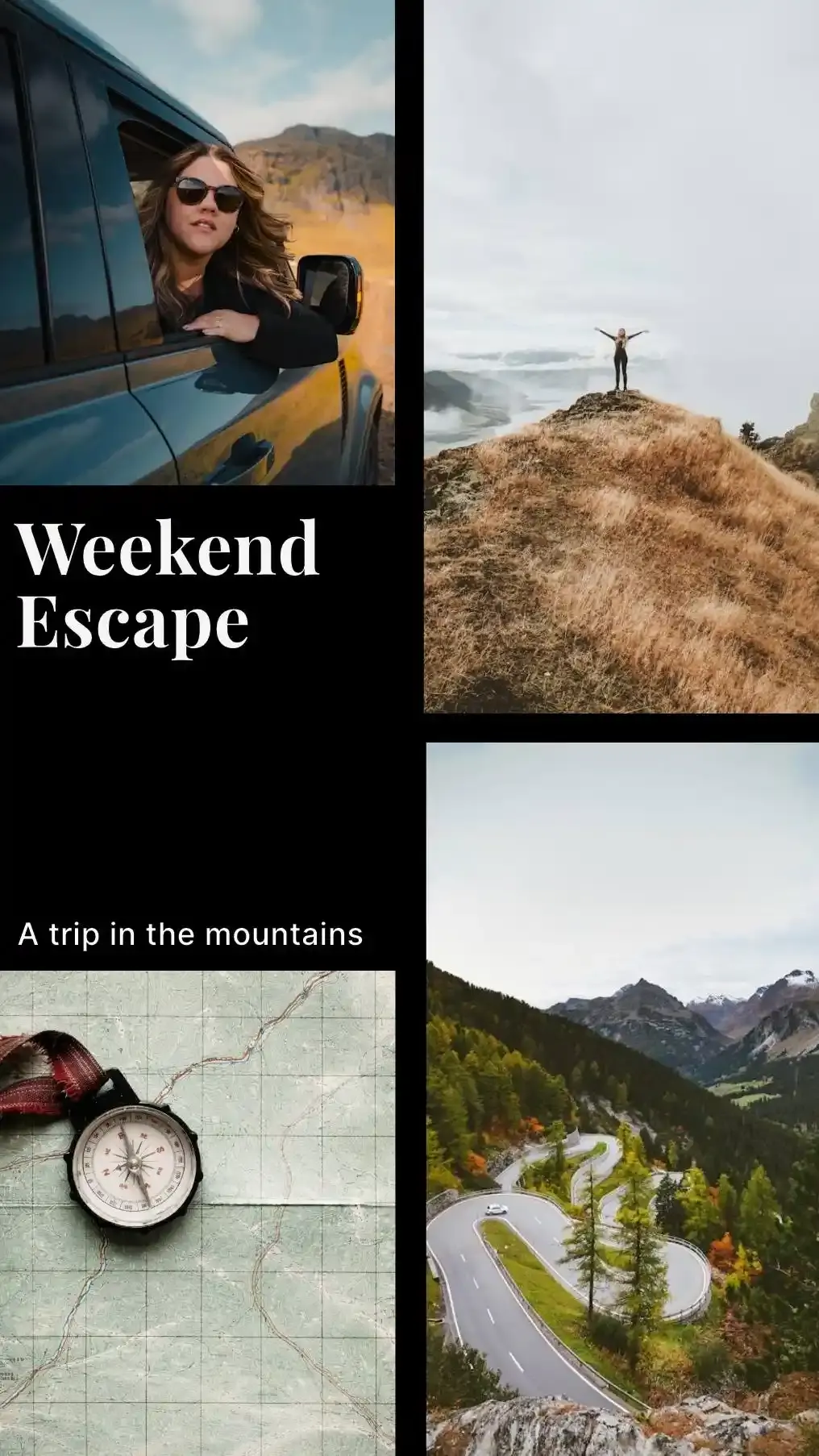
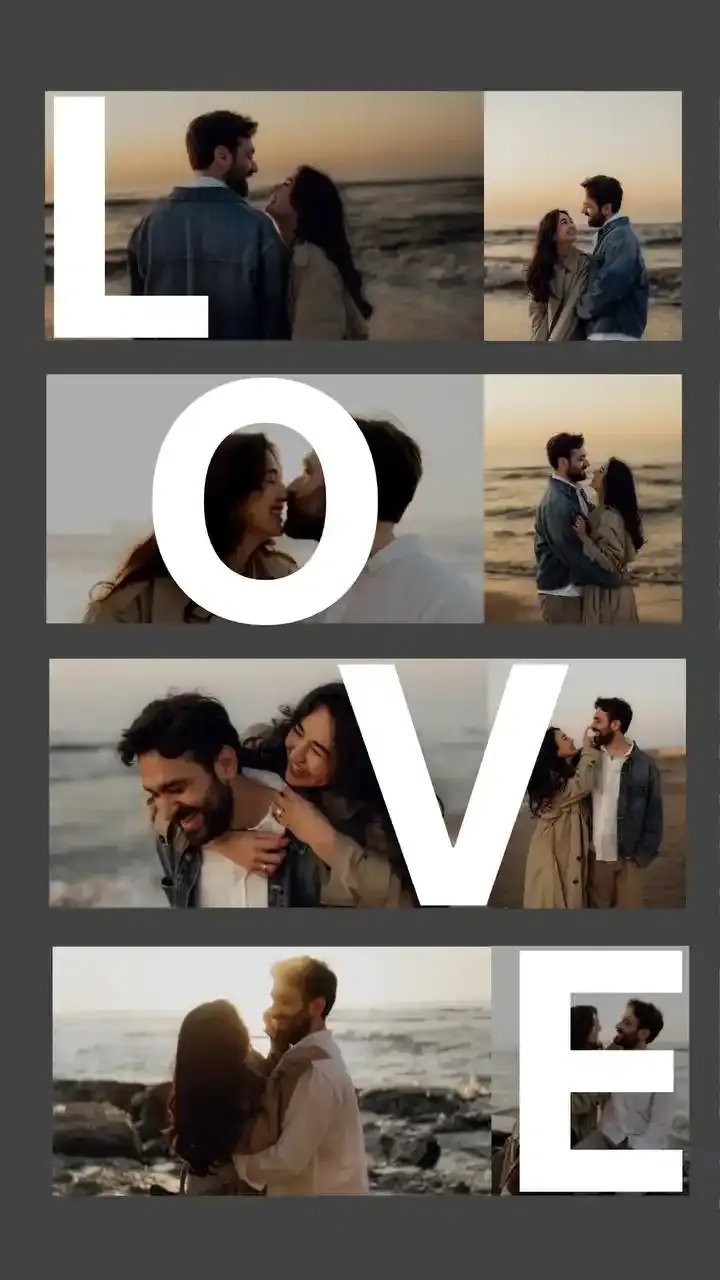
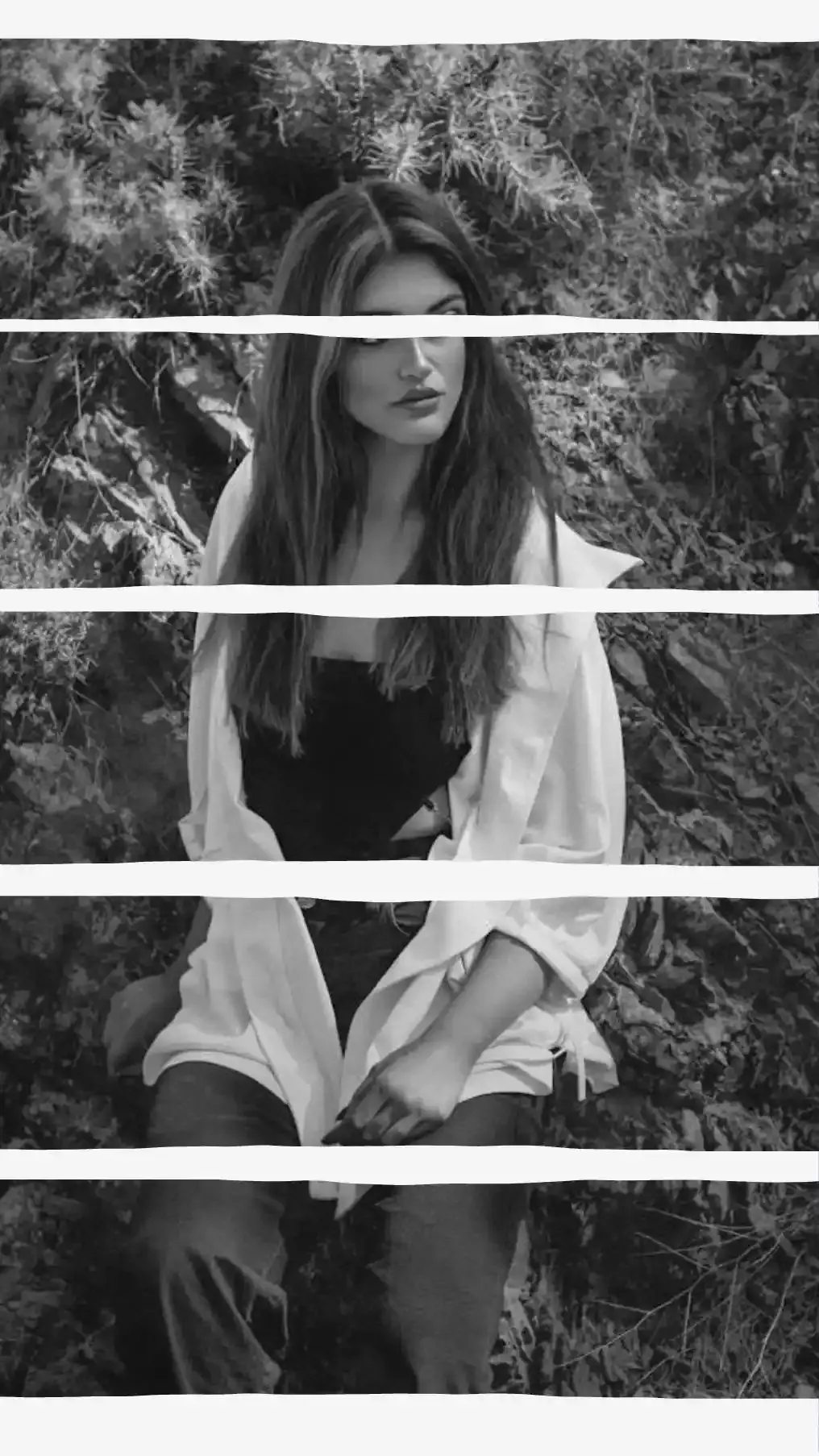
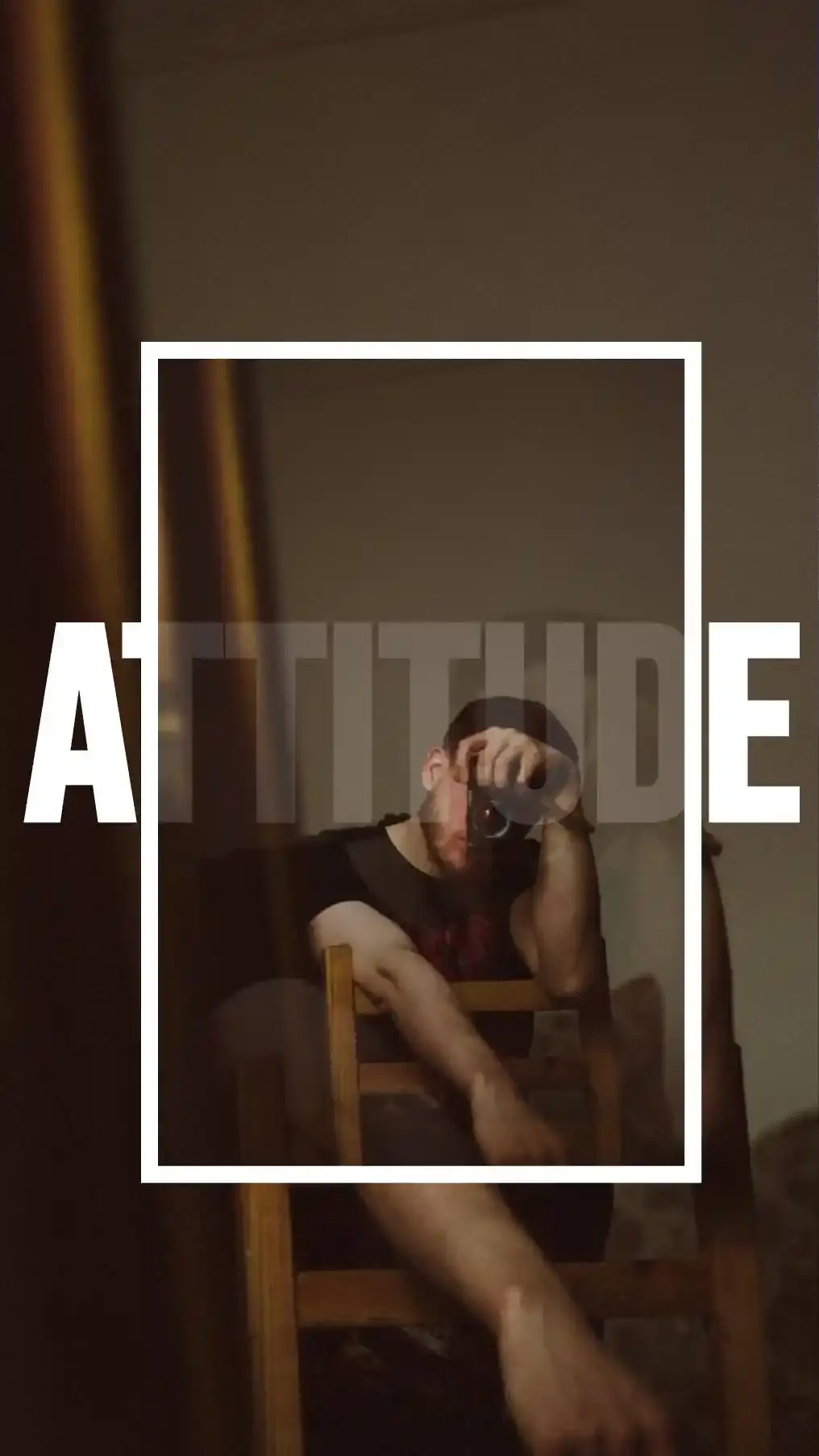
Make stunning posts from normal photos
Download CollagePhotoApp for free
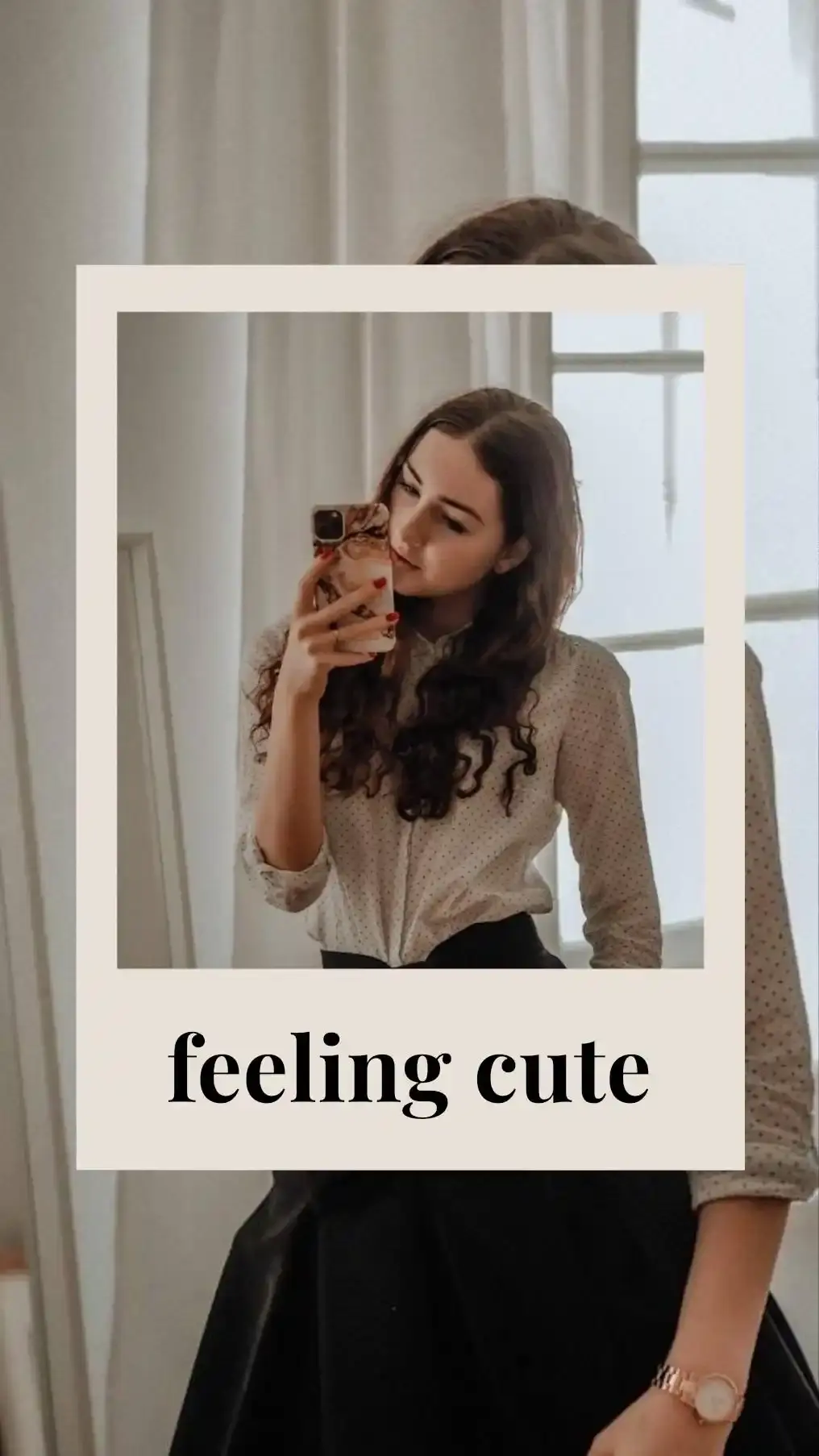
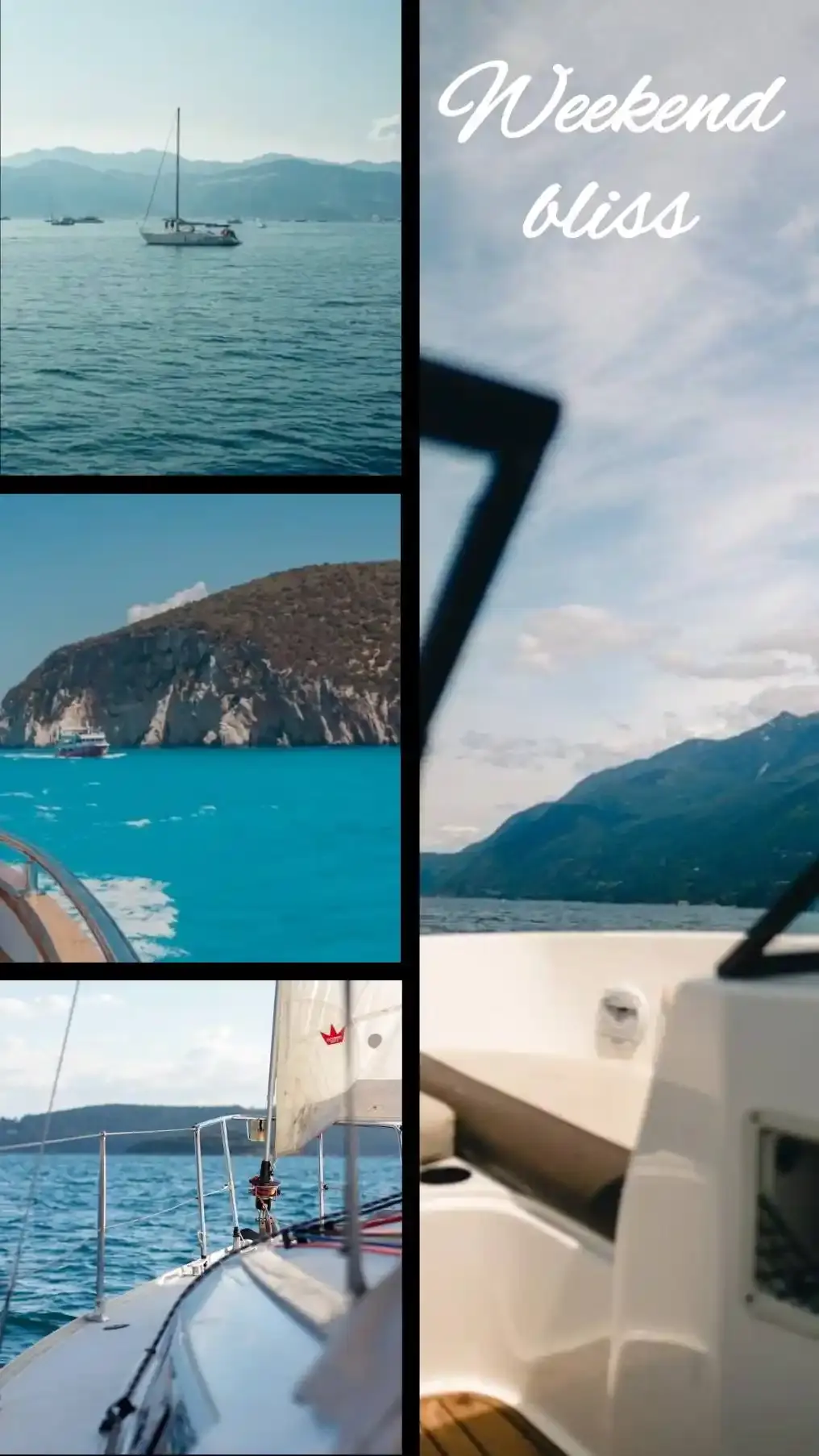
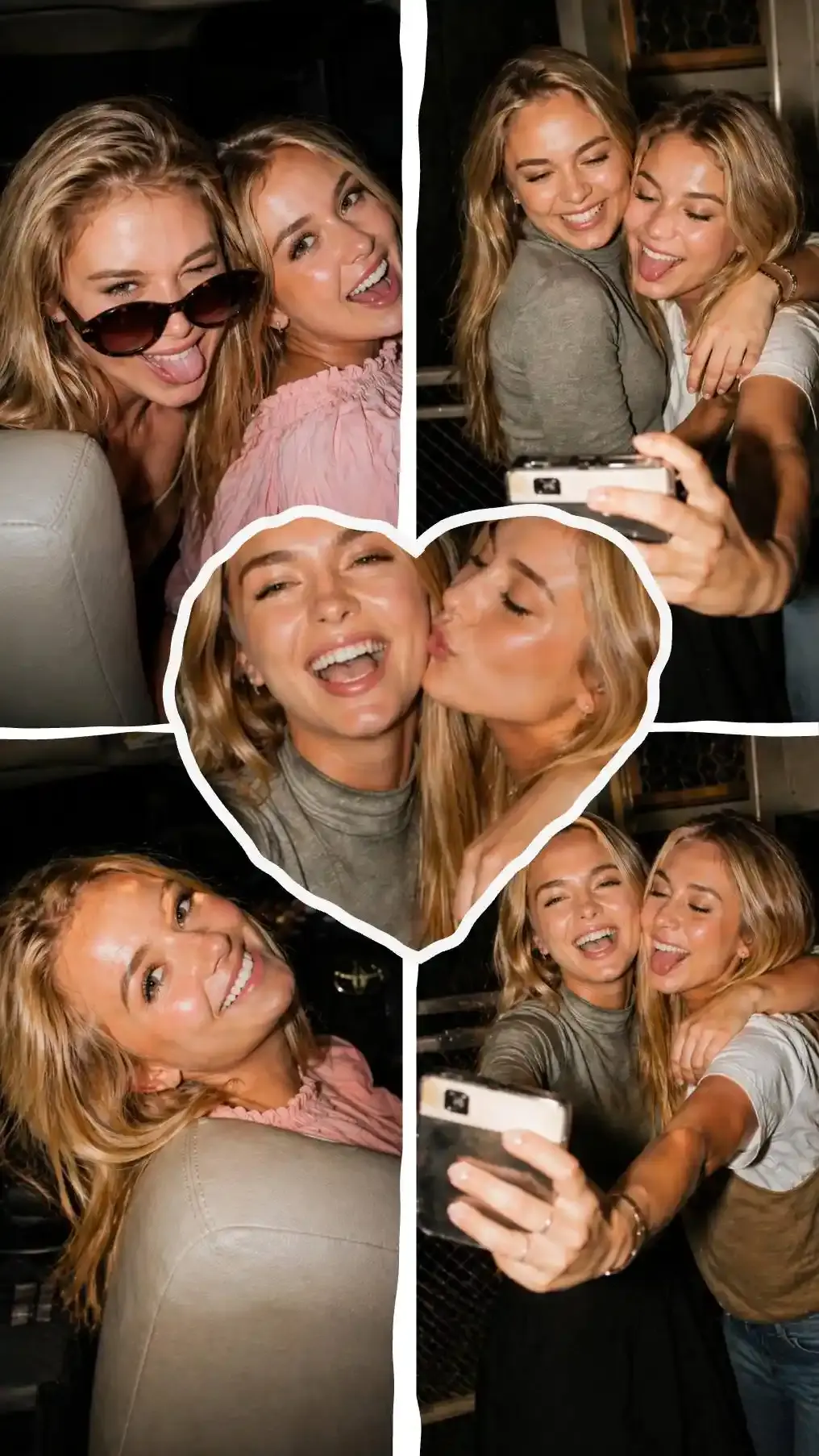
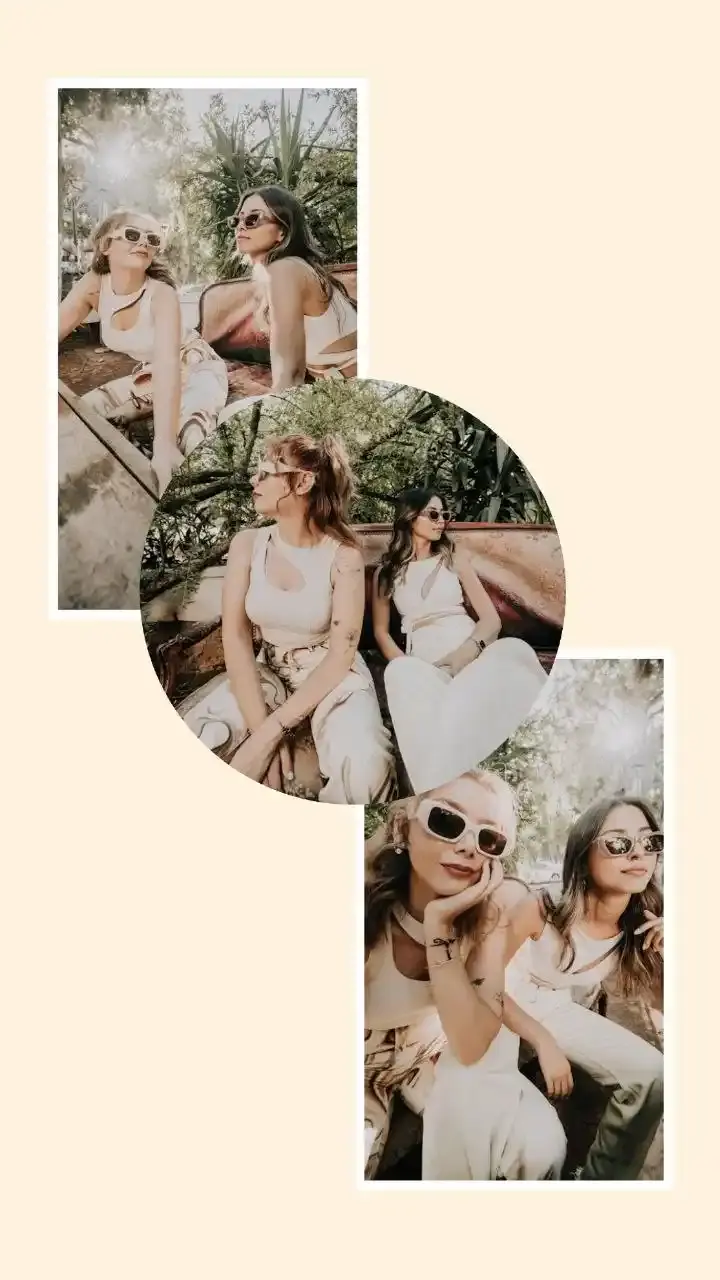
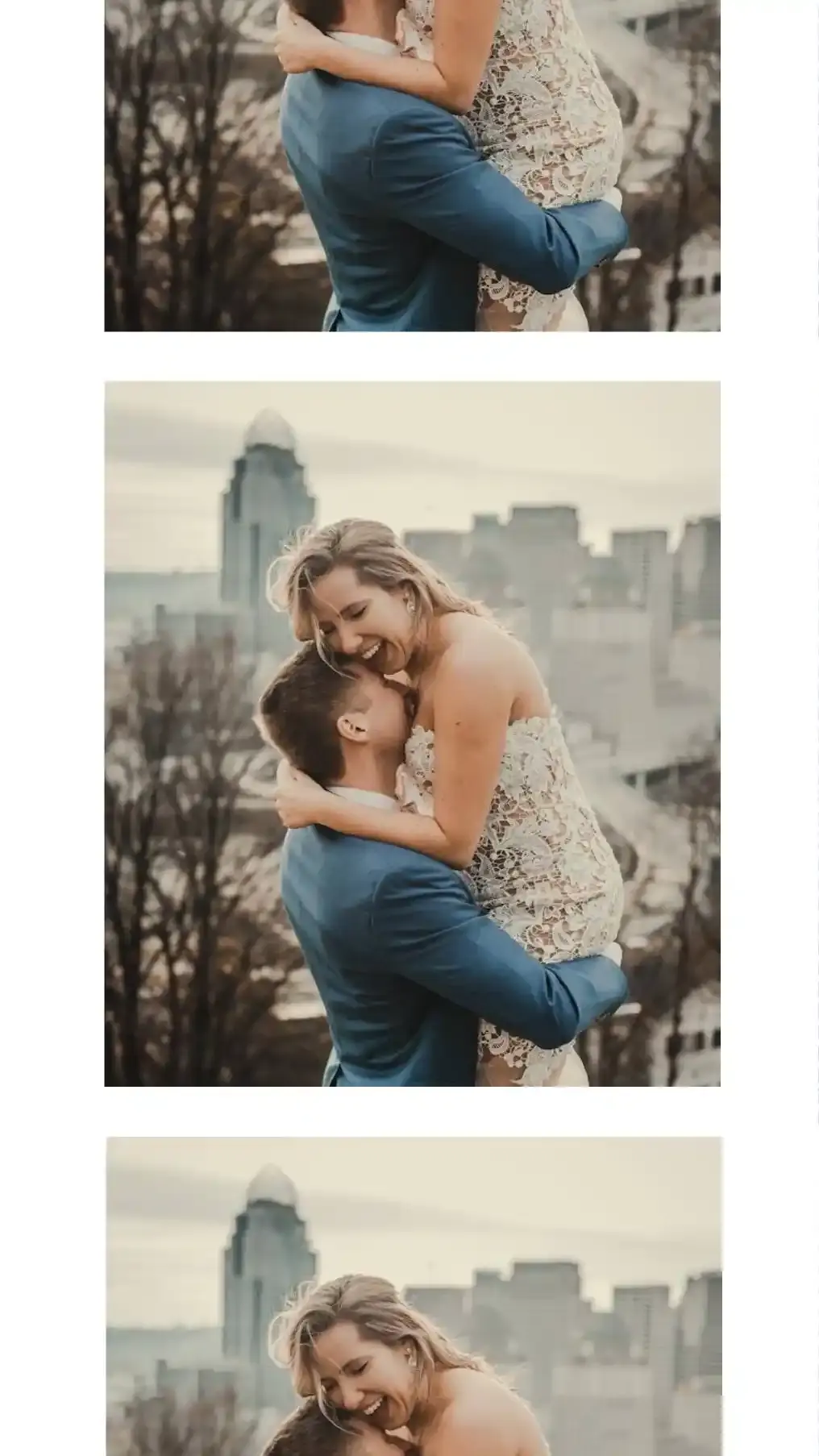
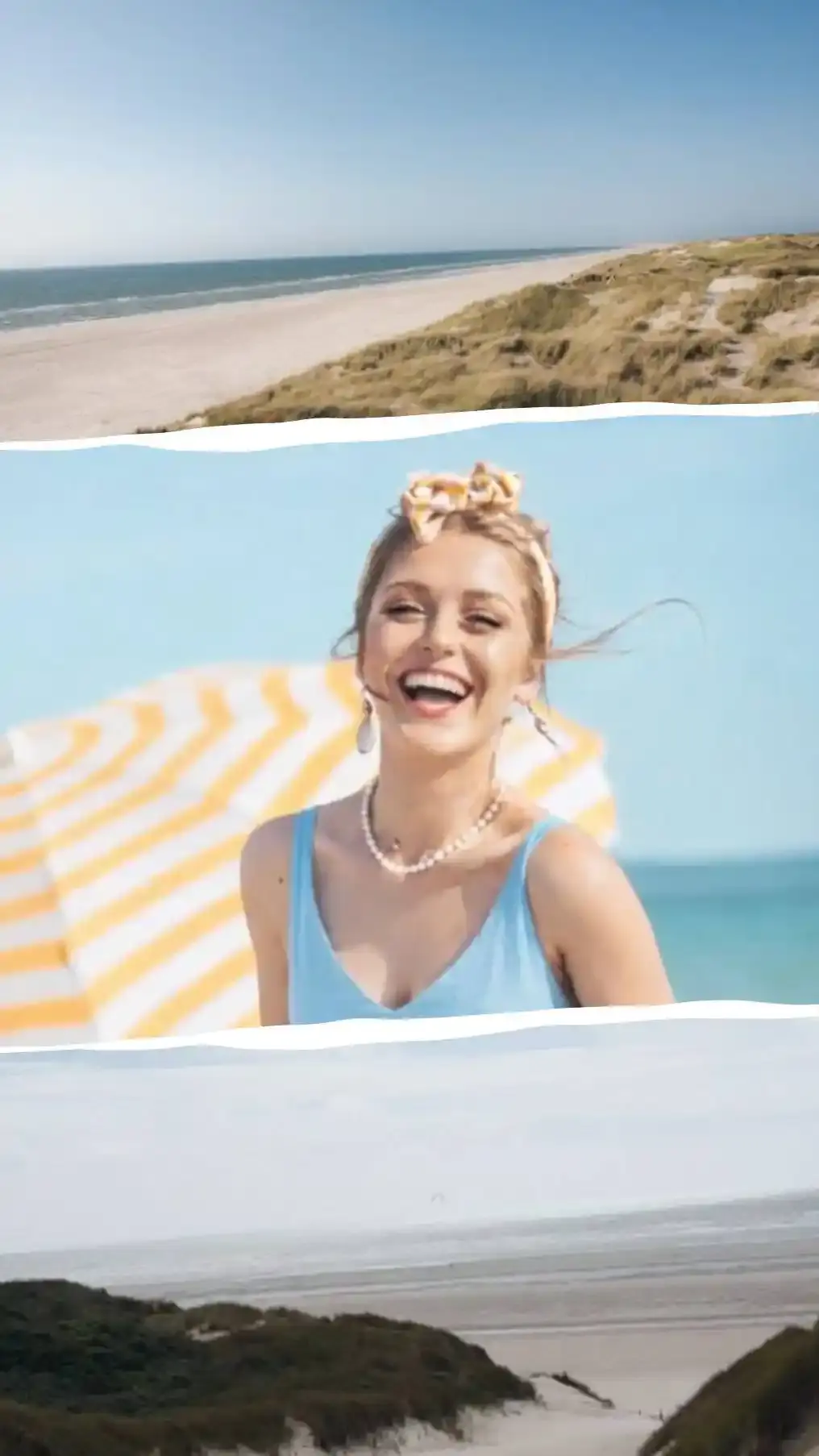
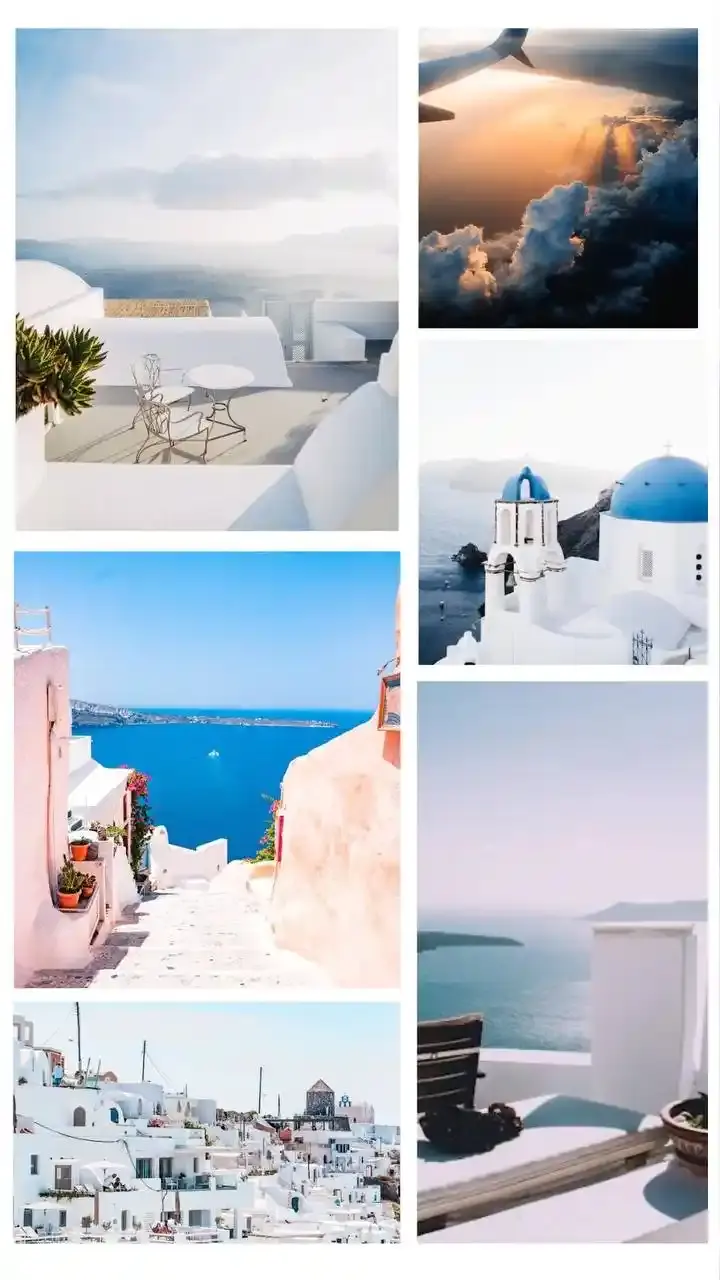
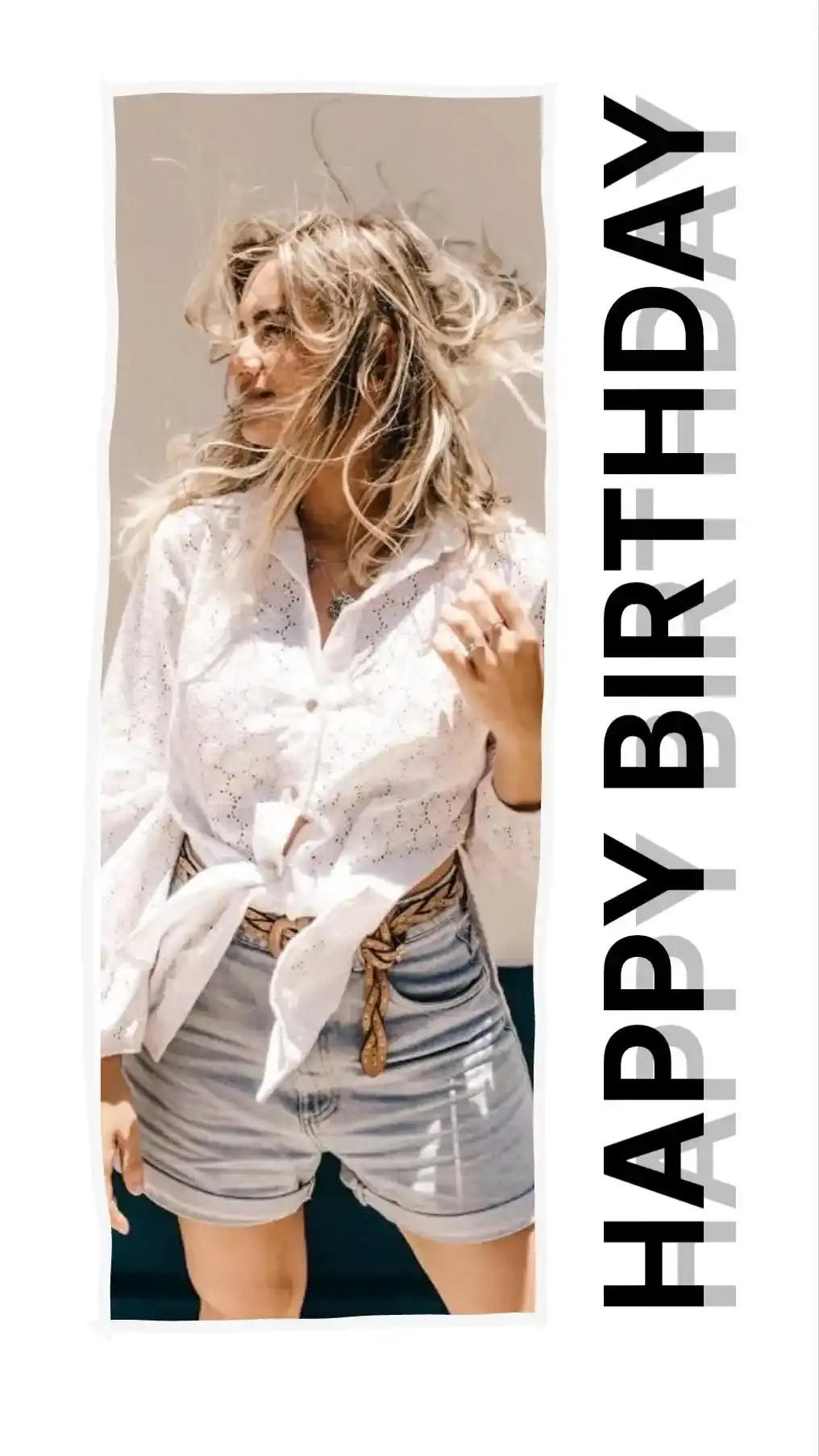
Rows and Columns of Equal Photos
3 Stacked and 3 Across cut the frame into equal thirds. Nobody gets top billing. That suits one product from three angles, three friends on the same bench or a recipe where every step matters as much as the last.
The catch is the shape of a cell. A third of a square is a skinny strip and a phone photo has to lose a lot of itself to fill one. 3 Across on a square keeps 43 percent of each upright photo, so check that number before the clean lines win you over.
One Big Photo With Two Beside It
4 layouts give one photo 62 percent of the width or height and share what is left between the other two. The big cell is always first in line, so the first photo you add lands in it. Load your favourite first.
Choose the side by where the eye should start. Left suits a feed read left to right. Top suits a tall Story, where Big Top + 2 keeps 84, 96 and 96 percent of upright photos. On most canvases these are the gentlest layouts on phone photos, because their cells stay closest to the shape a camera shoots.
Ladders and Triptychs
4 layouts break the symmetry on purpose. Ladder steps down from 44 percent of the height to 31 and then 25, a sequence that shrinks as it goes: the event, then the moment after, then the detail you nearly missed. Triptych puts one wide panel between two narrow ones. Ladder Sideways and Triptych Stacked turn each idea ninety degrees.
Templates Made for Three Photos
5 of the editor's templates start from a three photo layout. Each card above shows the arrangement plus what the template adds on top, read straight from the template itself.
Applying one sets the background, spacing, filter and any wording. Your canvas size and the photos you already placed stay put. Retype the caption, drag the stickers somewhere else or delete them outright.
How Much of Each Photo Survives the Crop
Every cell trims its photo to fill it. A photo and a cell of the same shape lose nothing. The further apart the two shapes drift, the more ends up on the cutting room floor.
None of the collage sites we checked publishes these numbers, yet they decide how much of each face and horizon makes it into the finished collage. We measured every figure below with the editor's own geometry at its default gap and margin, listed in the order the cells fill. Bold marks the layout that keeps the most on each canvas.
Upright Phone Photos
An iPhone shoots 4:3 unless you switch it to Square or 16:9, so a photo taken upright comes out 3:4.
| Layout | Instagram Post 1080 × 1080 | Instagram Portrait 1080 × 1350 | Tall 3:4 1500 × 2000 | Story and Reels 1080 × 1920 | 4 × 6 Landscape 1800 × 1200 |
|---|---|---|---|---|---|
| 3 Stacked | 24 / 24 / 24% | 31 / 31 / 31% | 33 / 33 / 33% | 45 / 45 / 45% | 16 / 16 / 16% |
| 3 Across | 43 / 43 / 43% | 34 / 34 / 34% | 32 / 32 / 32% | 24 / 24 / 24% | 67 / 67 / 67% |
| Big Left + 2 | 82 / 99 / 99% | 65 / 79 / 79% | 61 / 74 / 74% | 45 / 55 / 55% | 80 / 65 / 65% |
| Big Right + 2 | 82 / 99 / 99% | 65 / 79 / 79% | 61 / 74 / 74% | 45 / 55 / 55% | 80 / 65 / 65% |
| Big Top + 2 | 46 / 57 / 57% | 58 / 72 / 72% | 62 / 77 / 77% | 84 / 96 / 96% | 30 / 37 / 37% |
| Big Bottom + 2 | 46 / 57 / 57% | 58 / 72 / 72% | 62 / 77 / 77% | 84 / 96 / 96% | 30 / 37 / 37% |
| Ladder | 32 / 23 / 18% | 41 / 29 / 23% | 44 / 31 / 25% | 60 / 42 / 33% | 21 / 15 / 12% |
| Ladder Sideways | 58 / 40 / 32% | 46 / 32 / 25% | 43 / 30 / 24% | 32 / 22 / 18% | 89 / 62 / 50% |
| Triptych | 31 / 69 / 31% | 24 / 54 / 24% | 23 / 51 / 23% | 17 / 38 / 17% | 48 / 95 / 48% |
| Triptych Stacked | 17 / 39 / 17% | 22 / 49 / 22% | 24 / 52 / 24% | 32 / 71 / 32% | 11 / 25 / 11% |
Follow the 3 Across row. 43 percent on a square, down to 24 on a Story. Paper flips it. On a 4 × 6 Landscape print the same layout keeps 67 percent, because a third of a wide sheet is a far less extreme strip than a third of a square.
Sideways Photos
Turn the phone and the photo becomes 4:3. The winners change with it.
| Layout | Instagram Post 1080 × 1080 | Instagram Portrait 1080 × 1350 | Tall 3:4 1500 × 2000 | Story and Reels 1080 × 1920 | 4 × 6 Landscape 1800 × 1200 |
|---|---|---|---|---|---|
| 3 Stacked | 43 / 43 / 43% | 55 / 55 / 55% | 59 / 59 / 59% | 80 / 80 / 80% | 28 / 28 / 28% |
| 3 Across | 24 / 24 / 24% | 19 / 19 / 19% | 18 / 18 / 18% | 13 / 13 / 13% | 38 / 38 / 38% |
| Big Left + 2 | 46 / 57 / 57% | 37 / 45 / 45% | 34 / 42 / 42% | 25 / 31 / 31% | 71 / 87 / 87% |
| Big Right + 2 | 46 / 57 / 57% | 37 / 45 / 45% | 34 / 42 / 42% | 25 / 31 / 31% | 71 / 87 / 87% |
| Big Top + 2 | 82 / 99 / 99% | 96 / 78 / 78% | 90 / 73 / 73% | 67 / 54 / 54% | 54 / 66 / 66% |
| Big Bottom + 2 | 82 / 99 / 99% | 96 / 78 / 78% | 90 / 73 / 73% | 67 / 54 / 54% | 54 / 66 / 66% |
| Ladder | 58 / 40 / 32% | 73 / 51 / 41% | 78 / 55 / 44% | 94 / 74 / 59% | 38 / 26 / 21% |
| Ladder Sideways | 32 / 23 / 18% | 26 / 18 / 14% | 24 / 17 / 13% | 18 / 12 / 10% | 50 / 35 / 28% |
| Triptych | 17 / 39 / 17% | 14 / 31 / 14% | 13 / 29 / 13% | 9 / 21 / 9% | 27 / 59 / 27% |
| Triptych Stacked | 31 / 69 / 31% | 39 / 87 / 39% | 42 / 93 / 42% | 57 / 80 / 57% | 20 / 45 / 20% |
Dragging a photo inside its cell picks which part survives. Zoom keeps even less. To keep every pixel of one photo, switch that cell to Fit whole, which shows the entire picture and lets the background fill the spare room.
Picking the Right Layout for Your Three Photos
When One Shot Is the Hero
Most sets of three have a favourite. The cake mid-blow. The summit. The first look down the aisle. Give it the big cell and let the other two play support, ideally one wide shot that sets the scene and one tight detail.
Check which way people in the photos face. Someone on the left looking right leads the eye into the collage. Put the same photo on the right and they stare out of the frame at nothing.
When the Three Carry Equal Weight
Equal thirds work when the photos already belong together, like three kids on one sofa or a before, during and after where no stage outranks another. Match them first. Zoom the loose shot until the subjects sit at a similar size, then pick one filter for the whole collage. The editor offers 12 looks and applies yours to every cell unless you overrule it on a single photo.
When One Photo Is Landscape and Two Are Upright
Mixed shapes need the most thought. Put the wide photo where a wide cell lives. Big Top + 2 on a Instagram Portrait canvas keeps 96 percent of the landscape photo in its top cell and 72 percent of each upright photo underneath.
Flip the mix to one upright and two wide and Big Left + 2 on a 4 × 6 Landscape print does the same job sideways, keeping 80 percent of the upright photo and 87 percent of each wide one.
What Makes a Triptych
A triptych is a work of art in three sections, sometimes three carved panels hinged together. Altarpieces in churches and cathedrals often took this form from the Middle Ages onwards. Wikipedia's entry on the triptych notes that the middle panel is typically the largest, flanked by two smaller ones, though equal panels exist too. It also calls the photographic triptych a common style in commercial artwork, usually with a plain border between the photos.
That wide middle is the difference from a plain row. 3 Across hands every photo a third. Triptych gives the centre 52 percent of the width and each side 24. Put the moment itself in the middle. Put what came before on the left and what came after on the right, the order a left to right reader meets them.
Narrow side panels crop hard. On a square canvas the centre keeps 69 percent of an upright photo but each side keeps only 31. Choose side photos with the subject dead centre. A wider canvas helps too: on a 4 × 6 Landscape print those side panels keep 48 percent.
Sizes for Instagram, Stories and Print
Instagram Feed and Profile Grid
Instagram changed shape twice in 2025. In January the profile grid swapped squares for 3:4 rectangles, a move Adam Mosseri put down to most uploads being vertical. In late May the app began posting 3:4 photos without cropping them, in single posts and carousels alike. Before that, 4:5 was the tallest it allowed.
For a 3 photo collage that makes Tall 3:4 the shape to post, at 1500 × 2000 pixels. It matches the grid, so the thumbnail on your profile is the whole collage. Instagram Portrait at 1080 × 1350 still posts without a crop. Instagram Post at 1080 × 1080 suits anywhere else that previews in a square.
Stories and Reels
Story and Reels is 1080 × 1920, a 9:16 frame. Tall canvases reward stacked layouts and punish wide ones. Big Top + 2 keeps 84, 96 and 96 percent of upright photos on it, while 3 Across falls to 24. Keep faces and words away from the very top and bottom, where Instagram lays your name and the reply bar over the picture.
Printing Three Photos on One Sheet
The editor's print sizes are the inches multiplied by 300, the standard density for photo prints. The table shows how big each photo comes out once it hits paper.
| Pixels | Each photo in 3 Across | Big photo in Big Left + 2 | Each small photo | |
|---|---|---|---|---|
| 4 × 6 Landscape | 1800 × 1200 | 1.9 × 3.8 in | 3.6 × 3.8 in | 2.2 × 1.9 in |
| 5 × 7 Landscape | 2100 × 1500 | 2.2 × 4.7 in | 4.2 × 4.7 in | 2.5 × 2.3 in |
| 8 × 10 Landscape | 3000 × 2400 | 3.1 × 7.6 in | 5.9 × 7.6 in | 3.6 × 3.7 in |
| A4 Landscape | 3508 × 2480 | 3.7 × 7.8 in | 6.9 × 7.8 in | 4.2 × 3.9 in |
On a 4 × 6 each photo in 3 Across is 1.9 inches across. Fine for a fridge door. For a frame on the wall, 8 × 10 Landscape widens every strip to 3.1 inches.
Making Three Photos Look Like One Set
Three photos from three different afternoons look like three different afternoons. Start with one filter over all three, since mismatched white balance hides in a single photo and jumps out when three sit side by side. Then level the horizons. A tilted sea in the middle panel next to a flat one looks like an accident. The Straighten slider in each photo's panel sorts it out in a second.
Zoom the loose shot in until faces land at roughly the same height across the set. Last, decide what the gap is for. Edge to edge makes one continuous picture. A wide white gap turns the set into three prints on a mat.
How to Make a 3 Photo Collage
Pick a layout. Tap any of the 10 layouts or 5 templates on this page. The editor opens on your choice with 3 empty cells waiting.
Add your three photos. Press Add photos, drag the files onto the canvas or paste them with Ctrl+V. Photos fill the cells in order, so add the one you want biggest first.
Arrange them. Drag a photo out of its cell onto another and the two trade places, crop and zoom included. Drag inside a cell to choose which part shows. Move the Gap between photos slider or press Edge to edge for no gap at all.
Set the canvas size. Choose Tall 3:4 for an Instagram post, Story and Reels for a Story or a print size such as 4 × 6 Landscape. Every photo refits to the new shape by itself.
Download it. Open Download and save it as PNG, JPG or WebP at 1× to 4×. The file lands on your device with no watermark.
Questions About 3 Photo Collages
What is a 3 photo collage?
One image holding three photos, laid out in a row, in a stack or as one large photo beside two small ones. People often call it a triptych, the old name for any artwork made in three panels.
How many layouts are there for three photos?
10. 2 split the frame into equal thirds, 4 hand one photo the lead and 4 use uneven sizes, among them the Triptych and the Ladder. 5 ready made templates sit on top of them.
Is this 3 photo collage maker free?
Yes. No account, no trial and no paid tier. Open a layout, add your photos and download the result.
Which 3 photo layout crops my phone photos the least?
On the editor's square starting canvas it is Big Left + 2, which keeps 82, 99 and 99 percent of an upright phone photo. On a Story and Reels canvas Big Top + 2 does best. With sideways photos on a square, pick Big Top + 2.
Why does 3 Across cut off so much of each photo?
On a square canvas each cell is a third of the width and the full height, a strip about three times taller than it is wide. An upright phone photo is only a third taller than it is wide, so it loses its top and bottom to fill the strip and keeps 43 percent. On a 4 × 6 Landscape print the same layout keeps 67 percent.
Is a triptych the same as a 3 photo collage?
Close. Triptych is the art term for a work in three panels, where the middle panel is usually the largest, though equal panels count too. In the editor the Triptych layout gives the centre 52 percent of the width, while 3 Across splits it into equal thirds.
Should the middle photo be the biggest?
When one photo carries the story, yes. A wide centre gives the key moment the most room, with the lead up on the left and the aftermath on the right. When all three matter equally, equal thirds read better.
What size should a 3 photo collage be for Instagram?
1500 × 2000 pixels, the Tall 3:4 preset. Instagram has shown the profile grid as 3:4 rectangles since January 2025 and has posted 3:4 photos without cropping since May 2025, so the collage stays whole in the feed and on your grid. Instagram Portrait at 1080 × 1350 also posts without a crop.
How do I fit a 3 photo collage into an Instagram Story?
Switch the canvas to Story and Reels, which is 1080 × 1920. Tall frames favour stacked arrangements. Big Top + 2 keeps 84, 96 and 96 percent of upright photos there. Keep faces clear of the very top and bottom, where Instagram lays its own name and reply bar over the picture.
Can I print a 3 photo collage as a 4 × 6?
Yes. Pick 4 × 6 Landscape or 4 × 6 Portrait, both 1800 × 1200 pixels at 300 DPI. In 3 Across on the landscape sheet each photo prints about 1.9 by 3.8 inches. Download at 1× and the file already carries the pixels a 4 × 6 needs.
What if one photo is landscape and the other two are upright?
Give the wide photo a wide cell. Big Top + 2 on a Instagram Portrait canvas keeps 96 percent of the landscape photo up top and 72 percent of each upright photo below it. For one upright and two wide, Big Left + 2 on a 4 × 6 Landscape print keeps 80 and 87 percent.
How do I swap the order of the three photos?
Drag a photo out of its cell and drop it on another. The two trade places and each one keeps its own crop, zoom and filter.
Can I remove the white lines between the photos?
Yes. Press Edge to edge under Spacing, which sets the gap, the outer margin and the corner rounding to zero. For a gap in another colour, change the background, since the background is what shows through.
Can I add a caption or a date?
Yes. Add a text layer, type what you want and drag it into place. Stickers and shapes work the same way. The Anniversary template arrives with a caption already written, ready to retype.
Will a template still fit if I change the canvas to a Story?
Yes. The editor stores every position as a share of the canvas, so photos, captions and stickers refit when a square post becomes a 9:16 Story. Glance at the caption afterwards to check it still sits where you want it.
Does the downloaded collage carry a watermark?
No. It saves to your device as PNG, JPG or WebP with nothing stamped on it.
Are my three photos uploaded anywhere?
No. Everything is processed here itself, nothing is uploaded to our servers. Close the tab and the photos leave the page with it, so download before you go.
Why won't my iPhone photos open?
iPhones save photos as HEIC by default and only Safari 17 or later can read HEIC. Chrome, Edge and Firefox cannot. Open this page in Safari or set the iPhone to Most Compatible under Settings, Camera, Formats so it shoots JPEG from then on.
Does the collage keep the GPS location from my photos?
No. The editor draws the download fresh from pixels, so the EXIF data inside your originals, GPS coordinates included, does not come along. The original files on your device stay exactly as they were.
What happens if I add a fourth photo?
The editor moves to a layout that holds four and keeps the three photos you already placed.
Can I make a 3 photo collage on my phone?
Yes, the editor runs in a phone browser. CollagePhotoApp is also free on iPhone and Android and adds cutouts, see-through letters and mockup frames on top of layouts.
More Ways to Put Photos Together
Layouts for other photo counts live on the hub. The full editor handles anything from 2 photos up to 36.
- 4 Photos in One Frame
- 6 Photo Collage
- 8 Picture Collage
- 10 Photo Collage
- 20 Photo Collage
- 30 Photo Collage
- Photo Collage Layouts by Number of Photos
- Collage Maker
With more photos, 4 Photos in One Frame covers the 2 × 2 grid, 6 Photo Collage explains why six crop harder than four, 8 Picture Collage turns the canvas on its side, 10 Photo Collage pushes you onto a wide screen, 20 Photo Collage lands back on a plain square and 30 Photo Collage makes the canvas pick a side.
For two photos, the Side by Side Photo Maker adds labels and a divider line. Merge Images joins photos side by side, stacked or in a grid. Once the collage is finished, the Image Resizer hits an exact pixel size or file size and the Instagram Carousel Splitter cuts a wide one into swipeable slides.
For Stories, start with the Instagram Story collage walkthrough or the guide to making a collage on your phone. CollagePhotoApp itself is free on iPhone and Android.
Make stunning posts from normal photos
Download CollagePhotoApp for free