Birthday Collage Maker App
Quick answer: CollagePhotoApp is a free birthday collage maker app for iPhone and Android. Open the Birthday category on its home screen, drop your photos into a template and save the collage in HD with no watermark. Or skip saving and share it straight to WhatsApp or Instagram. The app edits on your phone and never uploads your photos.

How to make a birthday collage
Most of the time goes on choosing photos. The building part is quick. For collages beyond birthdays, the phone collage guide walks through every layout style.
Which photos to pick
Start with one photo you would frame on its own: their face, in focus, looking at the camera. That one gets the biggest cell. Then add the supporting cast, a group shot and a candid laugh. One photo from years ago that will get a reaction in the comments. Leave out near-duplicates, since three shots of the same pose only make the collage look padded. On a phone screen, four to six photos stay easy to read. Save the big counts for a print or a milestone.
Start from a Birthday template
Open the app and tap the Birthday category on the home screen. Pick a template, tap each photo slot and choose a picture from your gallery. The greeting, colors and layout come ready. Every part stays editable, so you can retype the greeting into their name or swap the background for one that matches the party.
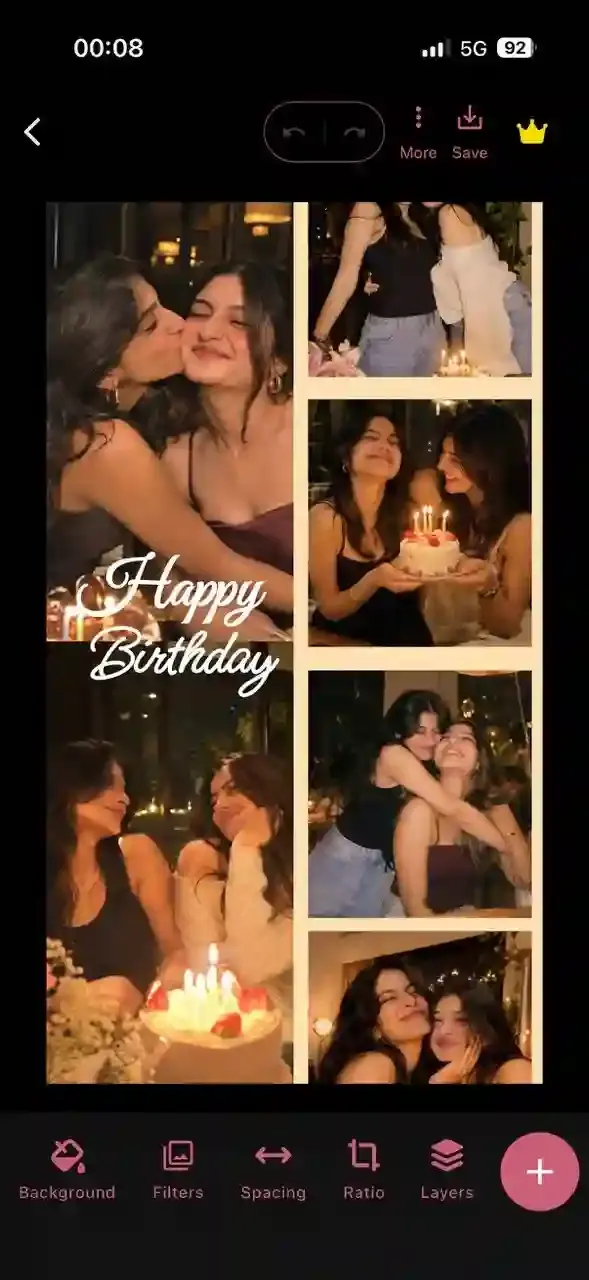
Or build one from a blank canvas
Want full control? Start an empty collage, pick a canvas shape and add your photos with multi-select. Each photo lands as its own layer that you can move, crop, cut out or tuck behind another. Grid collages open with their cells locked, so a stray drag can't pull the layout apart. Tap Edit Grid when you do want to move them, then Done to lock them again.
Save it in HD or share it straight away
Tap Save. The app turns the collage into a PNG at three times the canvas size, with no watermark and no logo. On the Preview screen, Share opens your phone's share sheet, so the collage goes to WhatsApp, Instagram or Messages without a stop in your gallery. Not finished yet? Tap back and choose Draft. It reopens exactly where you left it.

Birthday collage ideas
A grid of nine photos works. It also looks like most other birthday posts that day. These four ideas use tools a plain grid maker doesn't have.
Number photo collage: age filled with photos
See Letters makes 43 big see-through characters, digits 0 to 9 included. Drop a photo inside a digit and the photo takes the shape of the number. For a 21st, set a 2 and a 1 side by side and give each one its own photo. Put a frosted Glassmorph panel behind them and a photo from the day behind that, so it frames the number. Leave a digit empty and it turns into a window onto whatever sits underneath, so a 40 can reveal one party photo stretched across the whole canvas. Print shops sell this as a number photo collage poster. Here you can make it on the bus home.
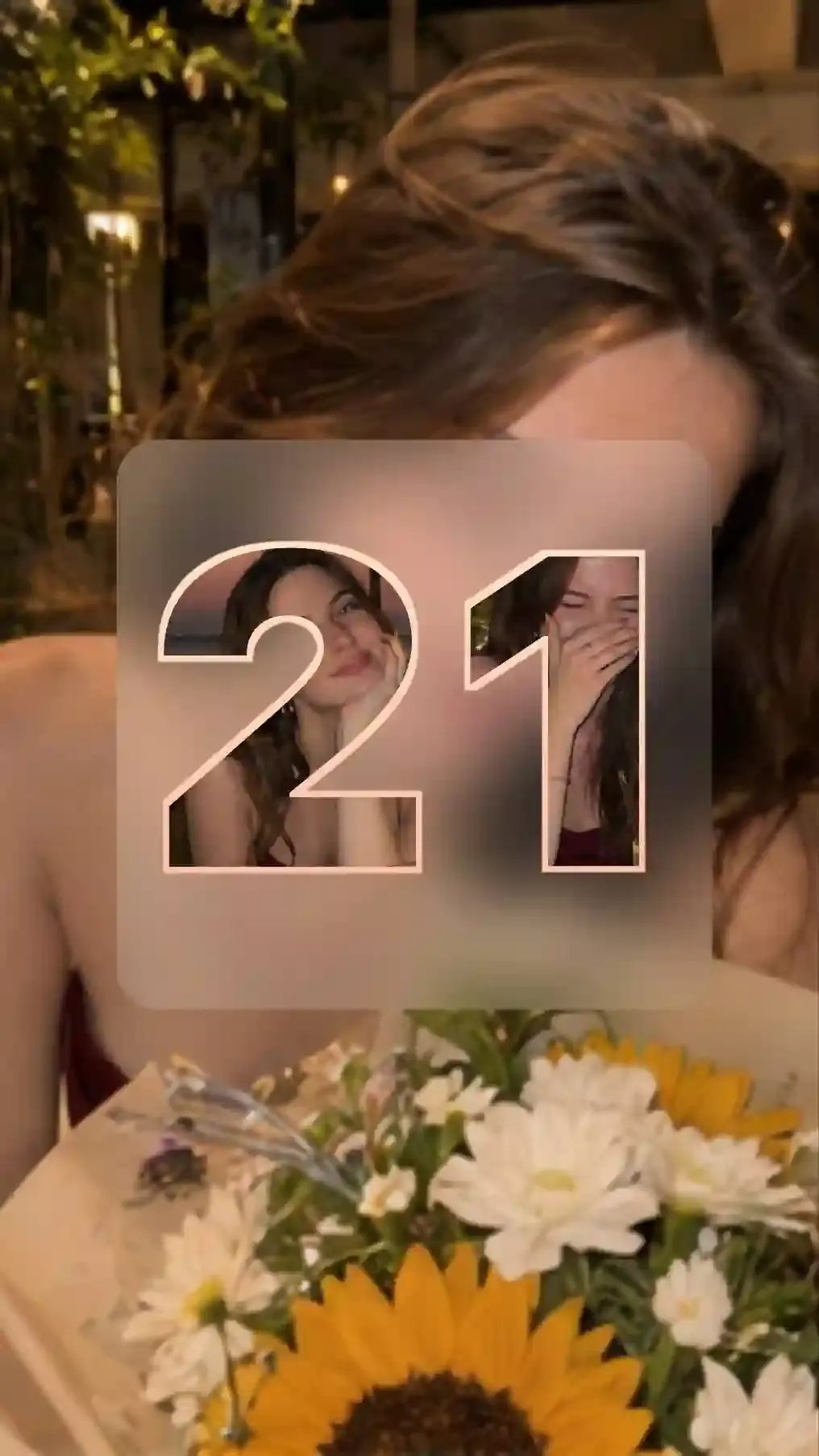
Name or HAPPY BIRTHDAY spelled in photo letters
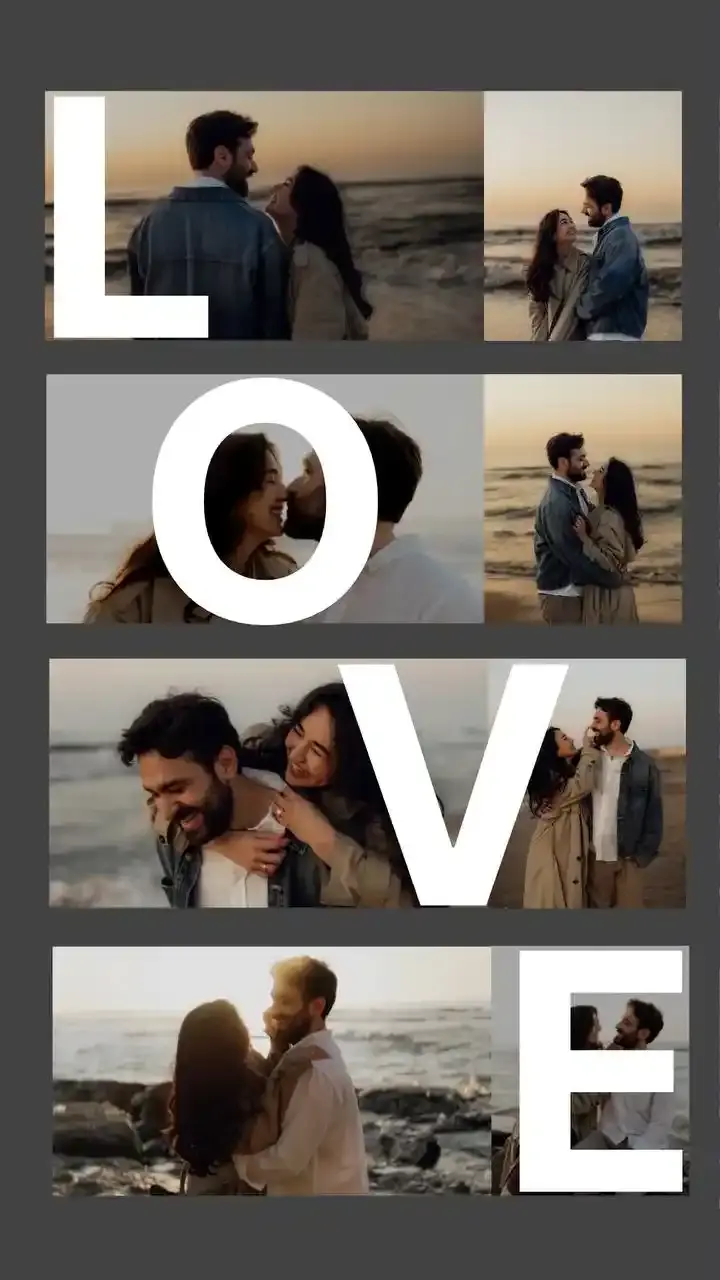
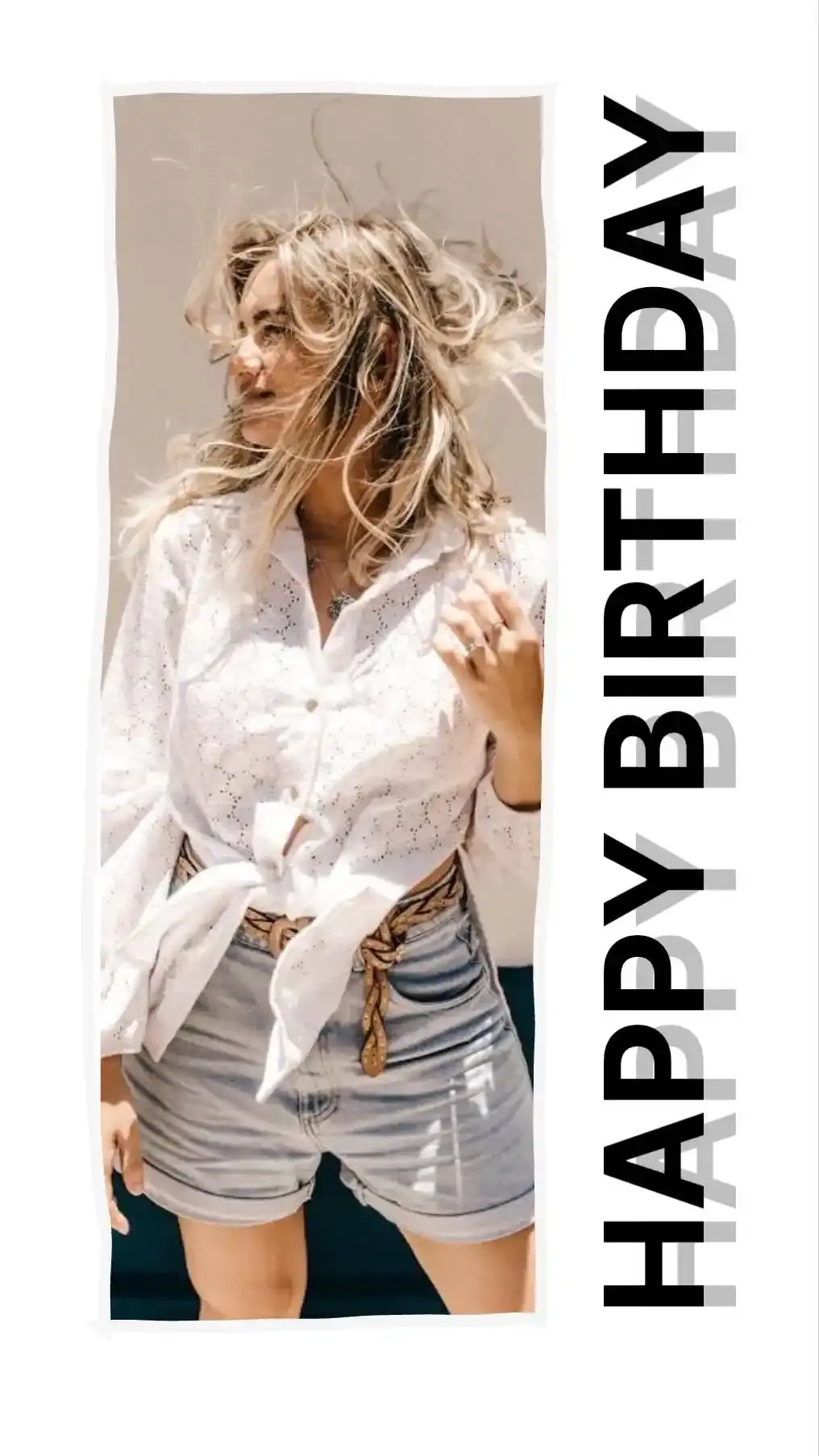
The same characters cover A to Z, so a name works the same way: one letter per element, one photo per letter. Fabo Letters are the solid version, for a bold initial or a monogram over the photos. Build HAPPY BIRTHDAY letter by letter. Or set the whole line as one piece with See Sentence, which carries the see-through effect across a full sentence.
Cut the birthday person out and stand them in front of the greeting
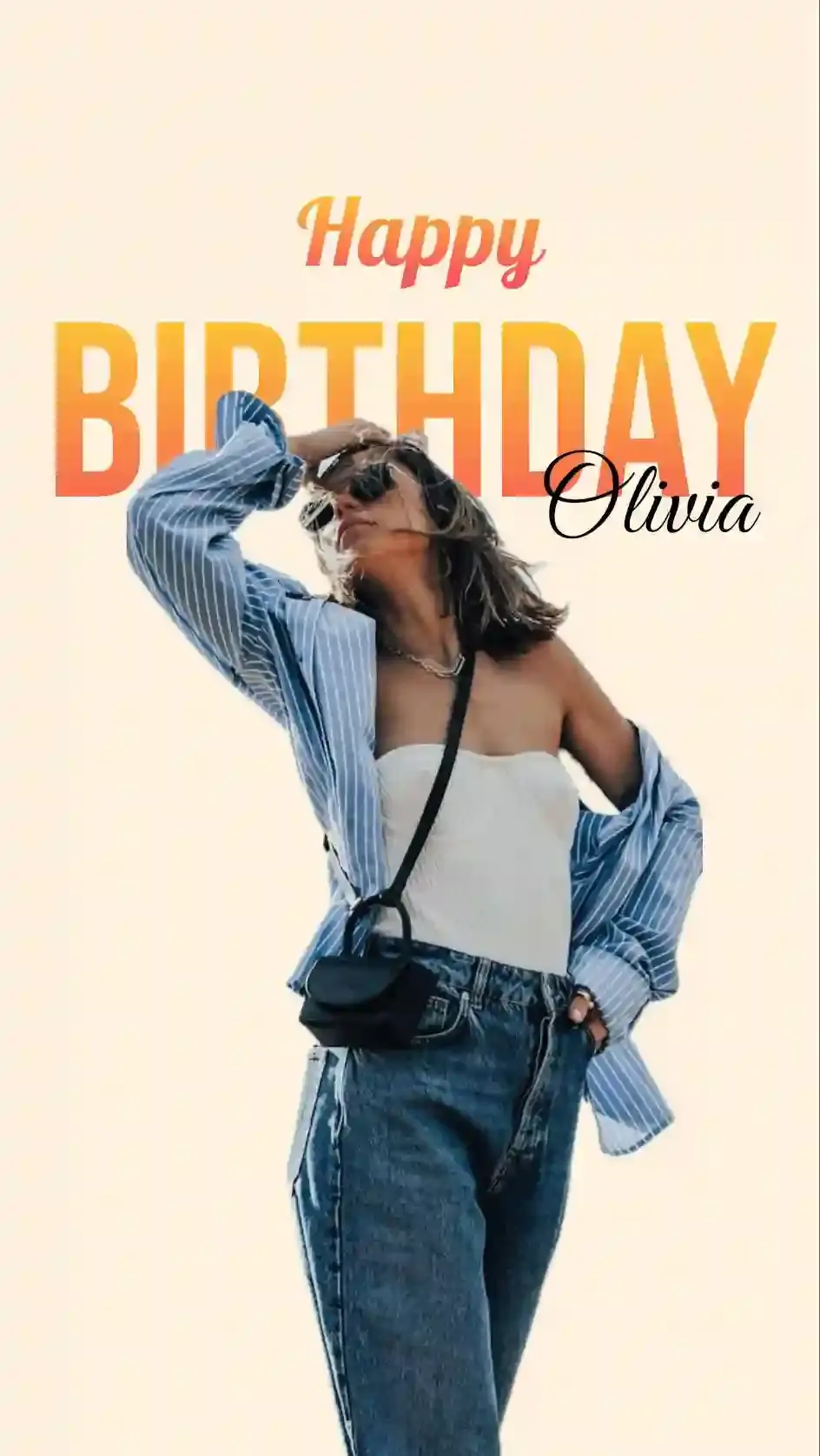
Humanout finds the person in a photo and deletes everything around them in one tap. Set them on a plain background, then tuck the greeting behind them in Layers so their head covers part of the letters. Add their name on top and it reads like a magazine cover. Missed a strand of hair? Erase rubs it out by hand. Custom Cut lets you trace the outline yourself. The original photo is never lost. Undo Humanout brings it back, even after you save a draft.
A photobooth strip of party photos
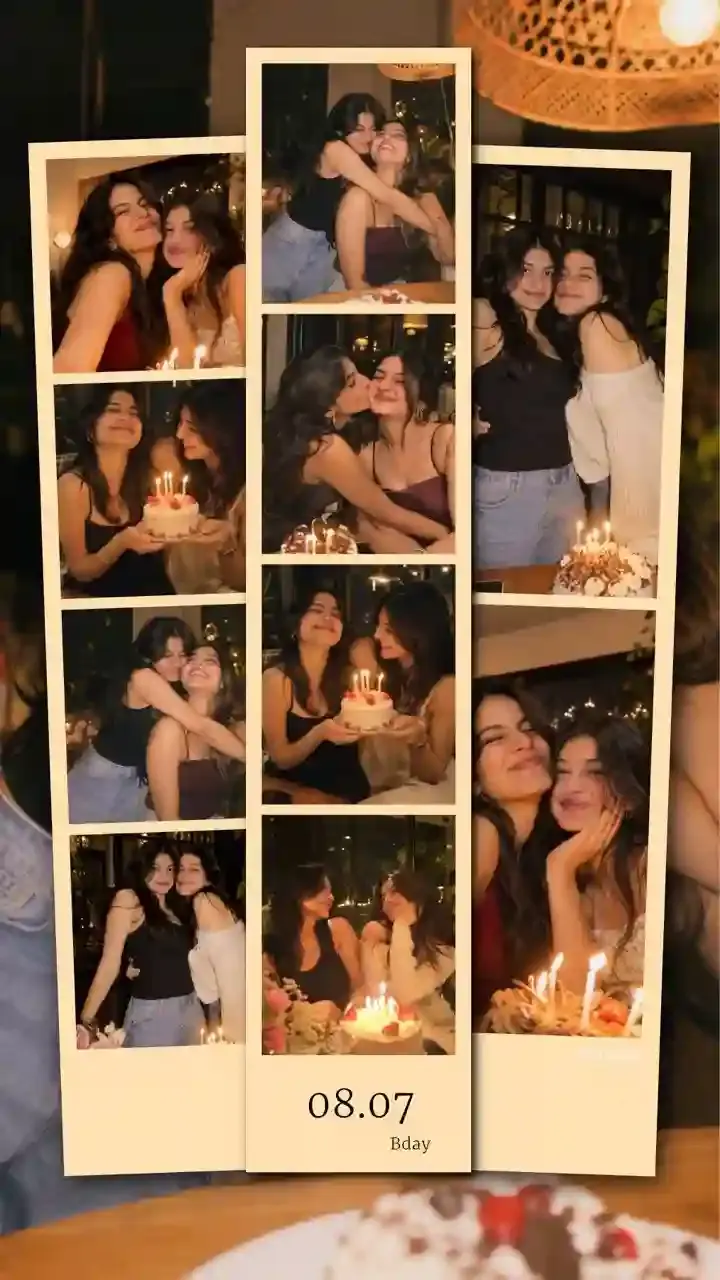
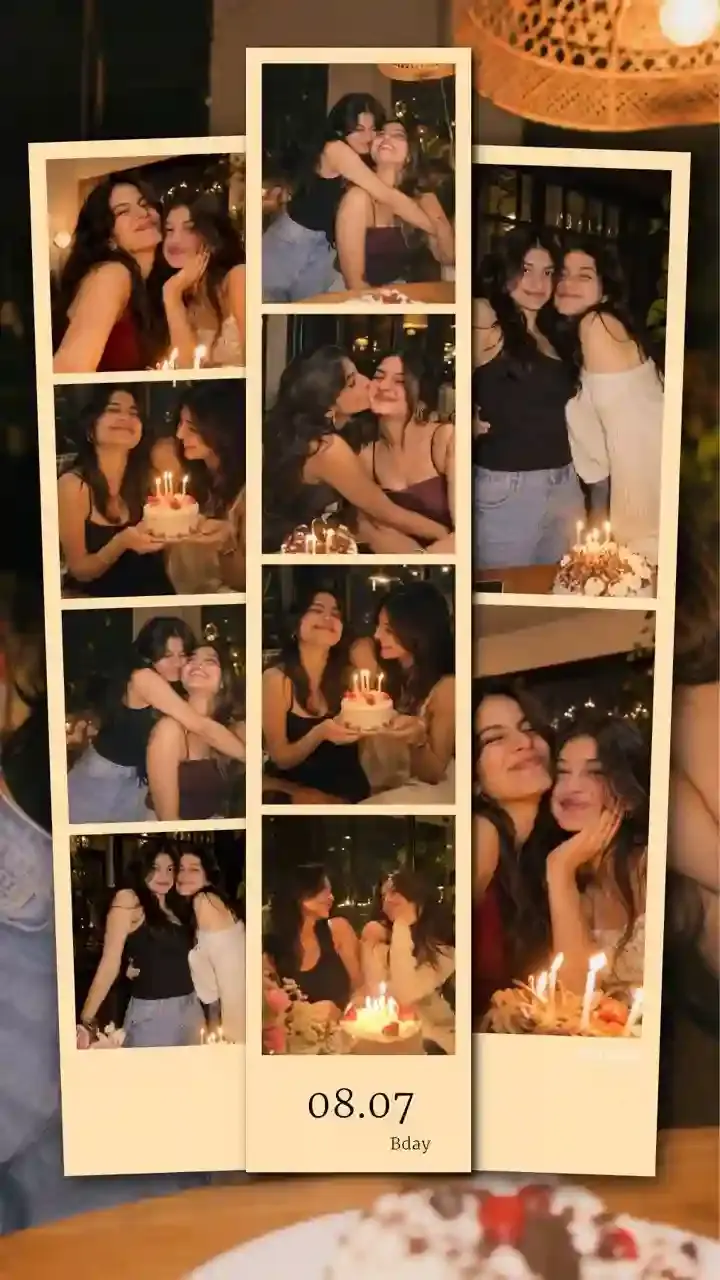
Photostrip lays up to 10 photos in a strip like the ones a photo booth prints, vertical or horizontal. Pick the card color, then extend the card at the bottom for a caption and the date. It suits a party recap: three strips of the same two friends side by side over a dimmed photo from that night. On a laptop, our free Photobooth tool shoots strips straight from your camera.
How to Customize birthday collage
Three things decide how a birthday collage feels: what frames the photos, what sits behind them and how you write the wish.
Birthday collage photo frames
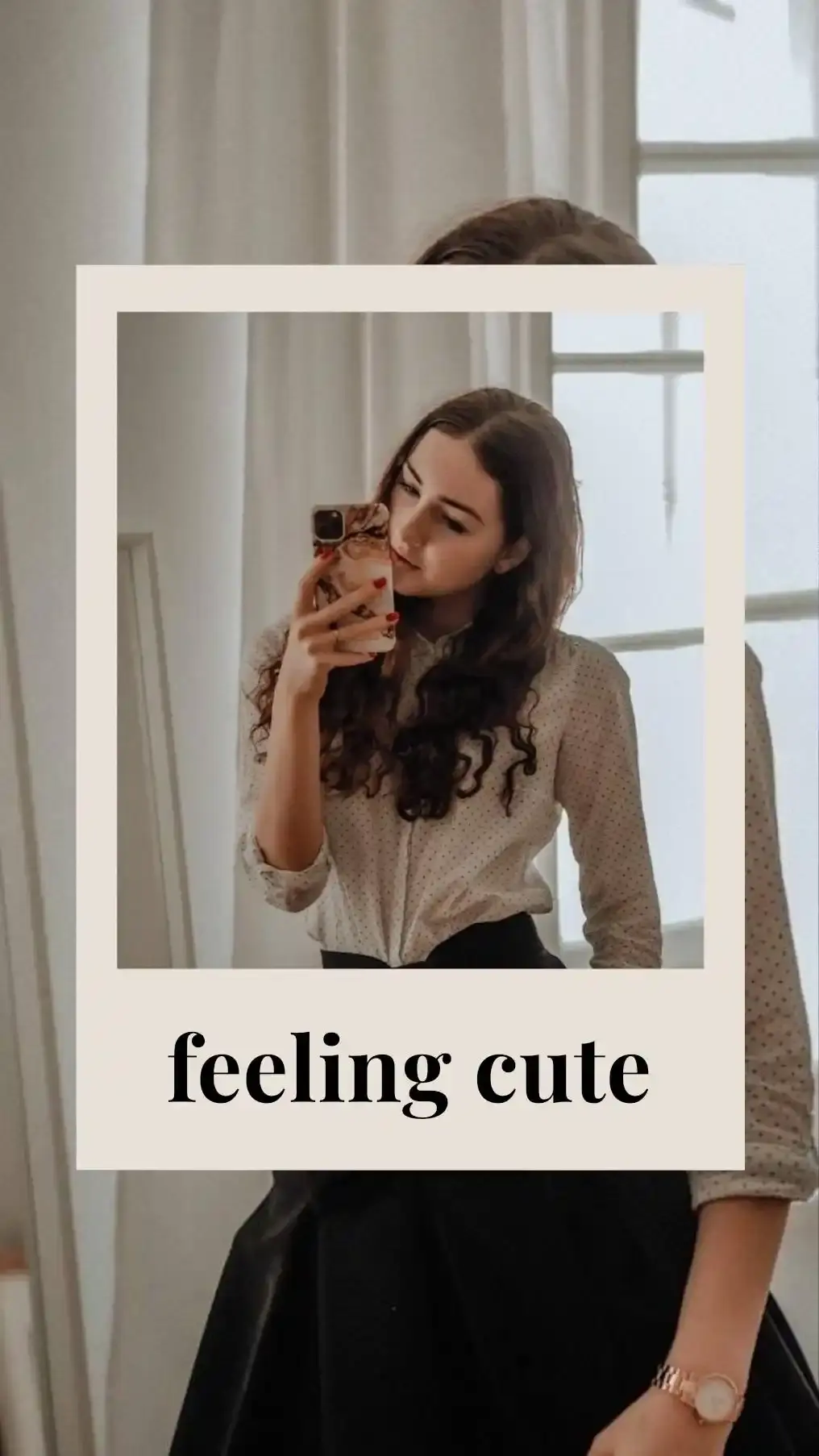
Add Frame drops in Polaroid-style frames, the white-bordered instant print look. Put a photo inside each, rotate a few and let them overlap for the scrapbook pile people pin to a corkboard.
The app also has 22 frames shaped like objects, each with your photo inside. Four look like a music player playing a song, with your photo as the album art. Eight look like cameras and phone screens, including an incoming call. Ten copy app screens such as a browser window, a message thread and an AirDrop pop-up. Type their favorite song next to the music player with Text.
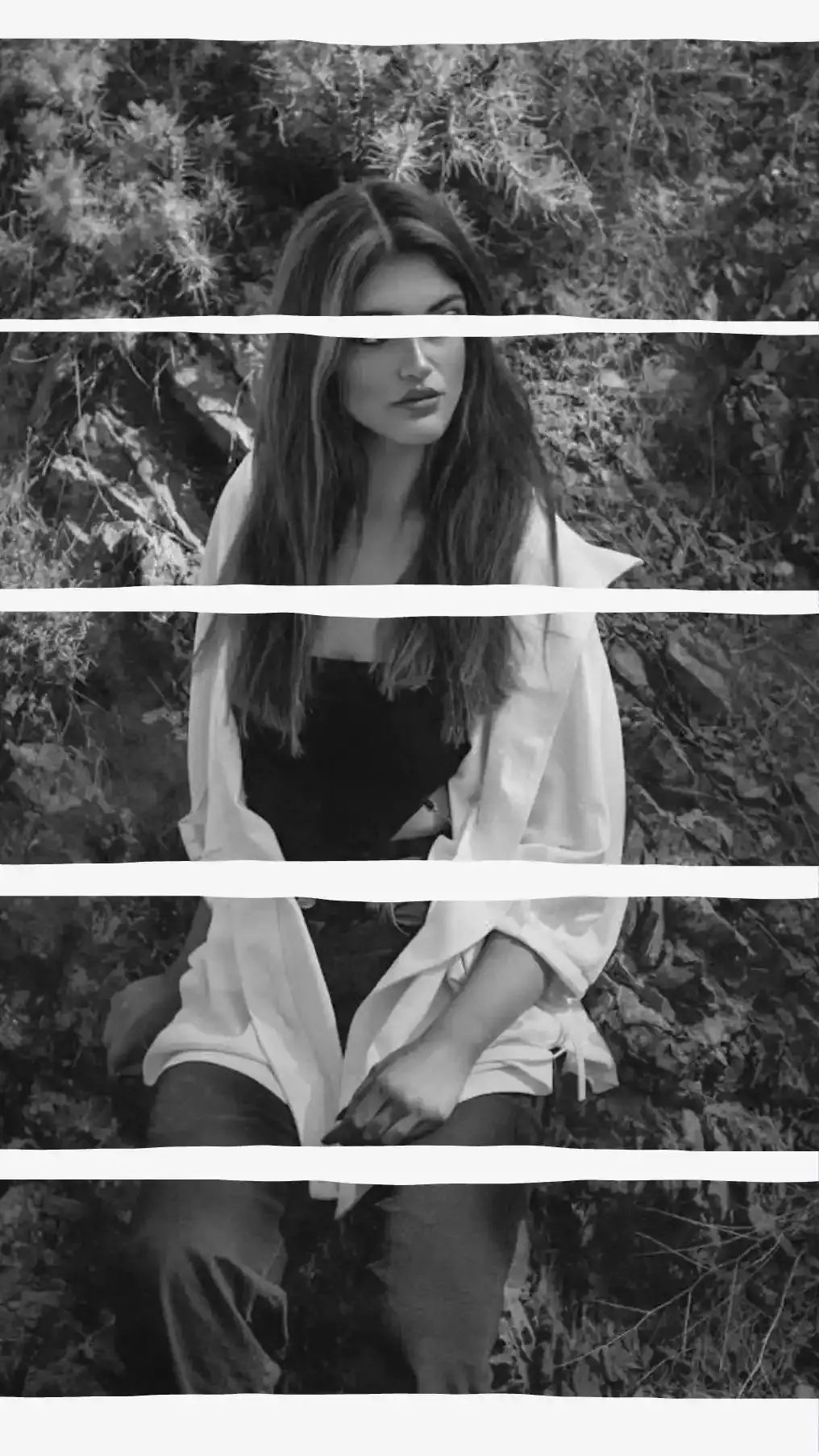
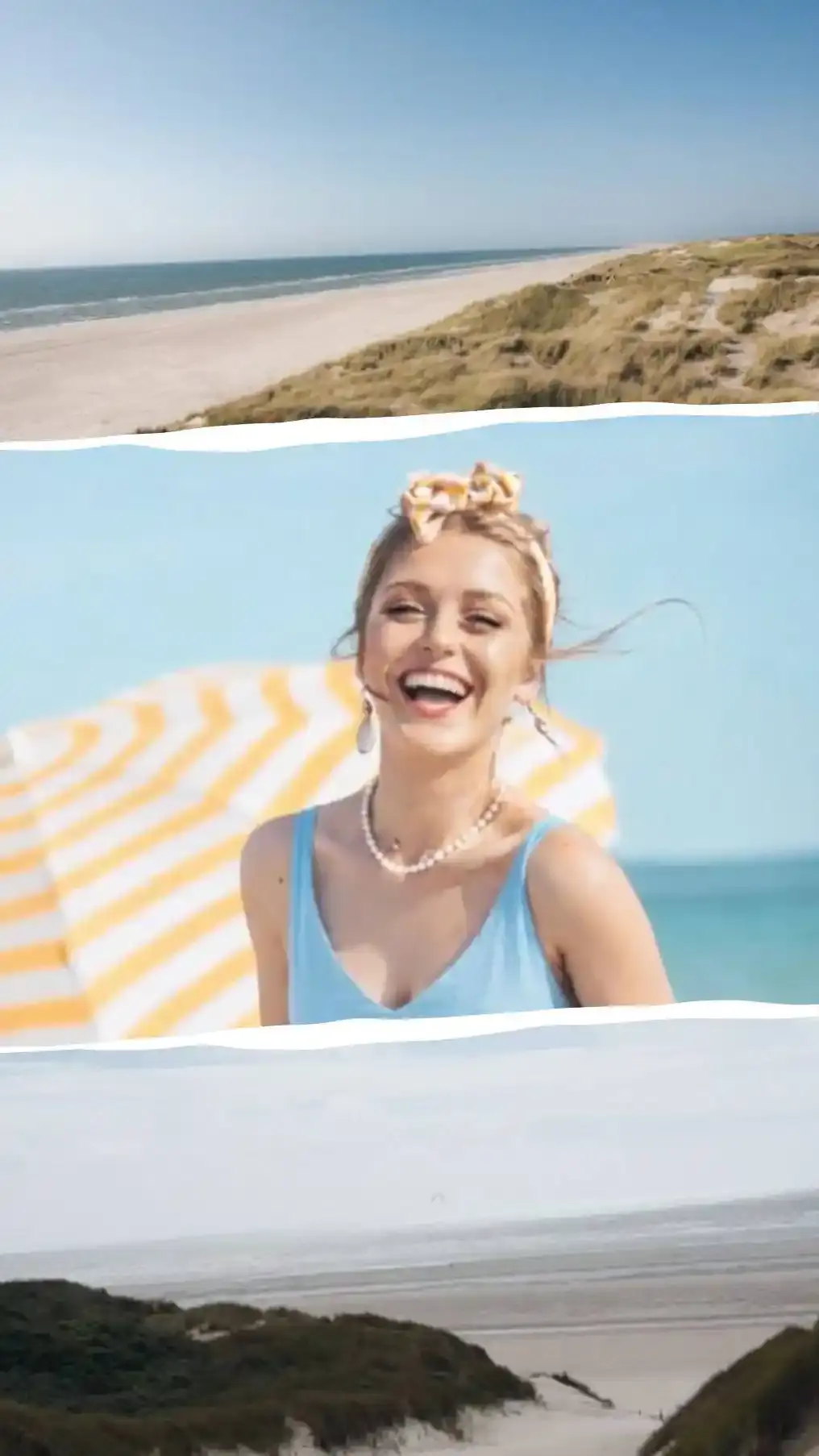
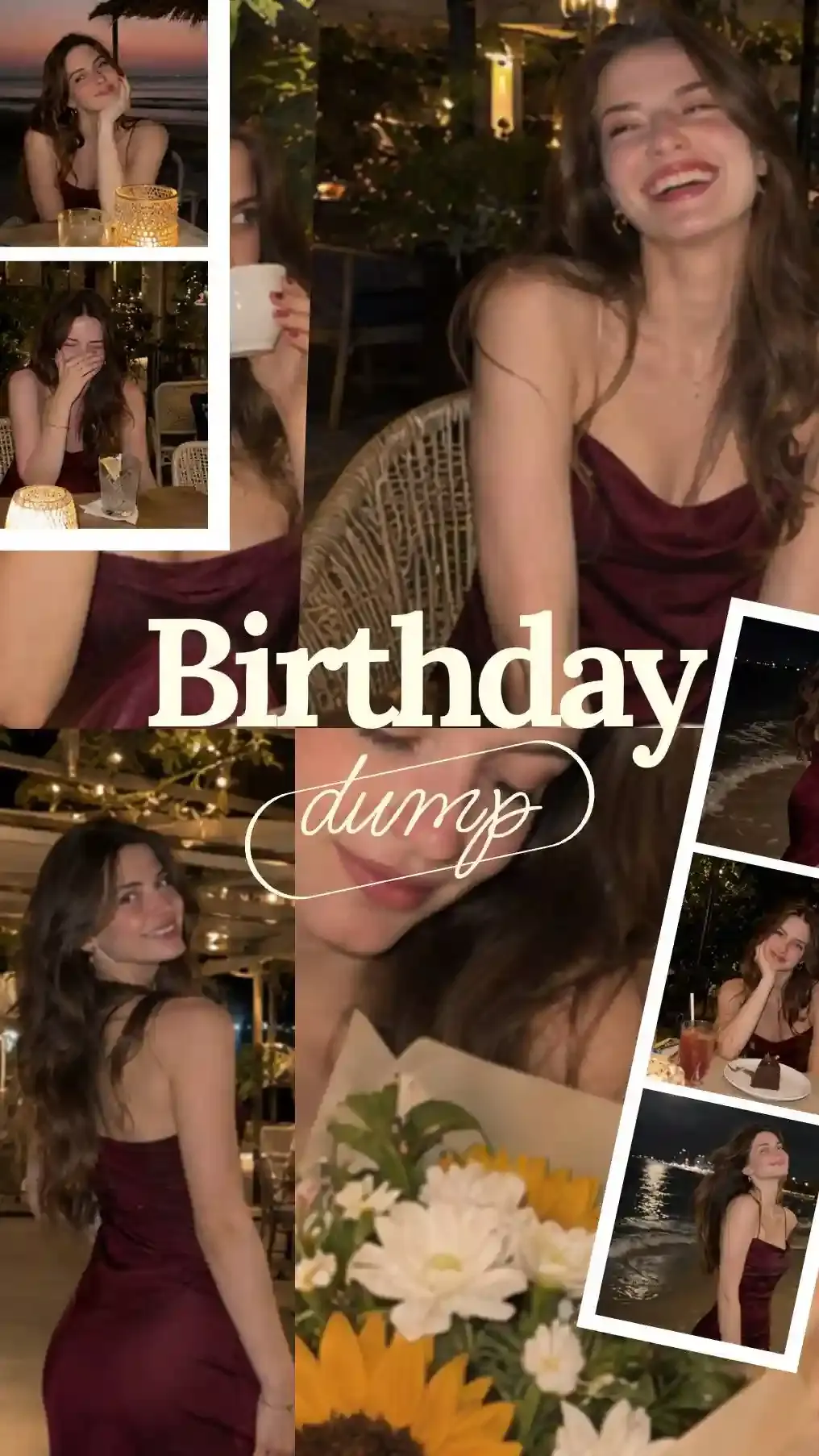
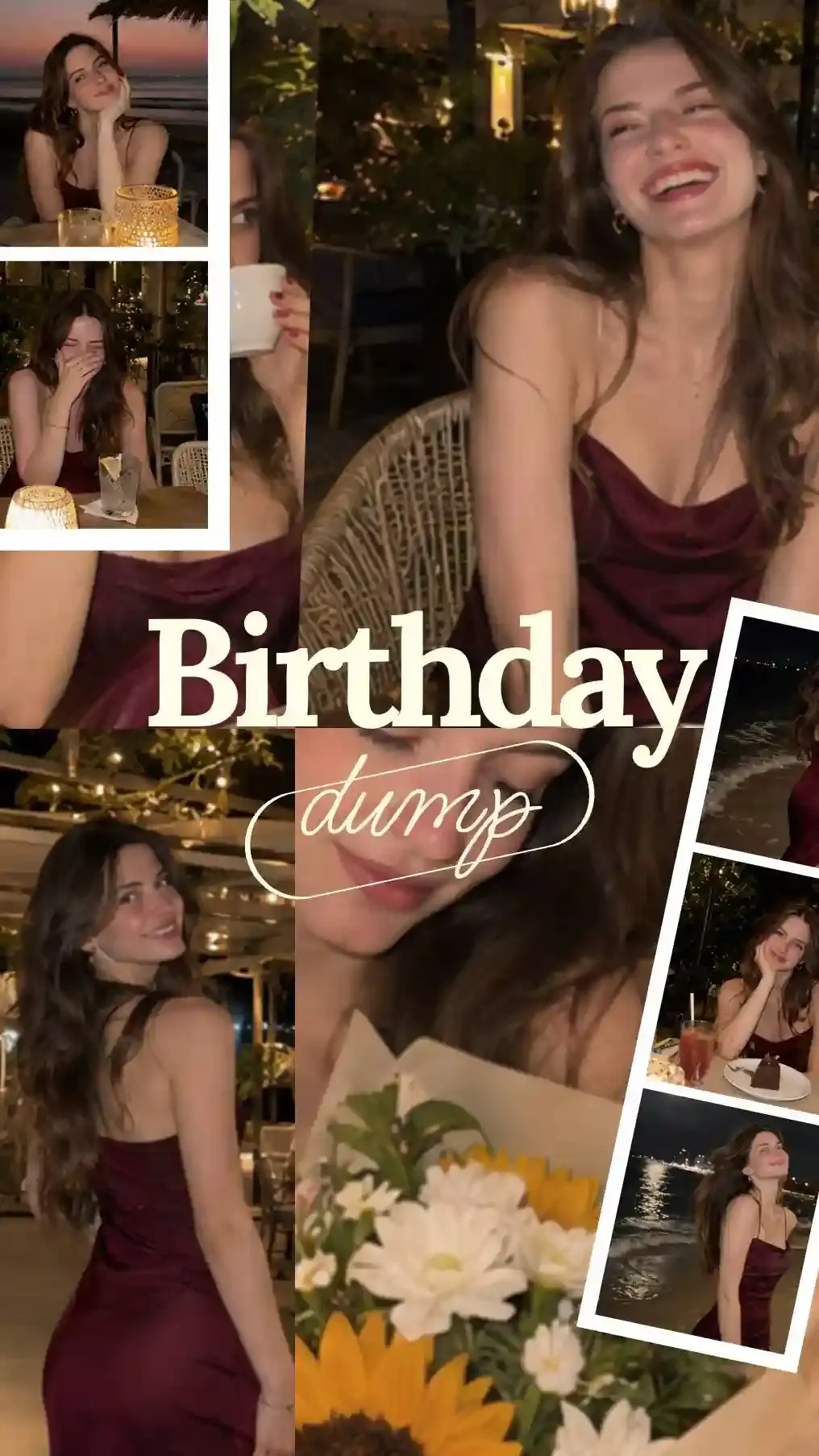
Any photo can also take a colored border. White makes it look like a printed photo, so a few tilted prints over full-size shots from the same night read like a birthday dump. Paper Border tears the edge like a page ripped from a magazine, Stamp it gives it the perforated edge of a postage stamp and Corners round it off. Mix two or three across one collage and the photos stop looking like tiles in a grid.
Birthday collage backgrounds
Pick the background last, once you can see what the photos need. You get 43 solid colors, a color wheel, a hex code box and an eyedropper. Pick up the exact pink of the balloons or the blue of the icing and the collage looks planned. For a softer look, pick one of the 43 Multiflow (gradient) colors.
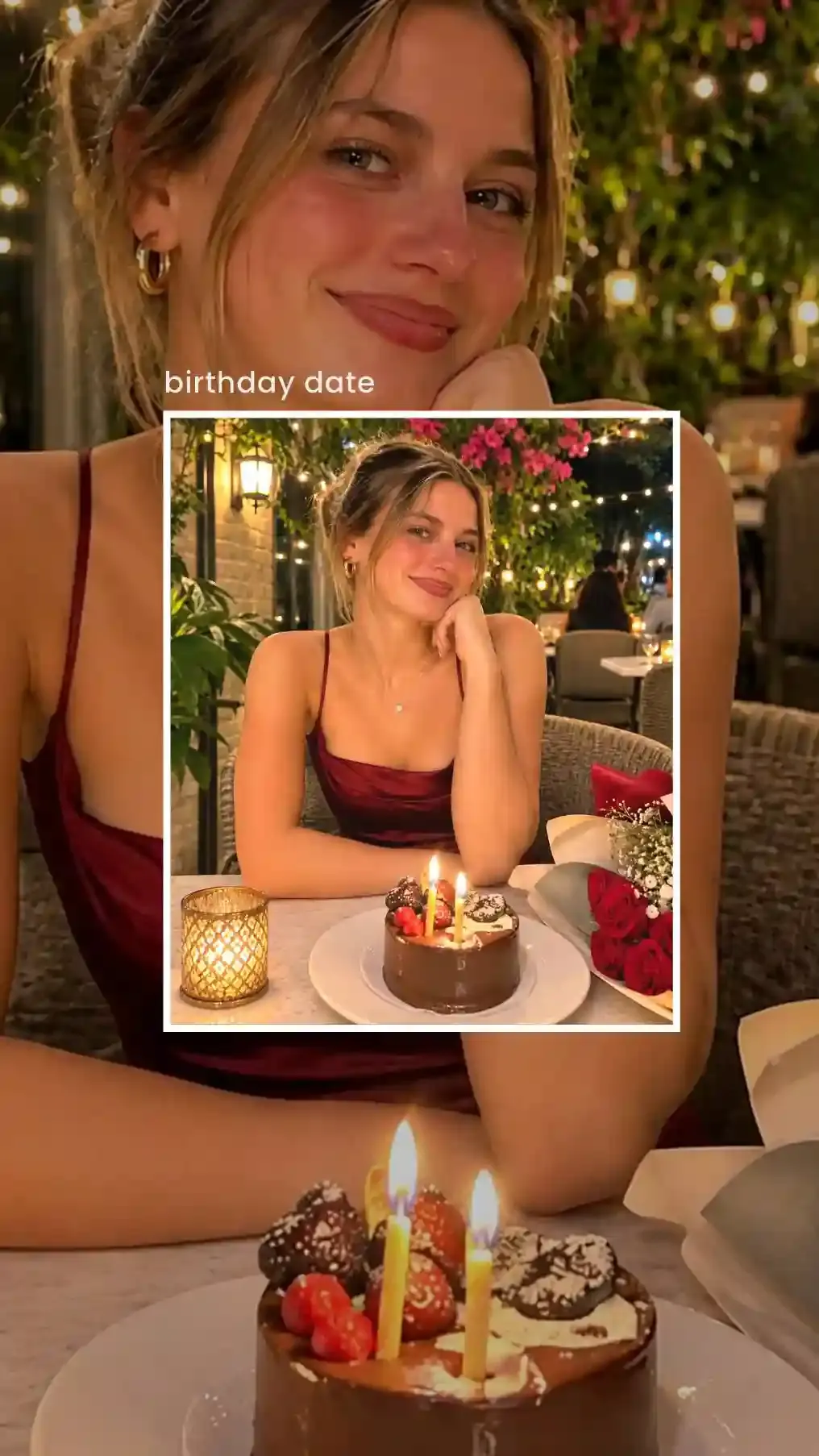
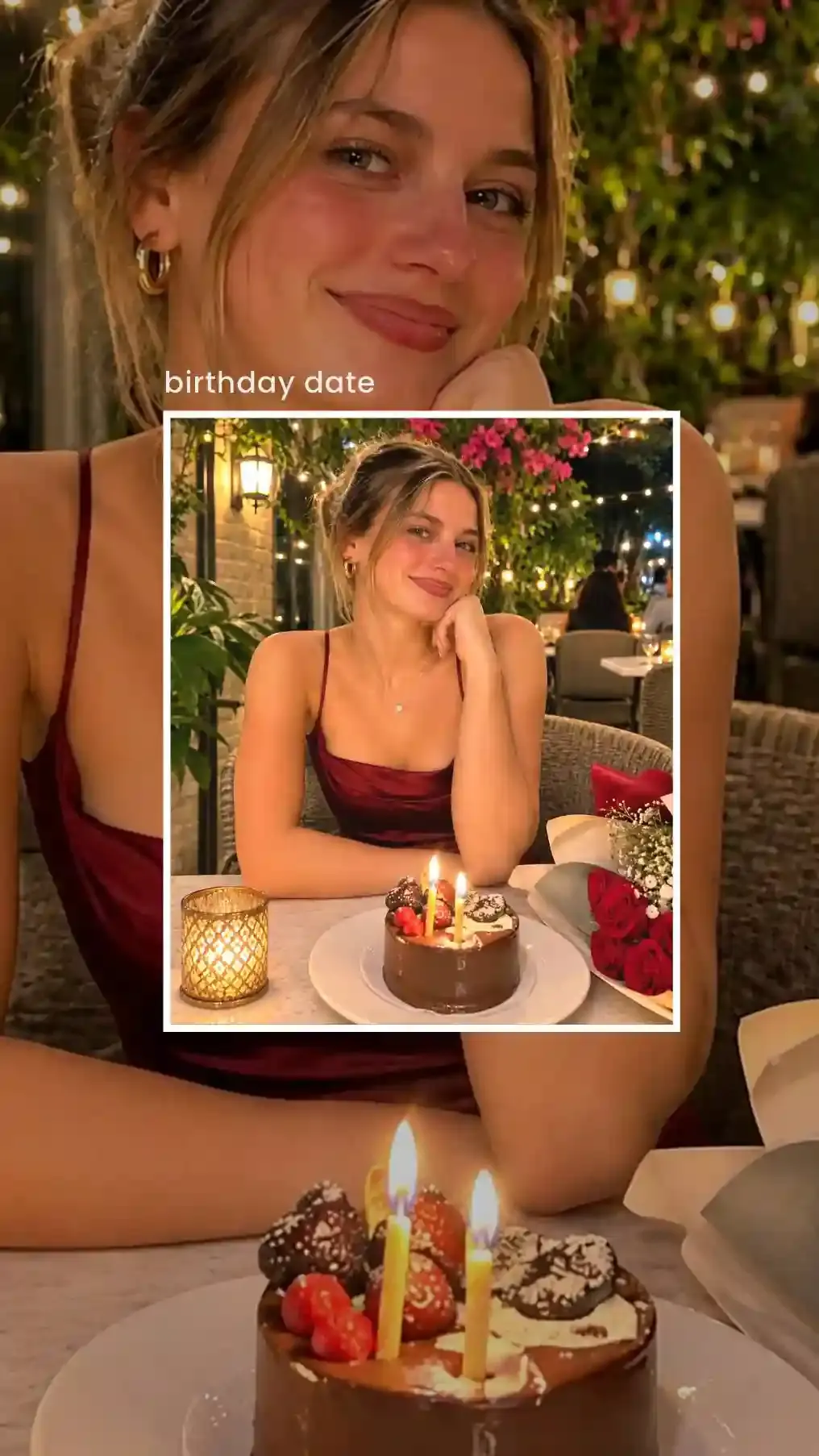
A photo from the party can sit behind everything else. Image Fit decides whether it fills the canvas, fits inside it or stretches to the edges. Use a close-up from the night there, then frame a wider shot on top with a white border and a short label such as "birthday date". Blur softens the background when the photos on top need to stand out. Lay a rectangle shape with Glassmorph over it and you get a frosted panel to write the wish on.
Writing the birthday wish
The wish is the part everybody reads, so give it the calmest spot: sky, a plain wall or an empty cell. If it has to cross a busy photo, Text Background puts a solid plate behind the words. Keep it to one line. "Happy 18th, Maya" lands in a second. A paragraph belongs in the caption.
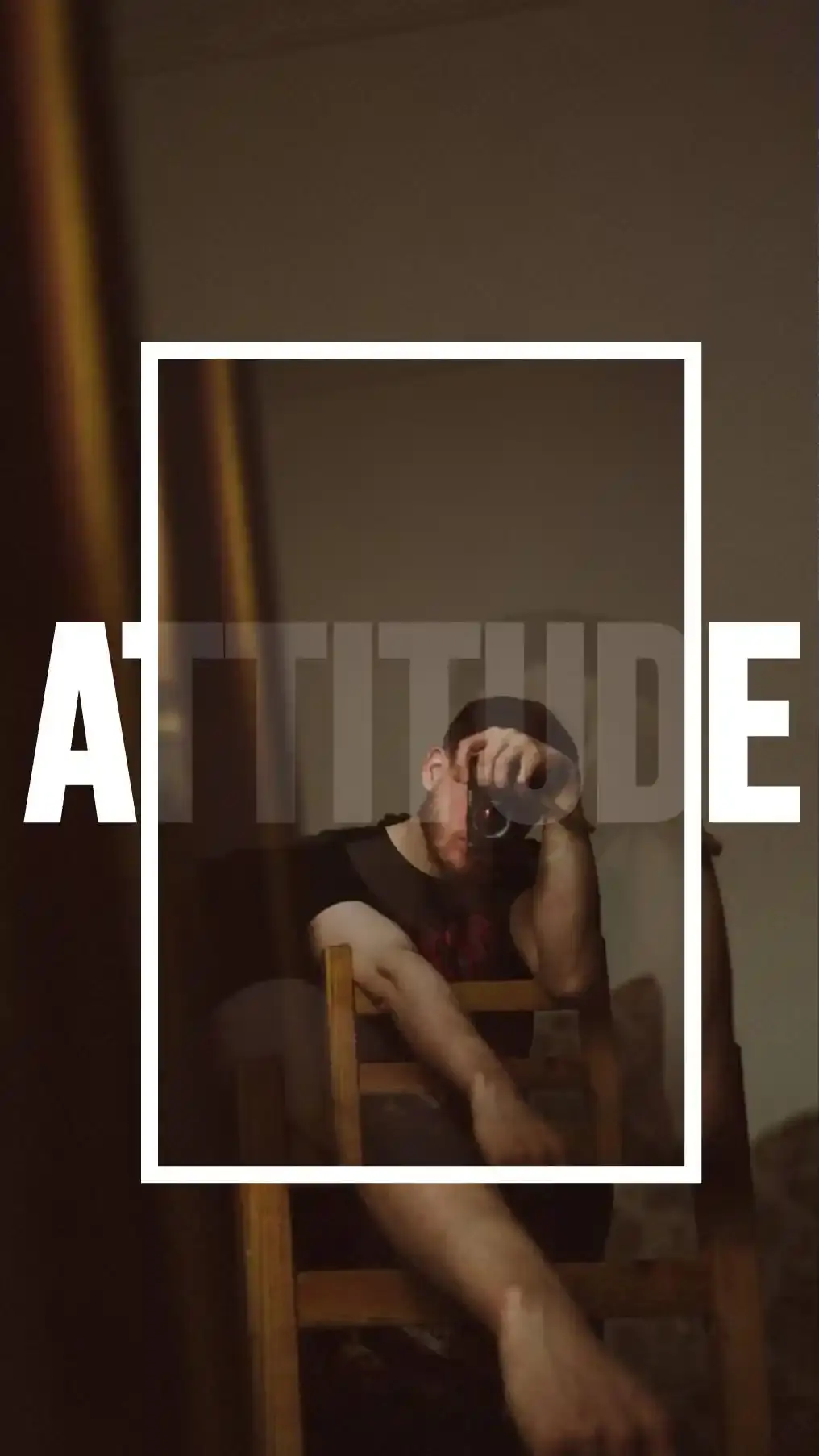
The text editor holds 71 fonts, from plain sans serifs to looping scripts. Arc bends a line into a smile or a frown. In-out Curve gives it a perspective bend. Letters can take Multiflow (gradient) colors too, yellow fading into pink across a single word.
Two text tools go further. Continuous Text writes the wish along a line you draw with your finger, so the words can circle their face or curl into a spiral. Bubble Text puts the wish inside a chat bubble, so it looks like a message that just landed on their phone. For a single photo on a laptop, Add Text to Photo has a Birthday style with a script greeting and confetti.
Milestone birthdays
Which birthdays count as milestones depends on the family and the country. These ideas cover the first, the coming-of-age years and the round numbers from 40 on.
First birthday collage: 12 monthly photos around a big 1
Twelve photos, one per month, with the newborn photo first. Add all twelve at once with multi-select and line them up with the snap guides. Put a big 1 from See Letters in the middle, then write the month under each photo in small text. Print one for the grandparents.
18th and 21st birthday collage: big digits, a cake photo and a chat bubble
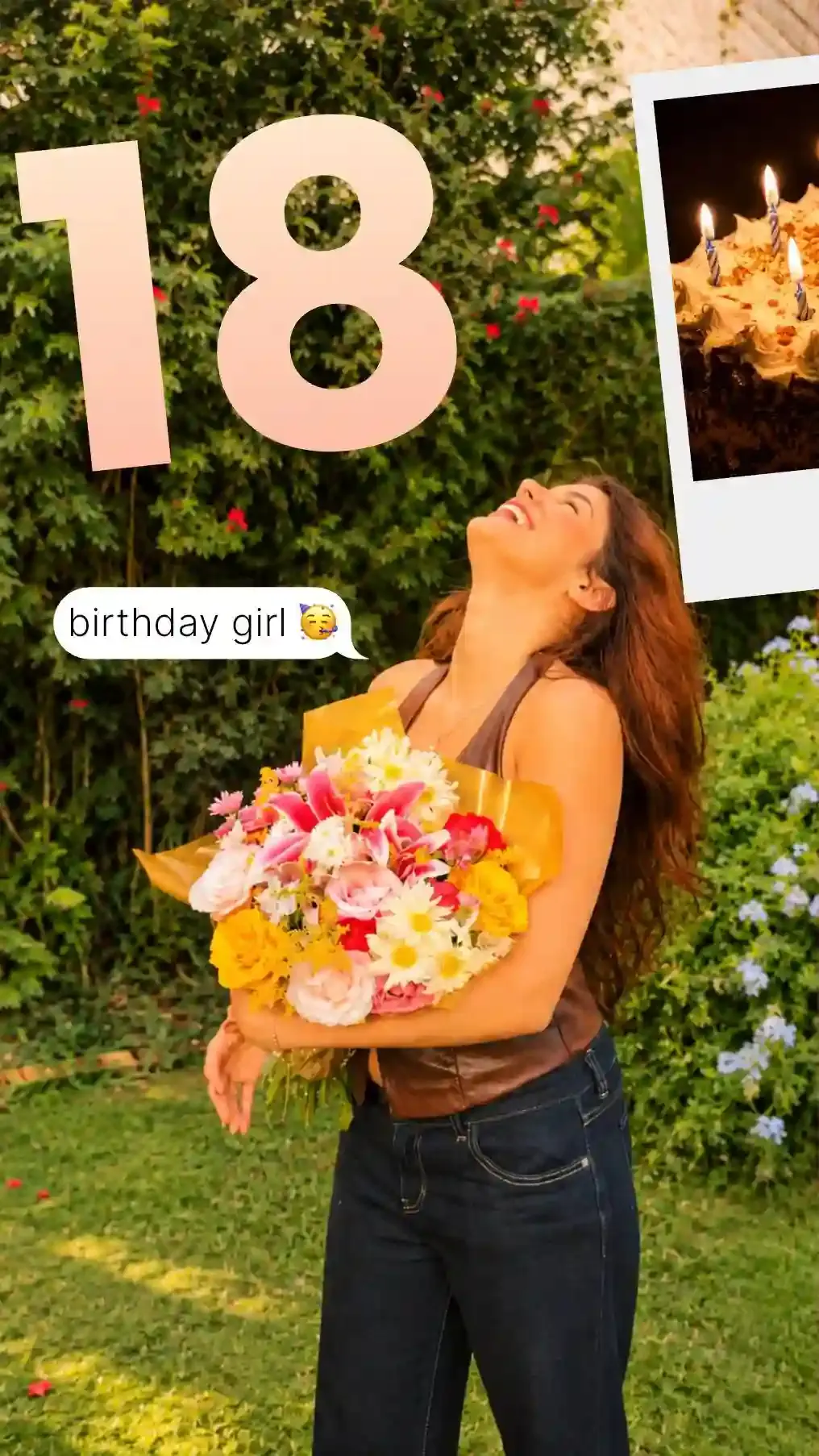
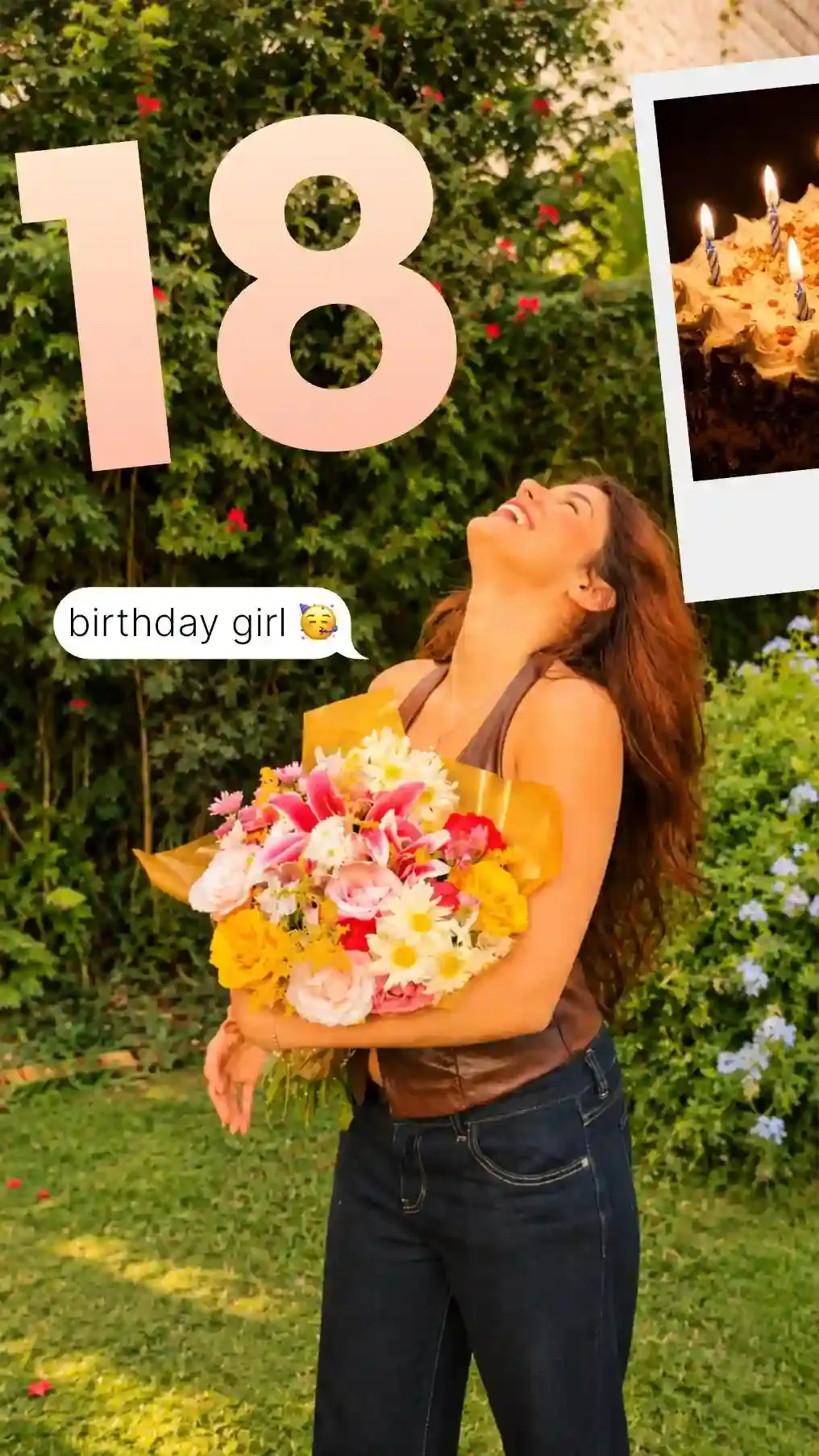
Whether it's 16, 18 or 21, these birthdays are about friends as much as family. Pick one photo where they look happiest and let it fill the whole canvas. Set the age in big digits across the top and tilt the cake into a corner in a Polaroid-style frame. Then add a chat bubble with Bubble Text, the kind of message their friends would send: "birthday girl" and a party emoji. A big print of it doubles as the photo board at the party (see cards, posters and photo boards).
40th, 50th, 60th and older: one photo per decade
One photo per decade tells the story fastest. A 60th gets seven: a baby photo, one from every tenth birthday after it and one from this year. Got more photos than that? Pick the best twenty and set them in a ring around the age in big digits. Our 20 photo collage layouts include a ring of twenty with room in the middle for the number. Turning 30 instead? The 30 photo collage page sets one photo per year in five rows of six.
Birthday collage ideas for
The person decides the photos. A best friend gets the inside jokes, a parent gets photos across the generations and a coworker gets the office-safe version.
Best friend
A birthday collage for a best friend runs on inside jokes, not good lighting. Use the blurry night-out photo, the screenshot of the chat that started it all and the one picture they made you promise to delete. Turn a running joke into a fake message with Bubble Text. Keep the wish short and specific to the two of you.
Boyfriend
Build a birthday collage for your boyfriend around your firsts. The first date, the first trip, the first photo where he actually smiled, then today. A music player frame with your song fits here better than anywhere else. If it's a surprise, keep it as a Draft until the day. Drafts stay inside the app, not in your gallery, so nobody scrolling your camera roll spots it early. The same plan works for a girlfriend.
Husband
Years together turn a birthday collage for your husband into a timeline. Start with a photo from the year you met and end with one from this year, with the wedding photo in the biggest cell. Write the year under each photo in small text so it reads like a story from left to right. Going on a wall? Build it at 5:4 and it fits an 8 × 10 inch frame without a crop. Swap the photos and it works for a wife too.
Mom or dad
Mix the generations in a birthday collage for your mom or dad. Put a photo of them at your age beside one of you now, then add the grandchildren. Fewer, bigger photos and larger text help if they will see it on a small phone. Print a copy too. A collage on the fridge outlasts one buried in a chat.
Brother
Recreate an old photo in a birthday collage for your brother. Find one of the two of you as kids, stand in the same spot, copy the pose and shoot it again. Set the pair side by side with the years in small text above each. The worse the original haircut, the harder it lands in the family group chat.
Sister
Raid the family album when you make a birthday collage for your sister. Photograph a few old prints with your phone, put them in Polaroid-style frames and scatter them across the canvas like a shoebox of photos at your parents' house. Then add one recent photo of the two of you in the middle, bigger than the rest.
Boys
Start a birthday collage for a boy with whatever he's into this year: the team, the game, the dinosaurs. Action shots beat posed ones, so pick him mid-jump, mid-goal or mid-bite of cake. Then take one photo in the same doorway every birthday and set them side by side, so the growing shows. The doorway trick works for any child.
Coworker
Keep a birthday collage for a coworker office-safe. Team photos, their desk decorated for the day and a shot from the last team lunch. Leave the after-party out. Sign it from the whole team in one line of text, then share it to the team chat straight from the Preview screen.
Birthday cards, printed posters and party photo boards
A birthday collage works on paper too. Print it as a card, an invitation, a poster for the party or a framed gift.
A birthday card made from a collage
Put the photos on one half and the wish on the other, then send it as an image or print it on card stock. The same layout makes a photo invitation: swap the wish for the date, the time and the address.
A printed poster or photo board for the party
A party photo board is one big printed collage, propped on an easel or pinned up by the door so guests know whose party they walked into. Build it at 3:4, the shape of an 18 × 24 inch poster. Make the name or age big enough to read from across the room. Check the saved PNG's width before you order. At 300 pixels per inch, 3,600 pixels across prints 12 inches wide at photo quality. A poster seen from a few steps away gets by with fewer.
Printing it as a framed gift
Match the canvas to the frame before you start: 5:4 for an 8 × 10 inch frame, 4:3 for a 6 × 8 inch frame turned sideways. Then the print shop has nothing to crop. Order one small test print first. Photos usually come out a little darker on paper than on a bright phone screen. The test shows it before the big print costs you.
How to post a birthday collage on Instagram
Instagram gets two kinds of birthday collage. A tall one for the Story, gone after 24 hours. And a post that stays on the profile.
Instagram Story: tag them so they can reshare it
Make the collage at 9:16 and leave a clear patch beside a face for the mention sticker. Tag them and Instagram tells them about it, so they can add your Story to their own in a tap. That's how one collage ends up in front of all their friends on the day. Got more than one? Post a throwback collage in the morning and the party one that night.
Your own birthday: post the little things from the day
Posting on your own birthday? Pick four moments from the day, two photos of you and two small details like the ice cream and the cake counter. Set one line across the middle: "little things that made my birthday". Then share it to your Story before the day ends.
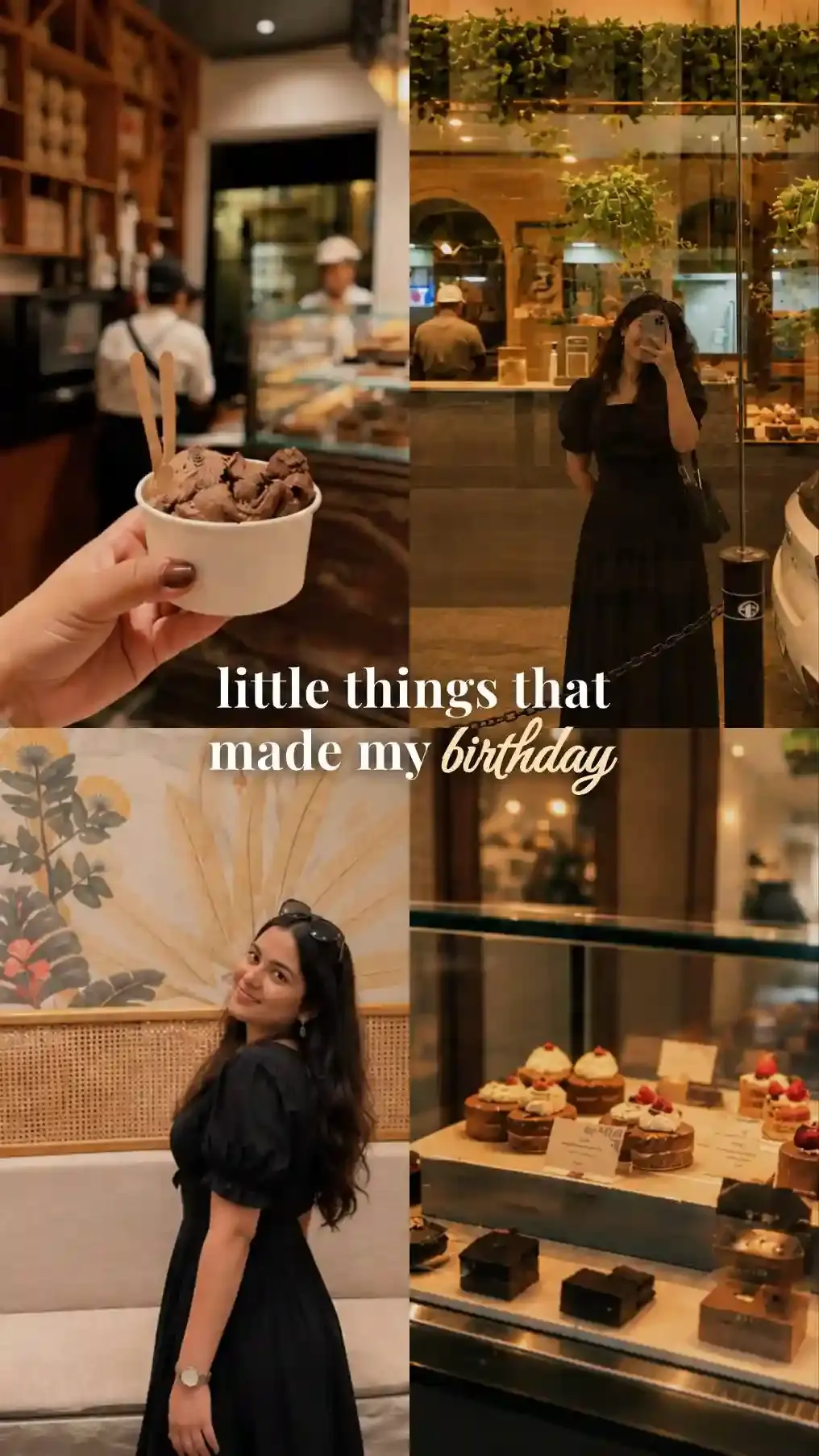
Instagram post: open a birthday dump with the collage
A birthday dump is a carousel of photos from the day. Make the collage the first slide, at 3:4, then let single photos follow. A carousel holds 20 in all. Write "birthday dump" across the collage in Multiflow (gradient) colors so the cover says what's inside. Before you share, invite them as a collaborator. Once they accept, the post shows on their profile too.
Instagram post, story, WhatsApp status, Facebook and print sizes for Birthday collage
The app has six canvas ratios. Switching between them refits the design instead of cropping it, because the app places every element by percentage. Pick the shape for where the collage is going.
| Where it goes | Canvas | Why |
|---|---|---|
| Instagram Story | 9:16 | Meta recommends 9:16 so a Story fills the screen. |
| WhatsApp status | 9:16 | Meta gives the same advice for Status. |
| Instagram post | 3:4 | Instagram has shown 3:4 posts uncropped in the feed since May 2025. The profile grid uses tall tiles too. |
| Facebook post | 1:1 | Meta lists 1:1 and 4:5 for the feed. A square shows in full. |
| Print, 8 × 10 inches | 5:4 | The same shape as the paper, so nothing gets trimmed. |
| YouTube or a TV | 16:9 | Widescreen. |
Meta's advice comes from its aspect ratio guide. For Story layouts, read how to make an Instagram Story collage. To post several photos as separate Story slides instead, see how to add multiple photos to an Instagram Story.
Blur other kids' faces and choose who sees the collage
The app edits on your phone and never uploads your photos or your collages. What happens after you post is up to you. Party photos rarely show only the birthday person.
Ask the parents before other people's children go public. Or hide the faces. Our free Pixelate Image tool has Auto find faces, which puts an oval over every face it spots. Delete the ovals over your own kids, pick Blur under Effect and every face still marked comes out blurred. Everything is processed here itself, nothing is uploaded to our servers.
Then pick the audience. Instagram can share a Story with your Close Friends list alone. WhatsApp's Status privacy setting can leave chosen contacts out or share with a few people only. Family sees the party. Everyone else doesn't.
Birthday collage app FAQ
How many photos can one birthday collage hold?
We tested it with 100 photos in one collage, all added at once with multi-select, each as its own layer you can move, resize or crop. A Photostrip holds up to 10 photos per strip.
How do I add music to a birthday collage?
Share the finished collage to an Instagram Story and pick a song there. Inside the collage itself, a music player frame shows your photo as the album art, with the song's name typed beside it.
Can I add birthday emoji like cakes and balloons?
Yes. The searchable emoji keyboard has cakes, balloons, gifts and party poppers. Each emoji is its own layer, so a balloon can sit behind a cutout person instead of on top of them.
How do I cut out a pet or the cake?
Use Custom Cut. Draw around what you want to keep with your finger and the rest disappears. Humanout does the same for people in one tap.
Can I put a birthday photo inside a heart or a star?
Yes. Add a shape, then add a photo inside it and the shape crops the photo to its outline. There are 45 shapes in 8 groups, including a heart, stars, ribbons and flowers.
Can I undo a mistake?
Yes. Undo and redo step through every edit. A whole slider drag counts as one step, not a hundred.
How do I keep a collage editable?
Leave the editor with Draft. The draft reopens with every layer, cutout and brush stroke as you left it. Save makes the finished PNG for sharing.
Do the guides or selection boxes show in the saved image?
No. The app hides snap guides, center lines and the selection border when you tap Save, so the PNG shows only the collage.
Can I make a birthday collage without installing an app?
Yes, with fewer options. Apple's Photos app has no collage tool, while Google Photos makes collages of up to six photos on a phone. On a computer, our free web Collage Maker has a Birthday template. Everything is processed here itself, nothing is uploaded to our servers. The photo letters, cutouts and frames on this page come with the app. Open the Birthday template in your browser.
How is this different from a birthday photo frame app?
A birthday photo frame app drops one photo into a printed design with a cake or balloons. This app builds collages from several photos, with frames such as Polaroid-style prints, music players and camera bodies. For one photo with a name, put it in a frame and add the name with Text.
Do I need an account?
No. The app needs no account or sign-up to make, save or share a collage.
Make stunning posts from normal photos
Download CollagePhotoApp for free